Copy a Notion template into the customer’s Notion workspace when they purchase, after they authorize Dodo Payments with Notion.
The Notion entitlement copies a template you prepared into the paying customer’s Notion workspace. The customer authorizes Dodo Payments with Notion and picks the workspace to receive the template, and Dodo Payments creates the copy.
The customer connects their Notion workspace from the Customer Portal. The payment confirmation email marks the entitlement Action Required and links to the portal.
After they authorize, Dodo Payments copies the configured template into a page the customer shared during authorization, in the workspace they chose.
When the grant is revoked, the copy stays in the customer’s workspace. Dodo Payments marks the grant Revoked for record-keeping and doesn’t delete the copy.
Common uses include paid Notion templates, productivity systems, and OS or CRM templates.
In the Dodo Payments dashboard, go to Entitlements and click +.
2
Pick Notion
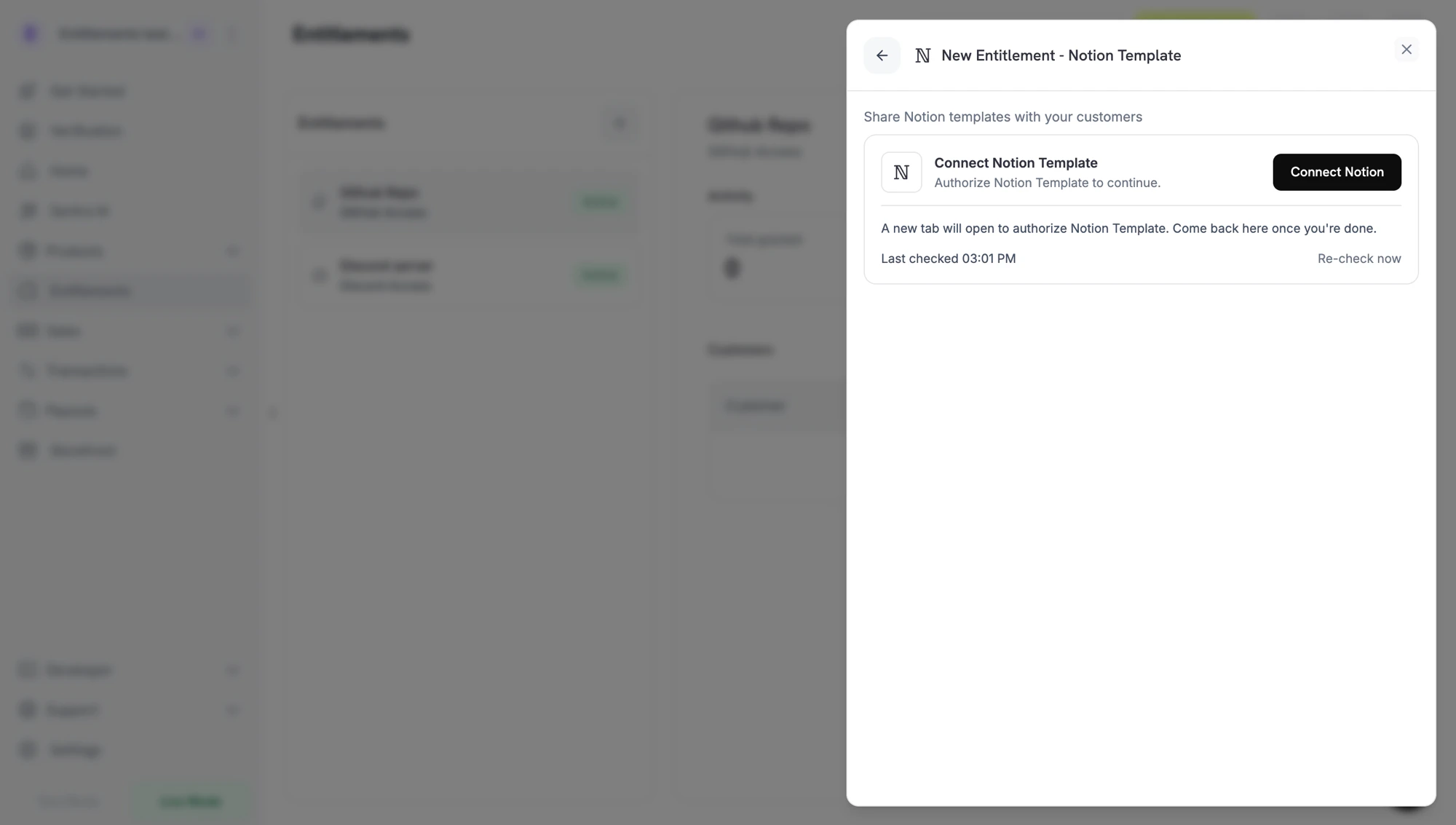
Choose Notion Template as the integration. If Notion isn’t connected yet, click Connect Notion.
Connect Notion prompt before the OAuth handoff.
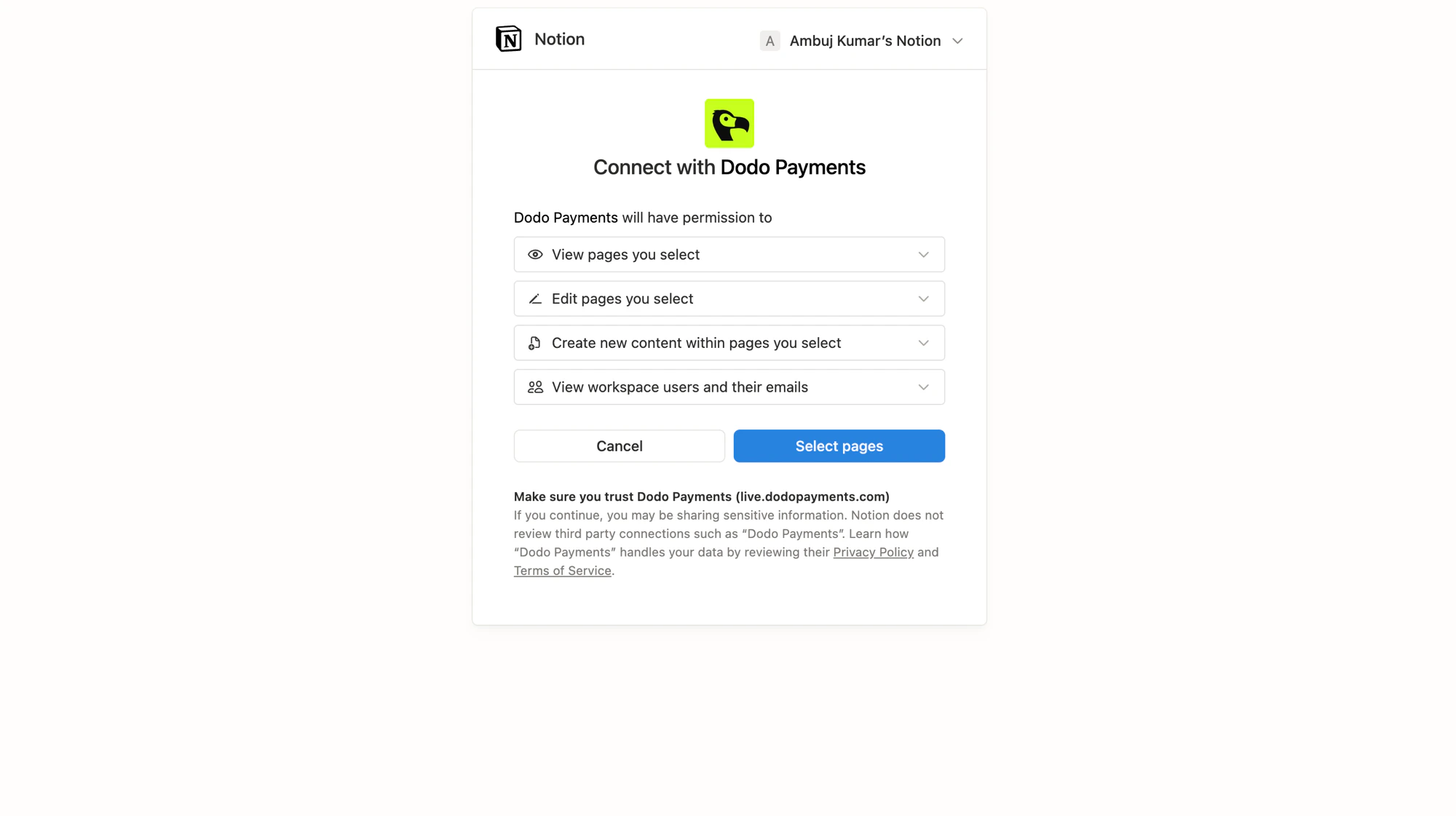
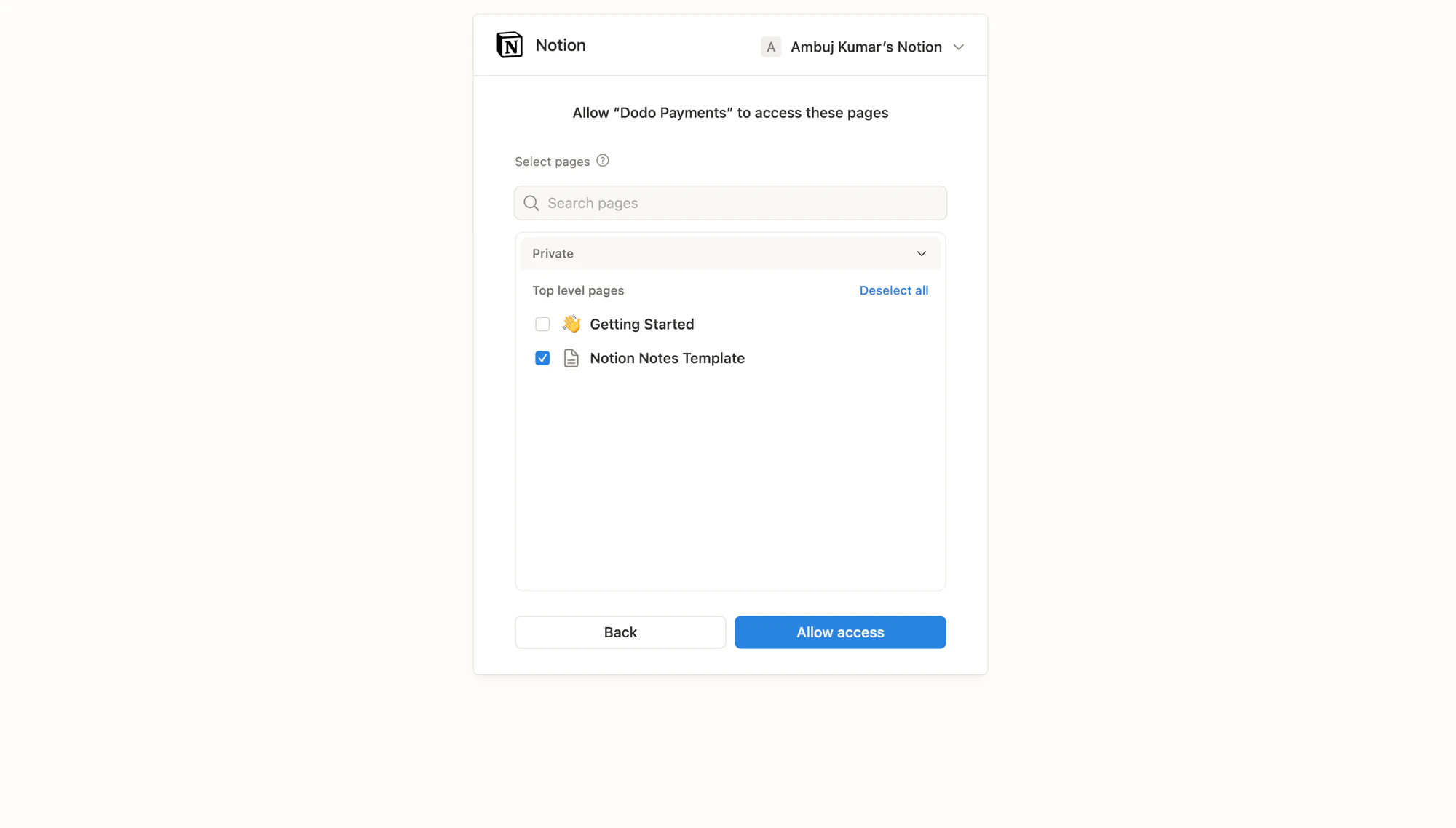
Notion opens in a new tab. Sign in to the workspace that owns your source templates and review the permissions Dodo Payments requests. Then pick the pages (templates) the integration can read and copy.
Notion OAuth: review the permissions Dodo Payments requests.
Notion OAuth: pick the template pages to share.
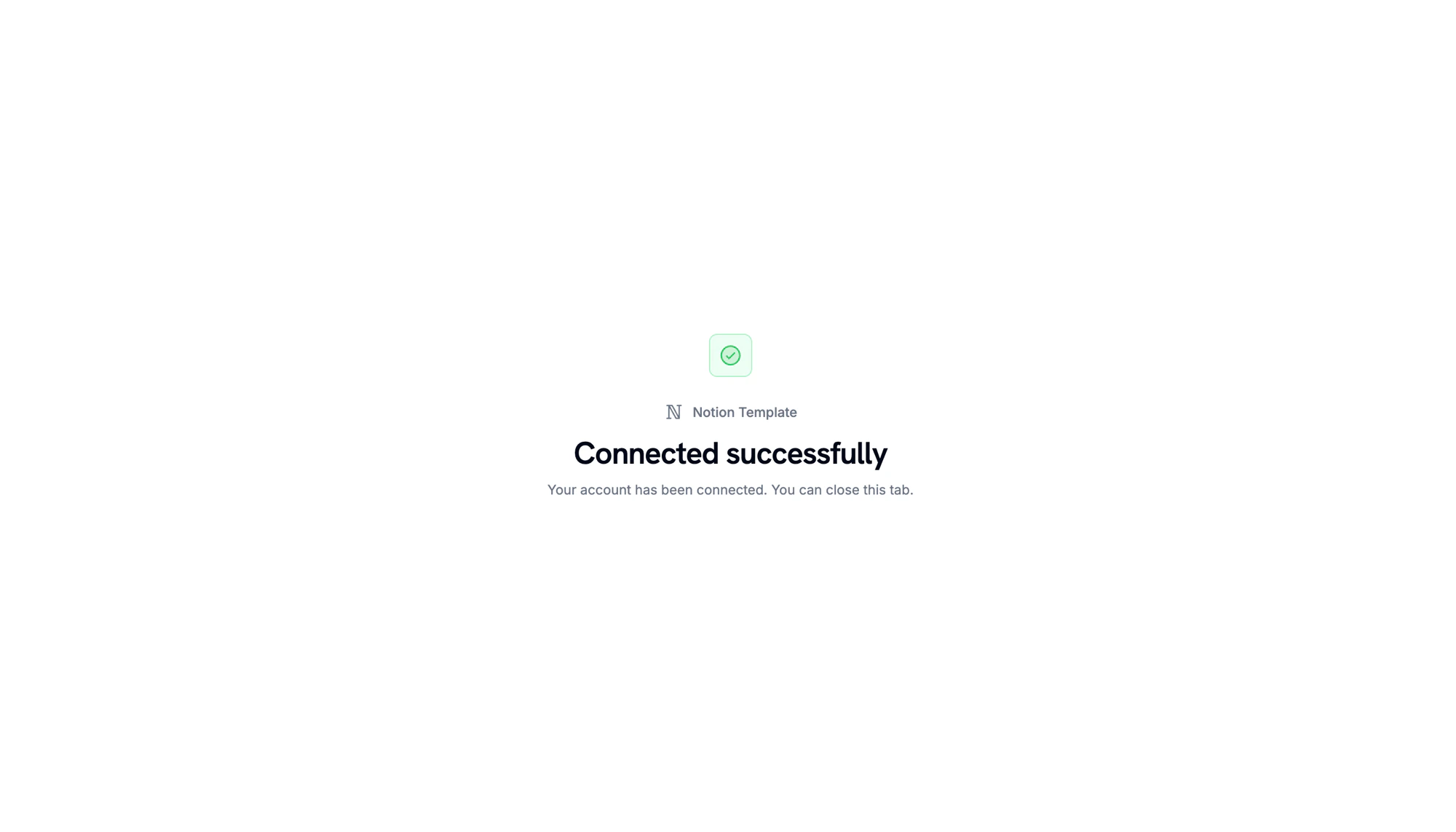
When Notion redirects back, a confirmation page shows that the workspace is connected.
Workspace connected. Return to the Dodo Payments dashboard to continue.
3
Pick a Template
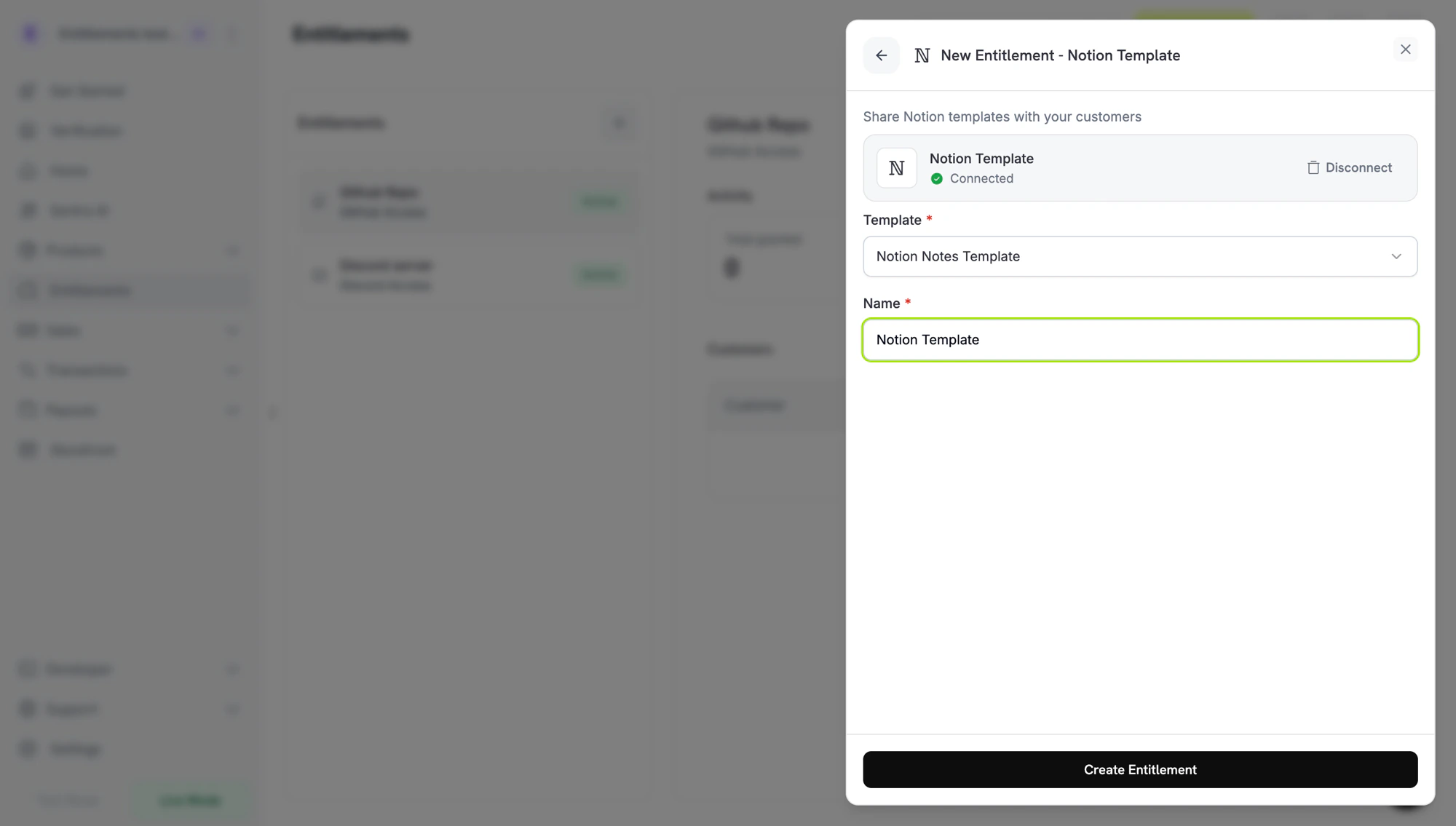
Back in the dashboard, select the template to copy under Template. Only pages you shared in the previous step appear here. Enter a Name for the entitlement and click Create Entitlement.
Dodo Payments creates a grant in Pending status. Dodo Payments tries to create a Notion authorization URL right away and stores it in oauth_url. If that fails, oauth_url stays null until the customer starts the accept flow.
In the Customer Portal, the customer clicks Connect on the entitlement, authorizes with Notion, picks the workspace to receive the template, and shares at least one page with Dodo Payments.
Dodo Payments copies the template into a shared page in that workspace. The grant moves to Delivered.
On revocation, the grant is marked Revoked, and the copy remains in the customer’s workspace.
Revocation doesn’t delete the copy. The copy lives in the customer’s workspace, and the Dodo Payments revoke flow only marks the grant Revoked.
// client is a *dodopayments.Client, for example from// dodopayments.NewClient(option.WithEnvironmentTestMode()); ctx is a context.Context.client.Entitlements.New(ctx, dodopayments.EntitlementNewParams{ Name: dodopayments.F("Study Notes"), IntegrationType: dodopayments.F(dodopayments.EntitlementIntegrationTypeNotion), IntegrationConfig: dodopayments.F[dodopayments.IntegrationConfigUnionParam]( dodopayments.IntegrationConfigNotionConfigParam{ NotionTemplateID: dodopayments.F("3f2b8c1e-7d4a-4e9b-a6c5-1d2e3f4a5b6c"), }, ),})
entitlement_grant.created fires with status: "Pending". oauth_url may already hold the Notion authorization URL. If it is null, it is populated once the customer starts the accept flow from the Customer Portal.
entitlement_grant.delivered fires once the template is copied.
entitlement_grant.revoked fires on cancellation. The customer’s copy is left untouched.
The grant stays Pending until the customer completes the Notion authorization. Ask the customer to open the Customer Portal and click Connect. Each authorization link expires 30 minutes after it’s generated, and the Customer Portal generates a new one when the customer returns. During authorization, the customer must share at least one page, because Dodo Payments creates the copy inside a shared page.
Template picker is empty
In the entitlement form, click Disconnect on the Notion card, then click Connect Notion and reconnect with the workspace that owns the source templates. Share the template pages during authorization.
Customer wants the template removed after refund
Dodo Payments doesn’t delete the copy when it revokes the grant. The customer must delete the copy from their own workspace.