Grant customers collaborator access to a private GitHub repository at the permission level you choose, and revoke it automatically on cancellation.
The GitHub entitlement adds a paying customer as a collaborator on a private repository. You choose the permission level (pull, push, triage, maintain, or admin). Dodo Payments sends the collaborator invitation and removes the collaborator when the grant is revoked.
The customer connects their GitHub account from the Customer Portal. This links their GitHub account to the purchase.
Dodo Payments invites that account to your repository at the configured permission level. The customer gets access after they accept the invitation on GitHub. If the customer owns the repository, no invitation is needed.
Cancellation, refund, or a manual revoke removes the collaborator and cancels any pending invitation.
Common uses include source-available products, paid templates, course code repositories, and gated client SDKs.
In the Dodo Payments dashboard, go to Entitlements and click + to start a new entitlement.
2
Pick GitHub
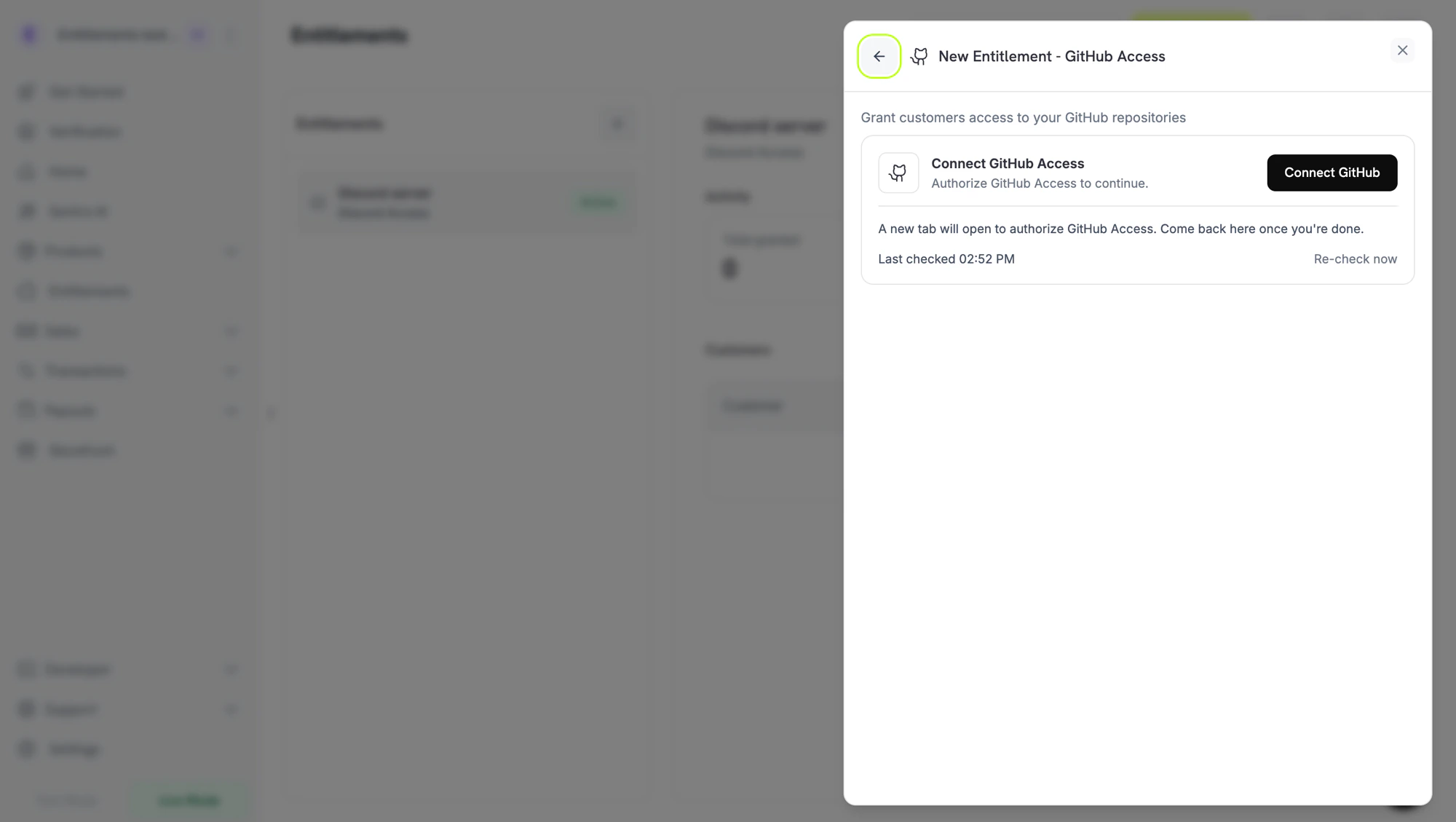
Choose GitHub Access as the integration. If GitHub isn’t connected yet, click Connect GitHub.
Connect GitHub prompt before the install handoff.
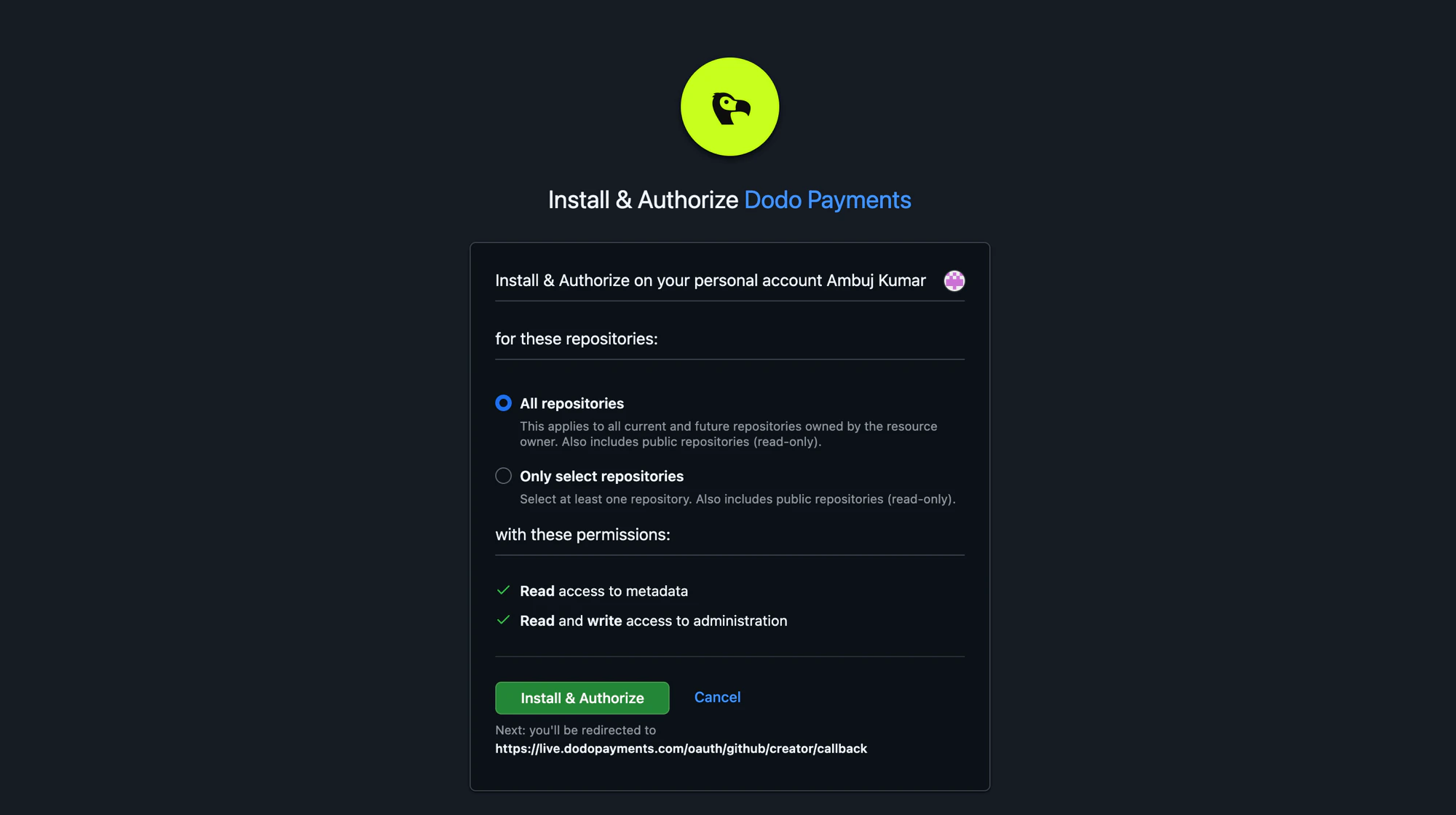
GitHub opens in a new tab. Sign in, then install the Dodo Payments GitHub App on the organization or user account that owns the repository. You can grant the app access to All repositories or Only select repositories. If you select repositories, include every repository you intend to gate.
GitHub Install & Authorize page. Choose which repositories the app can manage.
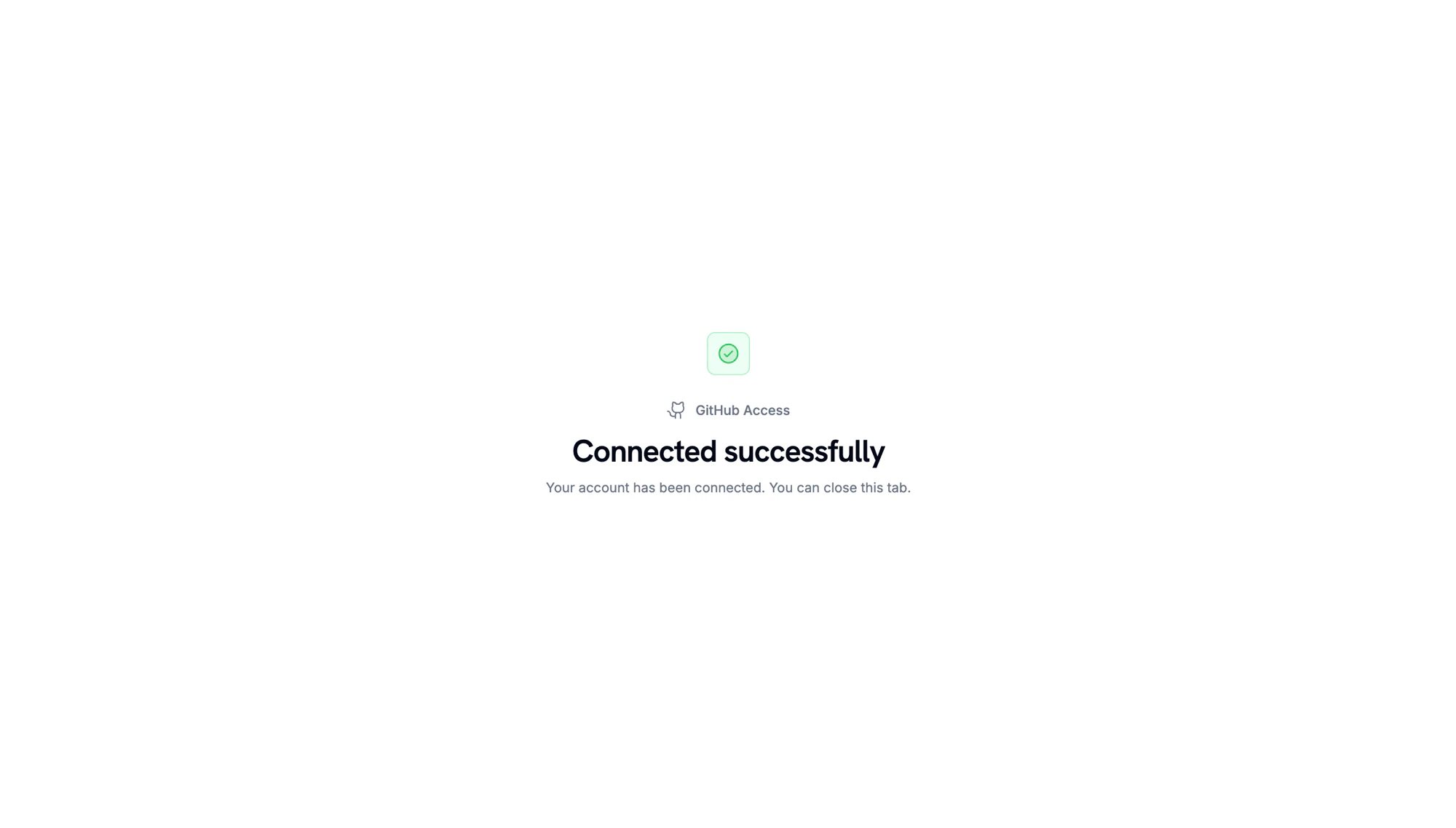
When GitHub redirects back, a confirmation page shows that the account is connected.
Account connected. Return to the Dodo Payments dashboard to continue.
3
Pick a Repository and Permission
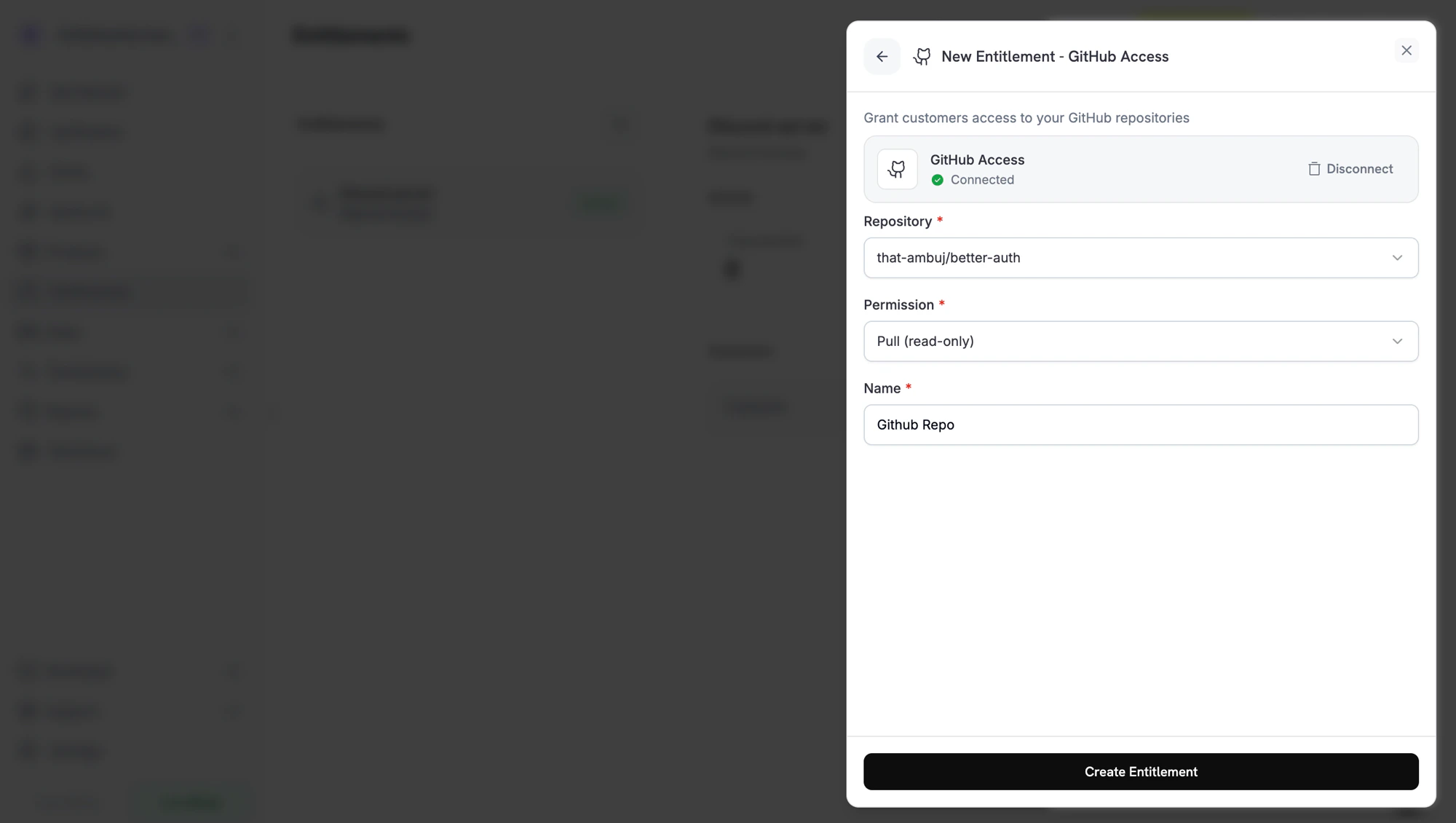
Back in the dashboard, select the Repository the entitlement grants access to, then select the Permission level. The repository picker lists only repositories the GitHub App can access. Enter a Name for the entitlement and click Create Entitlement.
Creating a GitHub entitlement. Pick the repository and the permission you want customers to receive.
4
Attach It to a Product
Attach the entitlement to any product. Customers who buy that product receive a GitHub invitation after they connect their GitHub account.
Dodo Payments creates a grant in Pending status. Dodo Payments tries to create a GitHub authorization URL right away and stores it in oauth_url. If that fails, oauth_url stays null until the customer starts the accept flow.
The payment confirmation email lists the entitlement as Action Required and links to the Customer Portal. In the portal, the customer clicks Connect and authorizes with GitHub. An authorization link expires after 30 minutes, and the Customer Portal generates a new one when the customer returns.
Dodo Payments invites the customer’s GitHub account to the repository at the configured permission. The grant moves to Delivered once the invitation is created. If GitHub rejects the invitation, the grant isn’t delivered.
If the subscription is cancelled, the payment is refunded, or the grant is revoked, Dodo Payments removes the customer as a collaborator and cancels any pending invitation.
// client is a *dodopayments.Client, for example from// dodopayments.NewClient(option.WithEnvironmentTestMode()); ctx is a context.Context.client.Entitlements.New(ctx, dodopayments.EntitlementNewParams{ Name: dodopayments.F("Code Share Repository"), IntegrationType: dodopayments.F(dodopayments.EntitlementIntegrationTypeGitHub), IntegrationConfig: dodopayments.F[dodopayments.IntegrationConfigUnionParam]( dodopayments.IntegrationConfigGitHubConfigParam{ TargetID: dodopayments.F("acme/private-sdk"), Permission: dodopayments.F(dodopayments.GitHubPermissionPull), }, ),})
entitlement_grant.created fires with status: "Pending". oauth_url may already hold the GitHub authorization URL. If it is null, it is populated once the customer starts the accept flow from the Customer Portal.
entitlement_grant.delivered fires once the collaborator invitation is created.
entitlement_grant.revoked fires when access is withdrawn. If you uninstall the GitHub App, Dodo Payments revokes that installation’s pending and delivered grants with revocation_reason: platform_external.
entitlement_grant.failed fires with error_code: "GRANT_ACCESS_FAILED" if Dodo Payments can’t add the customer to the repository, for example because the GitHub App lost access to it.
The Dodo Payments GitHub App must be installed on the organization or user that owns the repository. In the entitlement form, click Disconnect on the GitHub card, then click Connect GitHub to reinstall the app, and grant it access to the repositories you want to gate.
Grant fails with a permission error
The GitHub App’s installation no longer has access to the repository, or the repository was renamed or transferred. Grant the app access to the repository again, and the next regrant succeeds.
Customer hasn't accepted the invite
Customers accept the GitHub invitation from their GitHub notifications or from the link in GitHub’s invitation email. Until they accept, they’re invited but can’t clone the repository. The grant is still Delivered in Dodo Payments, because the invitation is what Dodo Payments issues.