

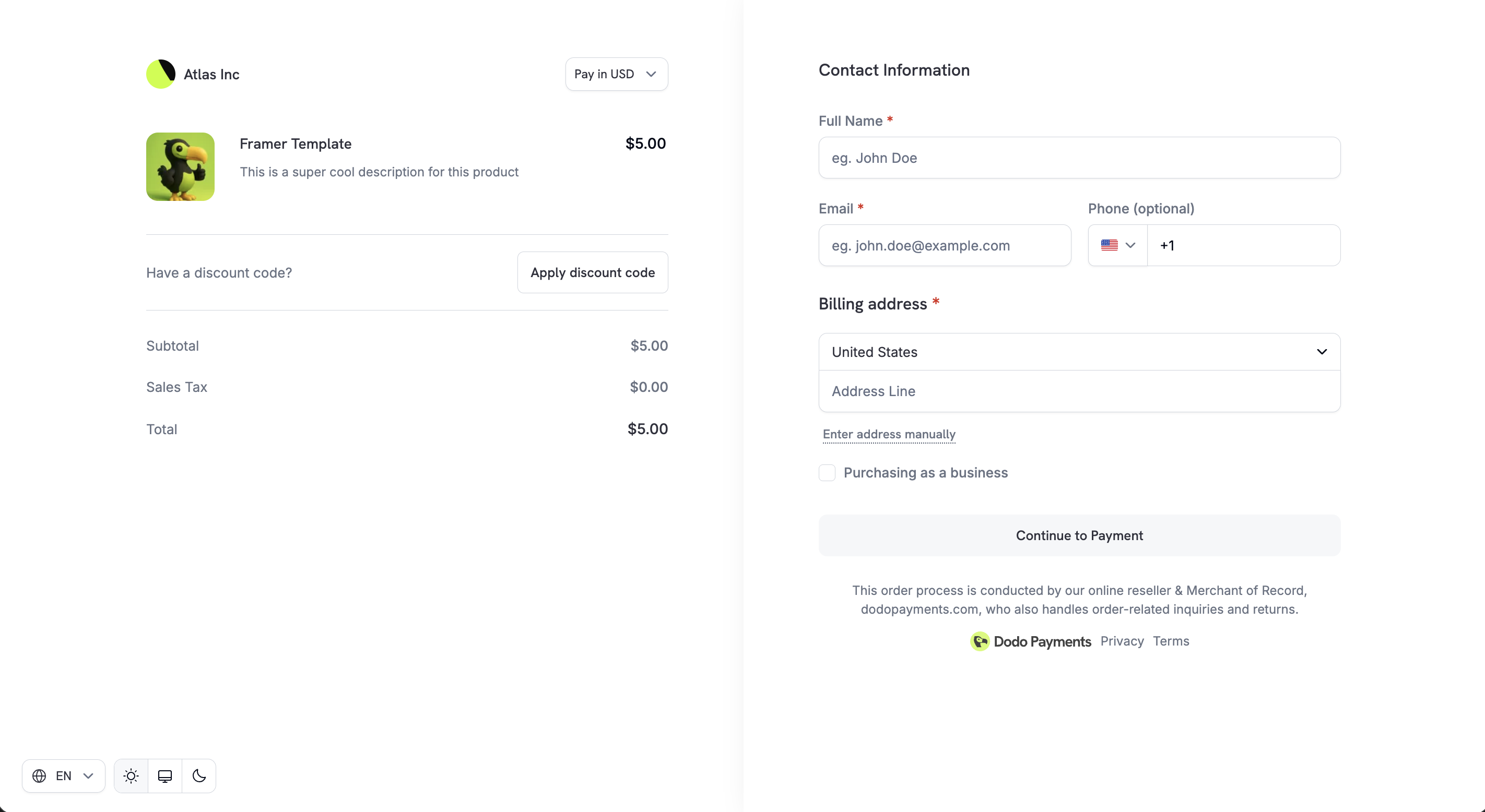
Checkout Sessions API
Create checkout sessions programmatically.
Preview Checkout
Calculate pricing and taxes before creating a session.
Payment Methods
Supported payment methods and configuration.
Integration Guide
Step-by-step guide to integrating checkout.
Checkout links generated through the Checkout Sessions API are not reusable. They expire after 24 hours, or after 15 minutes if
confirm: true is set. Generate a fresh session for each customer and each payment attempt.Adaptive Currency
Adaptive Currency lets customers pay in their preferred local currency, improving trust and conversion rates. When enabled, customers see a currency selector on checkout. The price converts to their chosen currency at live FX rates. If the product has Purchasing Power Parity enabled, the PPP-adjusted price converts instead of the base price. If Charm Pricing is enabled, the converted amount rounds to a clean ending like 49.99.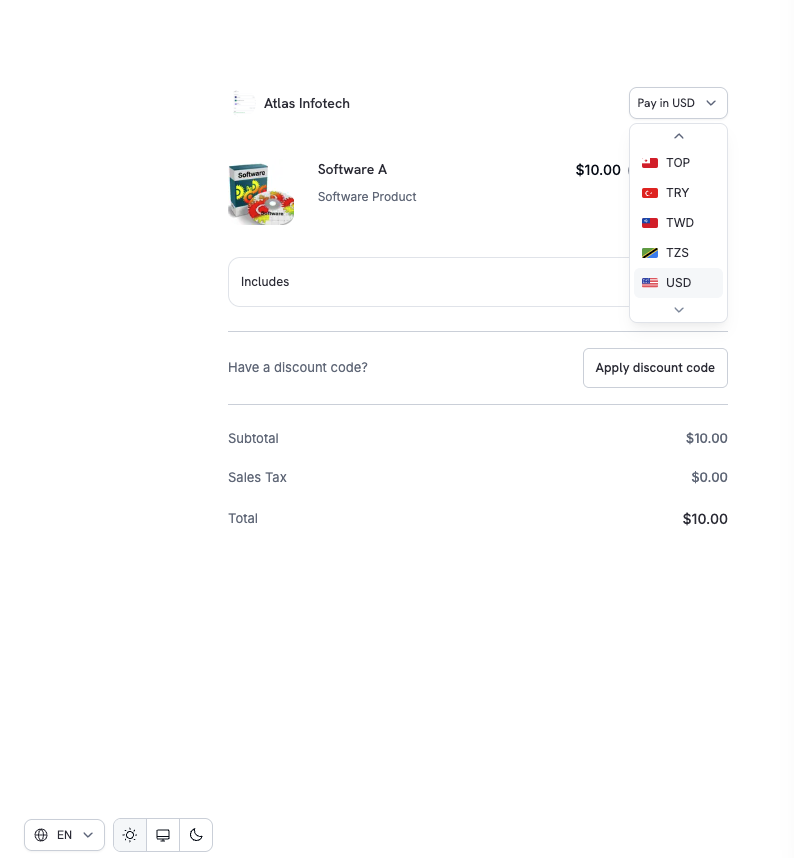
Adaptive Currency
Supported currencies, conversion fees, and refund handling.
Multi-Language Checkout
Checkout supports 22 languages. Customers can switch languages directly on the page, and UI text, labels, and system messages are localized. In Arabic and Hebrew, checkout renders right to left and the whole layout mirrors. Email addresses, codes, and phone numbers keep their natural reading order.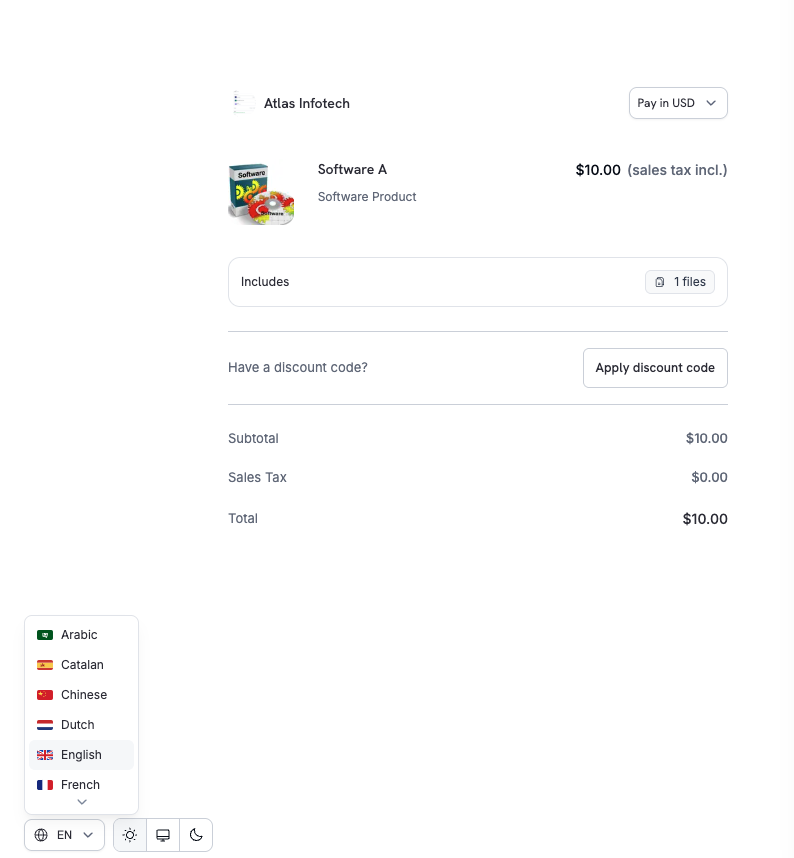
Supported Languages
To force a specific language, set
customization.force_language when creating a checkout session. See the Checkout Sessions API for details.
Automatic Tax Calculation
Taxes are calculated automatically based on the customer’s billing location, ensuring compliance with GST, VAT, and sales tax requirements. Tax rules apply based on the customer’s country and region where applicable. The tax amount updates automatically when the customer changes their country or updates their address. The final tax breakdown is shown clearly before payment.Business Tax ID Support
For B2B transactions, checkout allows customers to enter their Business Tax ID (e.g., VAT or GST number). When entered, the tax ID is validated in real-time and applicable tax exemptions or reverse-charge rules are applied automatically.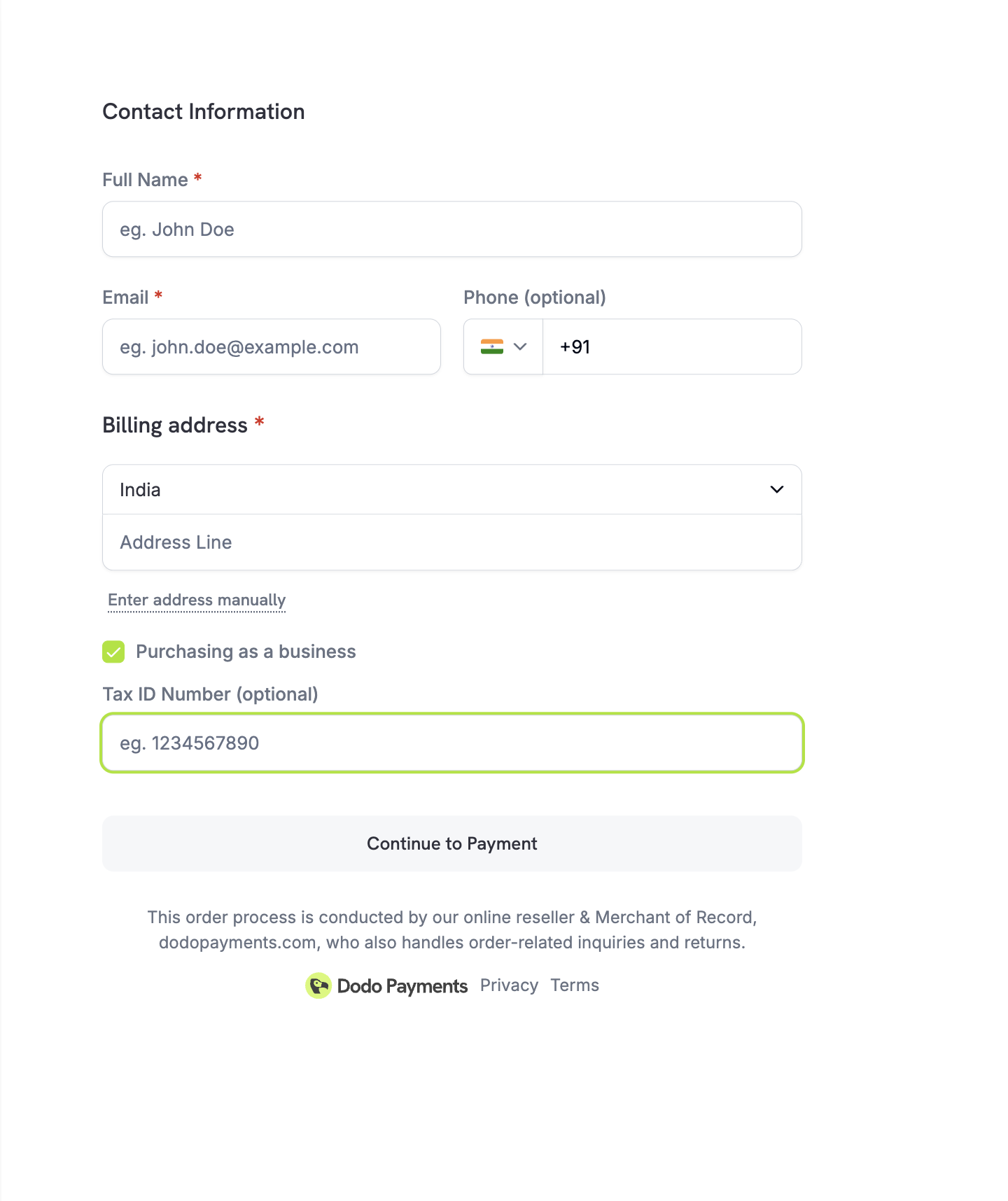
Discount Codes
Customers can apply discount or promo codes you’ve created in the dashboard. The discount is validated instantly and the updated price is shown. When Purchasing Power Parity is enabled on a product, the discount applies to the PPP-adjusted price, not the base price.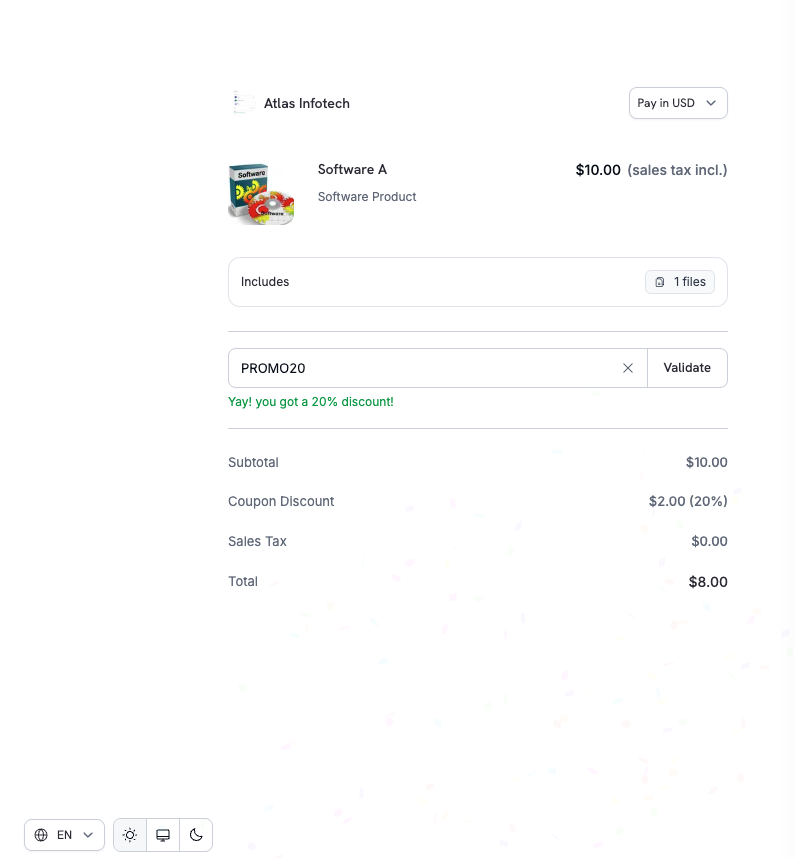
discount_codes accepts an array of up to 20 codes that stack in order. The singular discount_code field is deprecated but still works for backward compatibility.Discount Codes
Create and manage discount codes.
Validate Discount by Code
Look up and validate discounts using code names.
Smart Address Collection
Checkout supports flexible address entry to balance speed, accuracy, and global coverage.Options
Minimal Address Mode
For maximum conversion, enable minimal address collection to reduce checkout friction. Whenminimal_address is set to true, checkout only collects:
- Country — always required for tax determination
- ZIP/Postal code — only in regions where it’s necessary for sales tax, VAT, or GST calculation
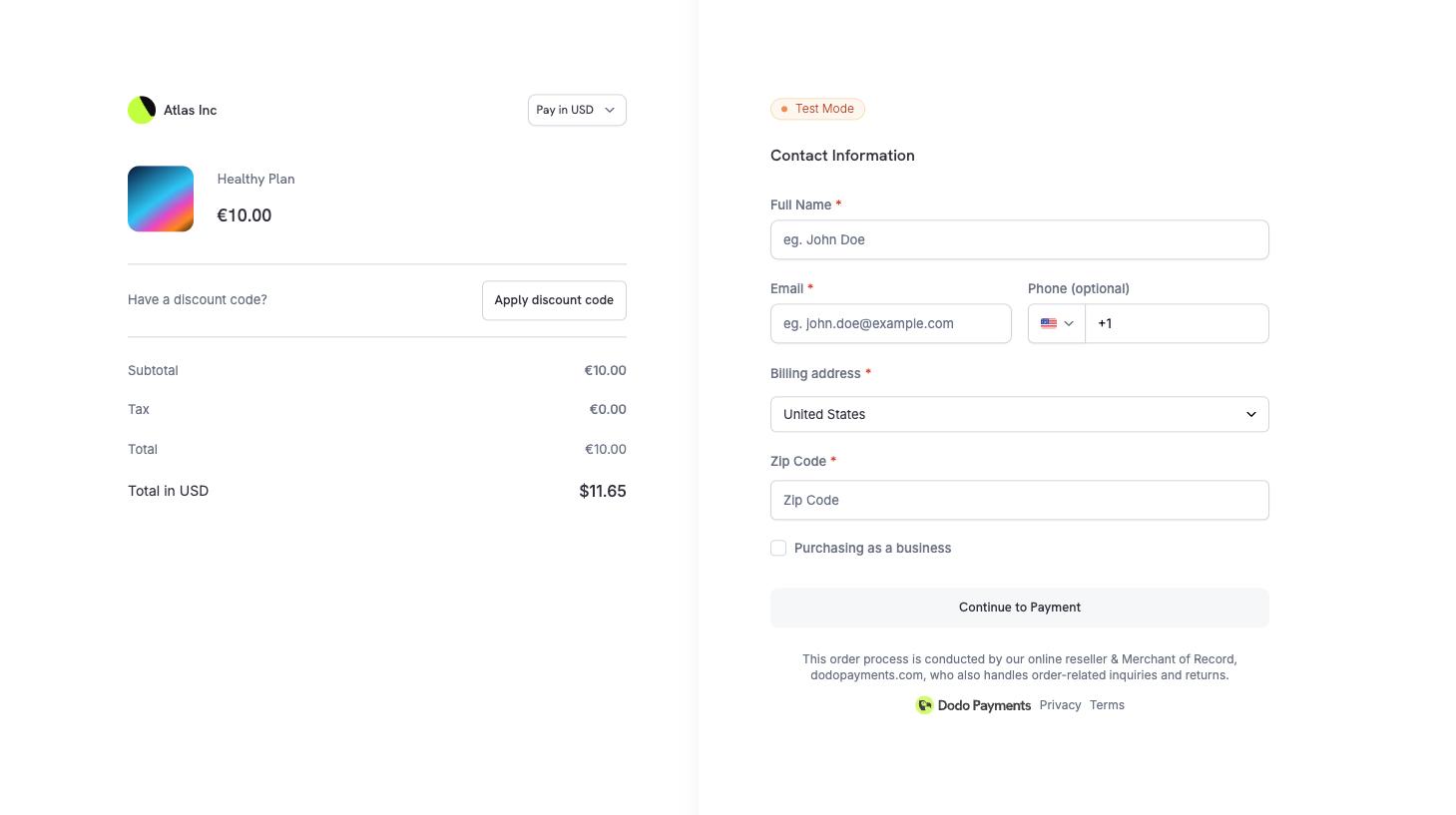
Full address collection is the default, unless
feature_flags.single_page is true, which turns minimal_address on by default. Enable minimal_address for digital products and SaaS flows where complete billing details aren’t required.Phone Number Collection
Control whether the phone number field appears on checkout and whether it’s required.Custom Fields
Collect additional information from customers during checkout by defining custom form fields. This is useful for gathering company name, team size, referral source, or any other business-specific data.Available Field Types
Example
Customer responses are automatically included in webhook payloads (
payment.succeeded, subscription.active) and API responses via the custom_field_responses array. You can define up to 5 custom fields per checkout session.Custom Fields Guide
Custom field configuration and accessing responses.
Privacy Policy & Terms Acceptance
To ensure legal and compliance transparency:- Privacy Policy and Buyer Terms links are clearly displayed on checkout
- Customers explicitly acknowledge these before completing payment
This helps meet global consumer protection and data privacy requirements including GDPR compliance.
Product Collections
Product Collections enable a unified checkout experience where customers view and select from multiple related products (e.g., Starter, Pro, Enterprise plans) in a single checkout. When using a collection, all active products in the collection are displayed. The first product is pre-selected, and customers can compare options before choosing.Product Collections
Create and manage product collections.
Checkout Session Configuration
Control checkout behavior using the Checkout Sessions API:After payment, customers are redirected to your
return_url with query parameters appended automatically — including payment_id or subscription_id, status, email, and license_key (if applicable). See the Checkout Sessions guide for the full list.Checkout Sessions API
Complete API reference for checkout sessions.
Checkout Integration Guide
Step-by-step guide to integrating checkout.
Theme Customization
Customize the checkout page appearance to match your brand using thecustomization.theme_config parameter. Configure colors, fonts, border radius, and button text for both light and dark modes.
This section covers the server-side API, which uses property names such as bg_primary. A theme set on the session applies to hosted, overlay, and inline checkout. Checkout SDK 2.0.1 removes the client-side themeConfig option, which used property names such as bgPrimary. See Overlay Checkout.
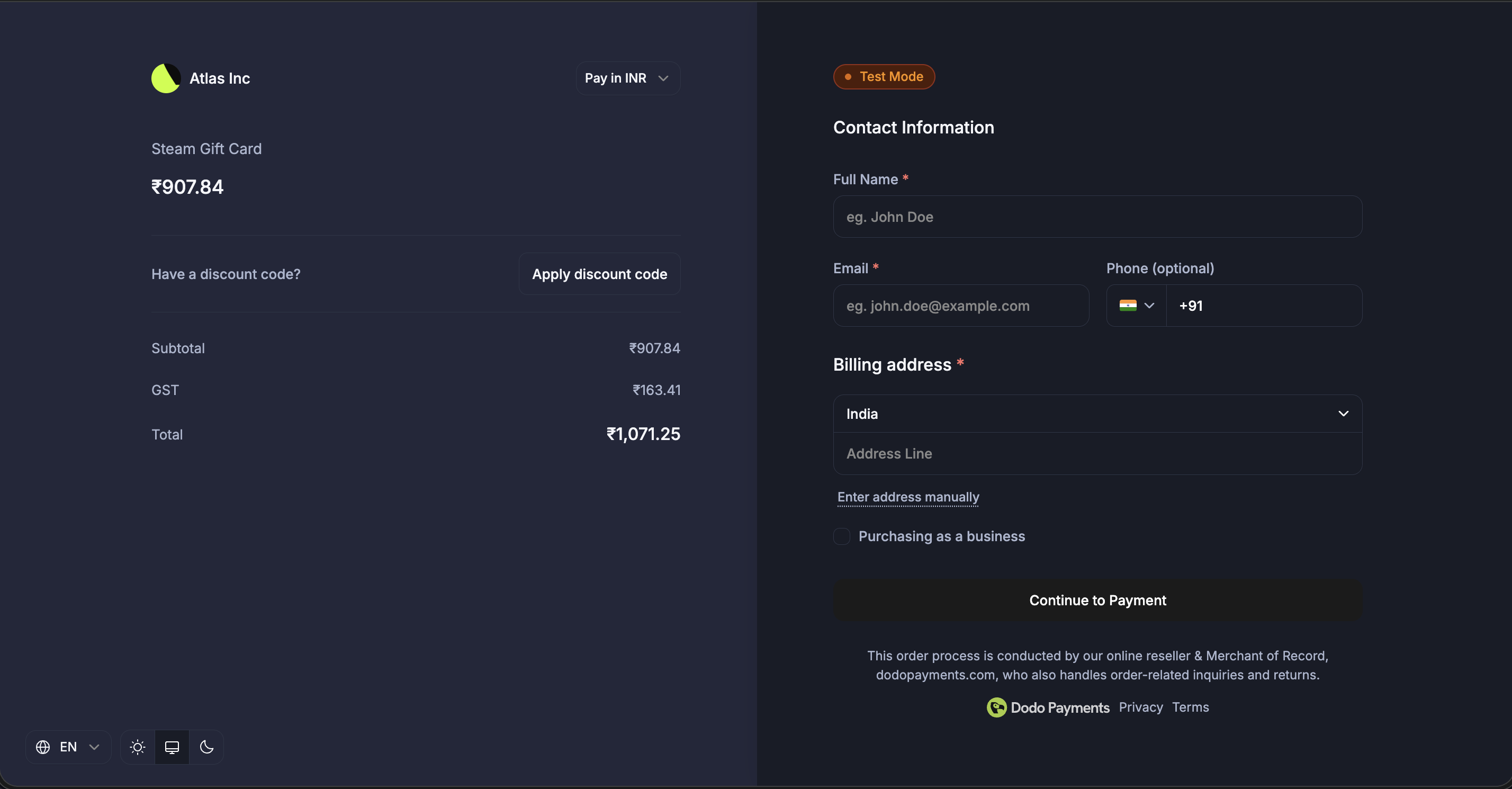
Design & Theme Customization
Configure themes visually from the dashboard with pre-built themes, typography, colors, and live preview.
Theme Configuration Options
Color Configuration (Light/Dark Mode)
Each mode supports these color properties:All color fields accept standard CSS color formats:
- Hex:
#fff,#ffffff,#ffffffff - RGB/RGBA:
rgb(255, 255, 255),rgba(255, 255, 255, 0.5) - HSL/HSLA:
hsl(120, 100%, 50%),hsla(120, 100%, 50%, 0.5) - Named colors:
red,blue,transparent