Add paying customers to your Discord server with an optional role, and remove them automatically when their access ends.
The Discord entitlement adds a paying customer to your Discord server and can assign them a role. The customer connects their Discord account after their subscription becomes active or their one-time payment succeeds. When the grant is revoked, for example on cancellation or refund, Dodo Payments removes the role and removes the customer from the server.
The customer connects their Discord account from the Customer Portal. The payment confirmation email marks the entitlement Action Required and links to the portal.
After they authorize, the Dodo Payments bot adds them to your server, or finds their existing membership, and assigns the role you configured.
If you don’t pick a role, the customer gets server membership only.
Use it for paid communities, supporter perks, and tiered access channels.
In the Dodo Payments dashboard, go to Entitlements and click + to start a new entitlement.
2
Pick Discord
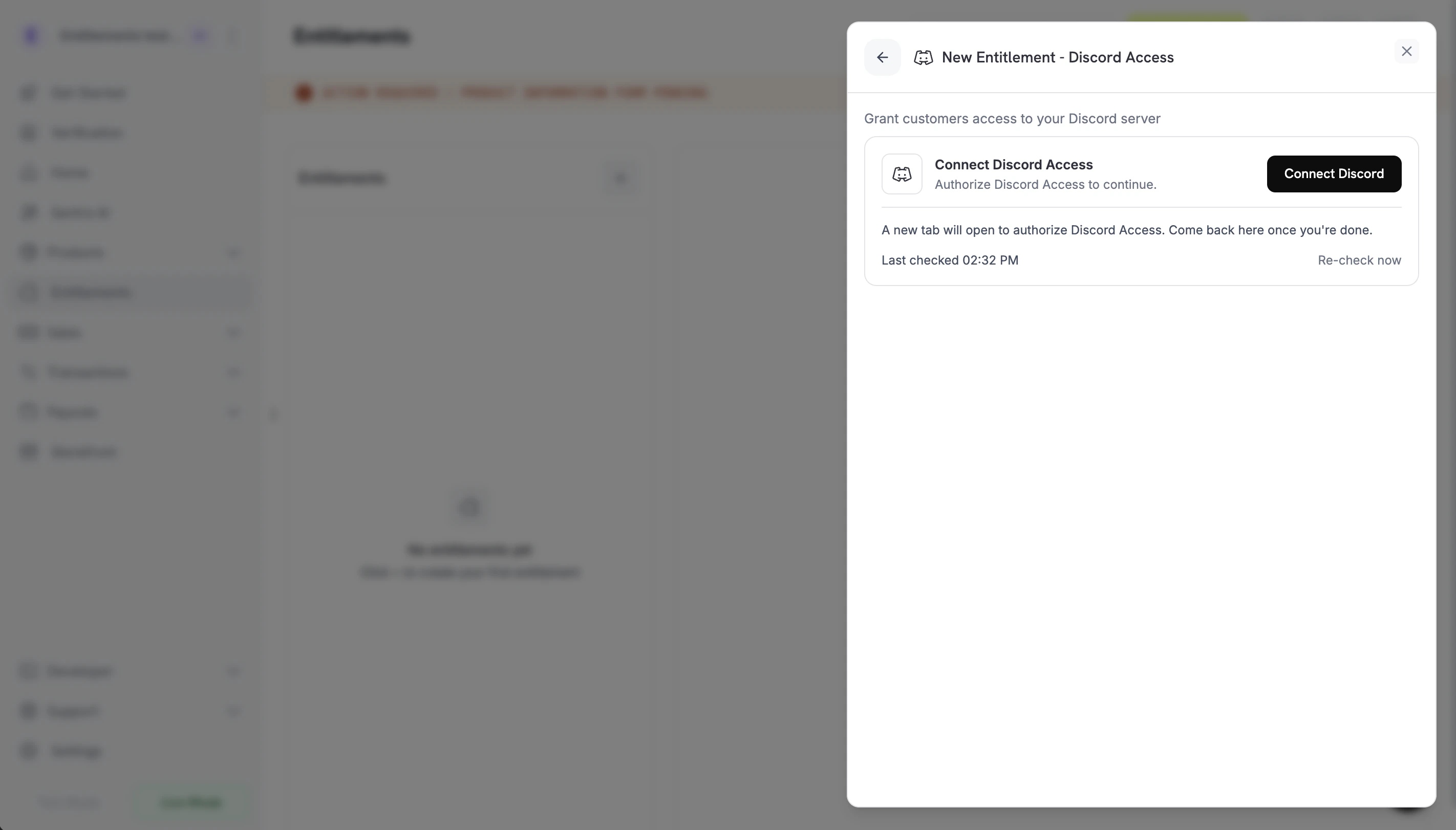
Choose Discord Access as the integration. If Discord isn’t connected for your business yet, click Connect Discord.
Connect Discord prompt before the OAuth handoff.
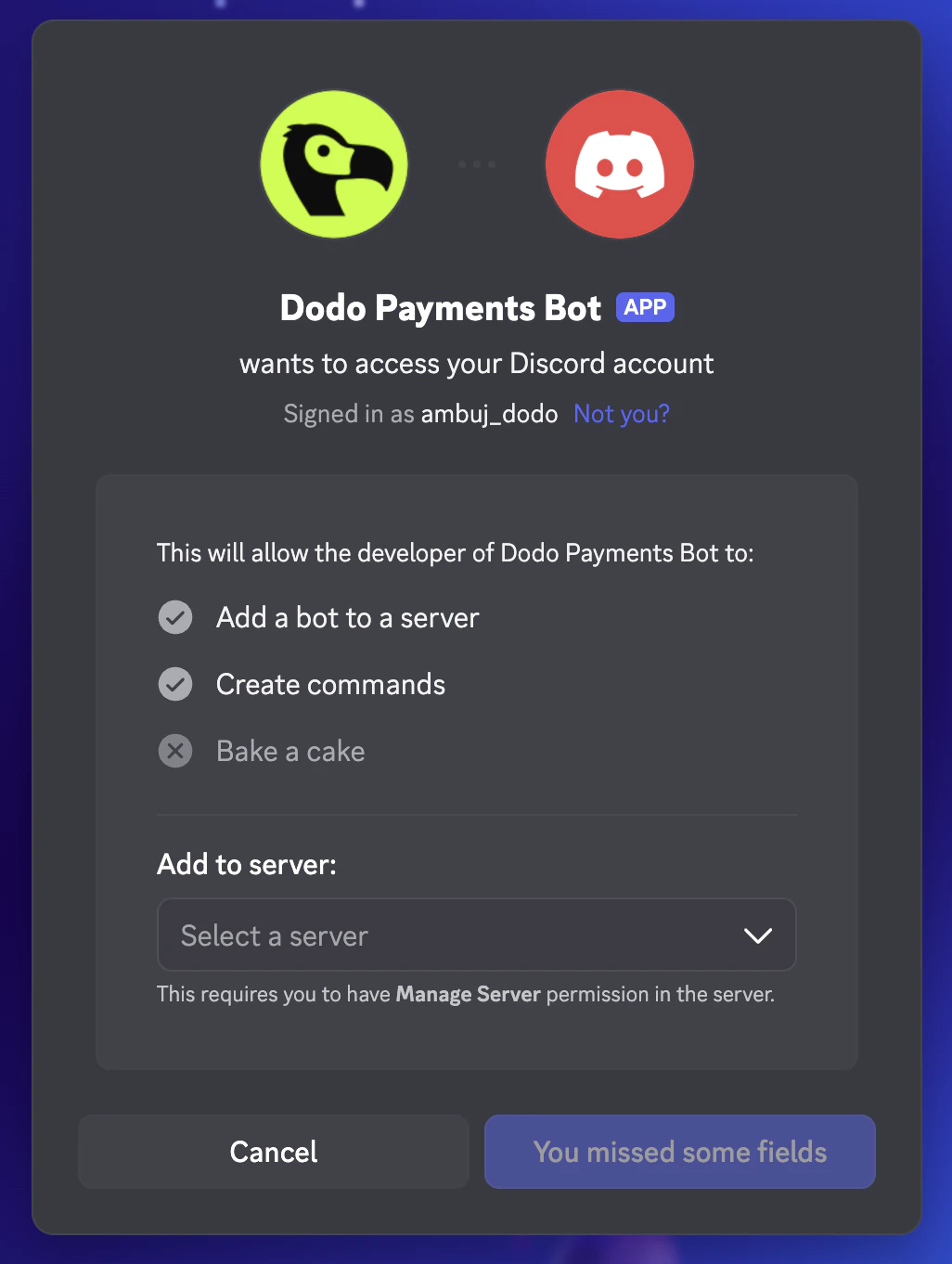
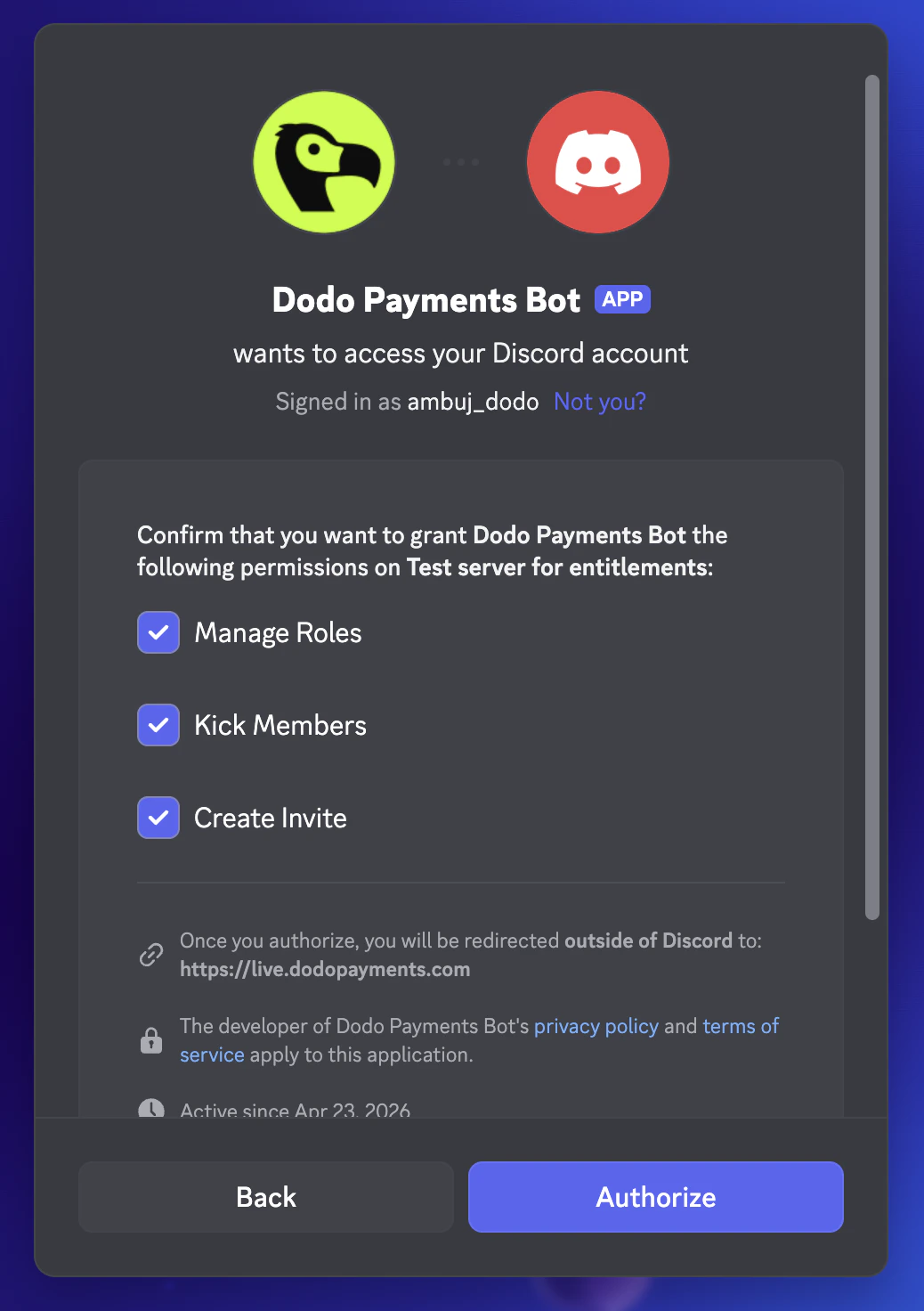
Discord opens in a new tab. Sign in, pick the server you want to gate, and approve the bot’s permissions on that server: Manage Roles, Kick Members, and Create Invite.
Discord OAuth: pick the server to add the bot to.
Discord OAuth: confirm the bot's permissions on the server.
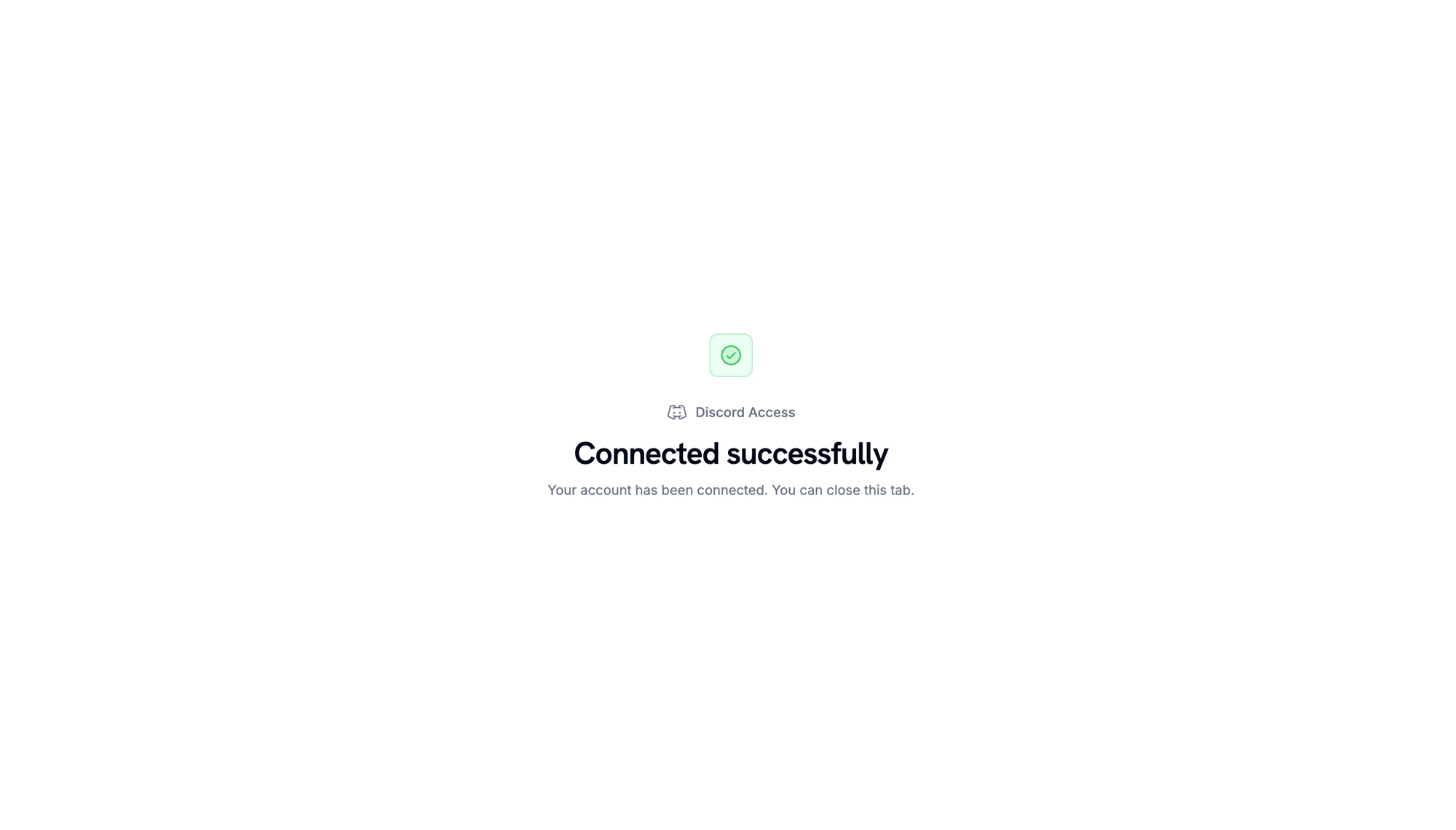
When Discord redirects back, a confirmation page shows that the server is connected.
Server connected. Return to the Dodo Payments dashboard to continue.
3
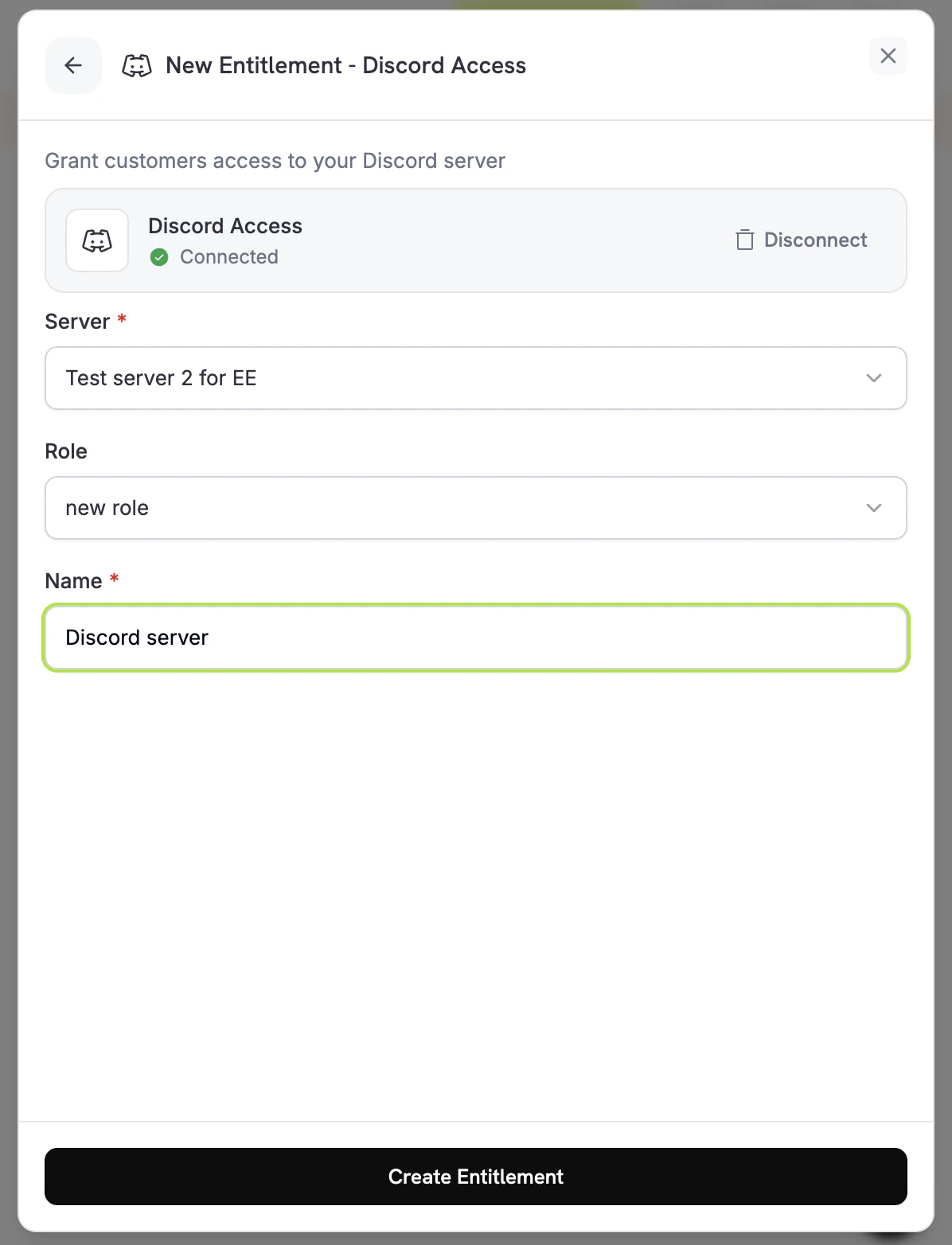
Pick a Server and Role
Back in the dashboard, select the Server you connected. To assign a role on delivery, select it under Role. To grant server membership only, leave Role set to No specific role. Enter a Name for the entitlement and click Create Entitlement.
Dodo Payments creates a grant in Pending status. Dodo Payments tries to create a Discord authorization URL right away and stores it in oauth_url. If that fails, oauth_url stays null until the customer starts the accept flow.
The payment confirmation email lists the entitlement as Action Required and links to the Customer Portal. In the portal, the customer clicks Connect on the entitlement.
The customer authorizes Dodo Payments on Discord. The bot adds them to the server and assigns the configured role, and the grant moves to Delivered.
When the grant is revoked (the subscription is cancelled, paused, put on hold, or expires, the one-time payment is refunded, or you revoke the grant), the bot removes the role and removes the customer from the server. The grant moves to Revoked.
An authorization link expires 30 minutes after it’s generated. If the customer returns to the Customer Portal after that, Dodo Payments generates a new link. If a customer leaves your server on their own, Dodo Payments revokes their grant with revocation_reason: platform_external.
Place the Dodo Payments bot’s role above the role you grant. Discord doesn’t let a bot assign a role at or above its own highest role. Managed roles, such as bot and integration roles, can’t be assigned.
// client is a *dodopayments.Client, for example from// dodopayments.NewClient(option.WithEnvironmentTestMode()); ctx is a context.Context.client.Entitlements.New(ctx, dodopayments.EntitlementNewParams{ Name: dodopayments.F("Patrons Discord Role"), IntegrationType: dodopayments.F(dodopayments.EntitlementIntegrationTypeDiscord), IntegrationConfig: dodopayments.F[dodopayments.IntegrationConfigUnionParam]( dodopayments.IntegrationConfigDiscordConfigParam{ GuildID: dodopayments.F("123456789012345678"), RoleID: dodopayments.F("987654321098765432"), }, ),})
entitlement_grant.created fires with status: "Pending". oauth_url may already hold the authorization URL. If it is null, it is populated once the customer starts the accept flow from the Customer Portal.
entitlement_grant.delivered fires once the customer joins the server and the role is assigned.
entitlement_grant.revoked fires when the role is removed and the customer is removed from the server.
The grant stays Pending until the customer completes the Discord authorization. Open the entitlement in the dashboard and check the customer’s grant. If it’s still Pending, ask the customer to open the Customer Portal and click Connect on the Discord entitlement.
Grant moves to failed with permission errors
Make sure the Dodo Payments bot is still in the server, has the Manage Roles permission, and sits above the role being assigned. If the bot is removed from the server, Dodo Payments revokes the server’s pending and delivered grants. Re-saving the entitlement checks only its settings, not the bot’s permissions. After you fix the permissions, ask the customer to open the Customer Portal and click Connect on the Discord entitlement to retry the grant.
Customer cancelled but still has the role
Revocation removes the role and removes the customer from the server. If the grant shows Revoked but the customer is still in the server, confirm the bot still has the Manage Roles and Kick Members permissions and sits above the role. If the customer’s Discord app still shows the role, ask them to refresh it. The server-side state is the source of truth.