

Introduction
Fernand is a customer support tool with a native Dodo Payments integration. When someone writes in, Fernand matches them to their Dodo Payments customer record and shows their customer status, plan, and purchases on the conversation. Your team can answer billing questions without switching to the Dodo Payments dashboard.
What You Can Do
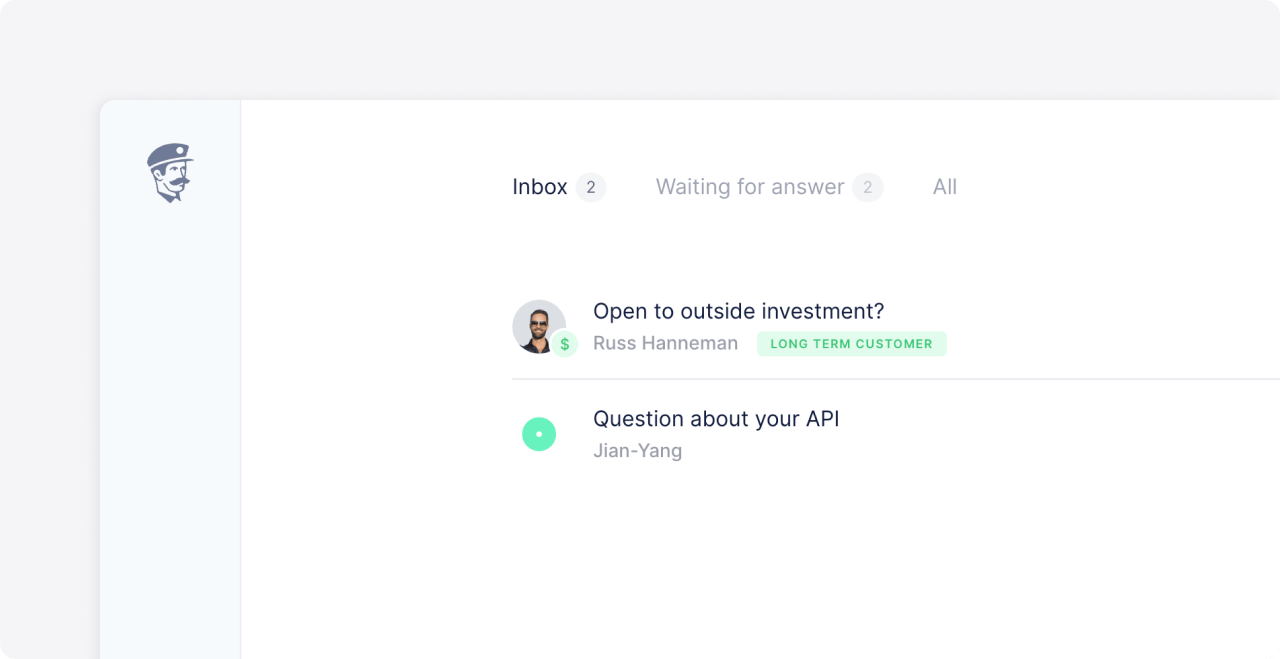
After you connect, Fernand uses your Dodo Payments data in three places:- Conversation list: A paying customer is marked before you open the conversation, so you can tell customers from prospects in the queue.
- Conversation sidebar: The sidebar shows the contact’s customer status, plan, and purchases.
- Rules: The Contact is a customer and Contact has paid plan conditions route conversations. A matching rule can reply, tag, assign, change the conversation status, or send a webhook.
Prerequisites
Before you start, you need:- A Dodo Payments account in live mode.
- A Fernand account. The integration is included on every Fernand plan, including the free plan.
Getting Started
1
Open the Dodo Payments Integration in Fernand
In Fernand, go to Settings → Integrations. You can also press
G, then S. Select Dodo Payments and click Connect. A dialog asks for an API key.2
Create an API Key in Live Mode
In the Dodo Payments dashboard, turn on the Live Mode switch. Fernand matches your real customers, so the key must be a live mode key.Go to Developer → API Keys and click Create New Key. Name the key
Fernand, then set the access for each resource:Leave every other resource on None. For details on key access, see Authentication.
3
Paste the Key into Fernand
Copy the key when Dodo Payments shows it, because the dashboard shows it only once. Paste it into the Fernand dialog and click Connect to Dodo.
Fernand starts syncing customer and subscription data. Conversations from your Dodo Payments customers show their status, plan, and purchases.
Routing Conversations with Rules
Fernand rules can use Dodo Payments data as conditions. For example:- Tag conversations from paying customers, or assign them to a priority inbox, with Contact has paid plan.
- Send a different auto-reply to contacts who aren’t customers, with Contact is a customer.
- Send a webhook to your own system when a paying customer writes in.
Additional Resources
Fernand's Dodo Payments Guide
The setup guide in Fernand’s help center.
API Keys and Authentication
How Dodo Payments API keys, modes, and resource access work.
For help with the integration, contact Fernand support at support@getfernand.com or Dodo Payments support at support@dodopayments.com.