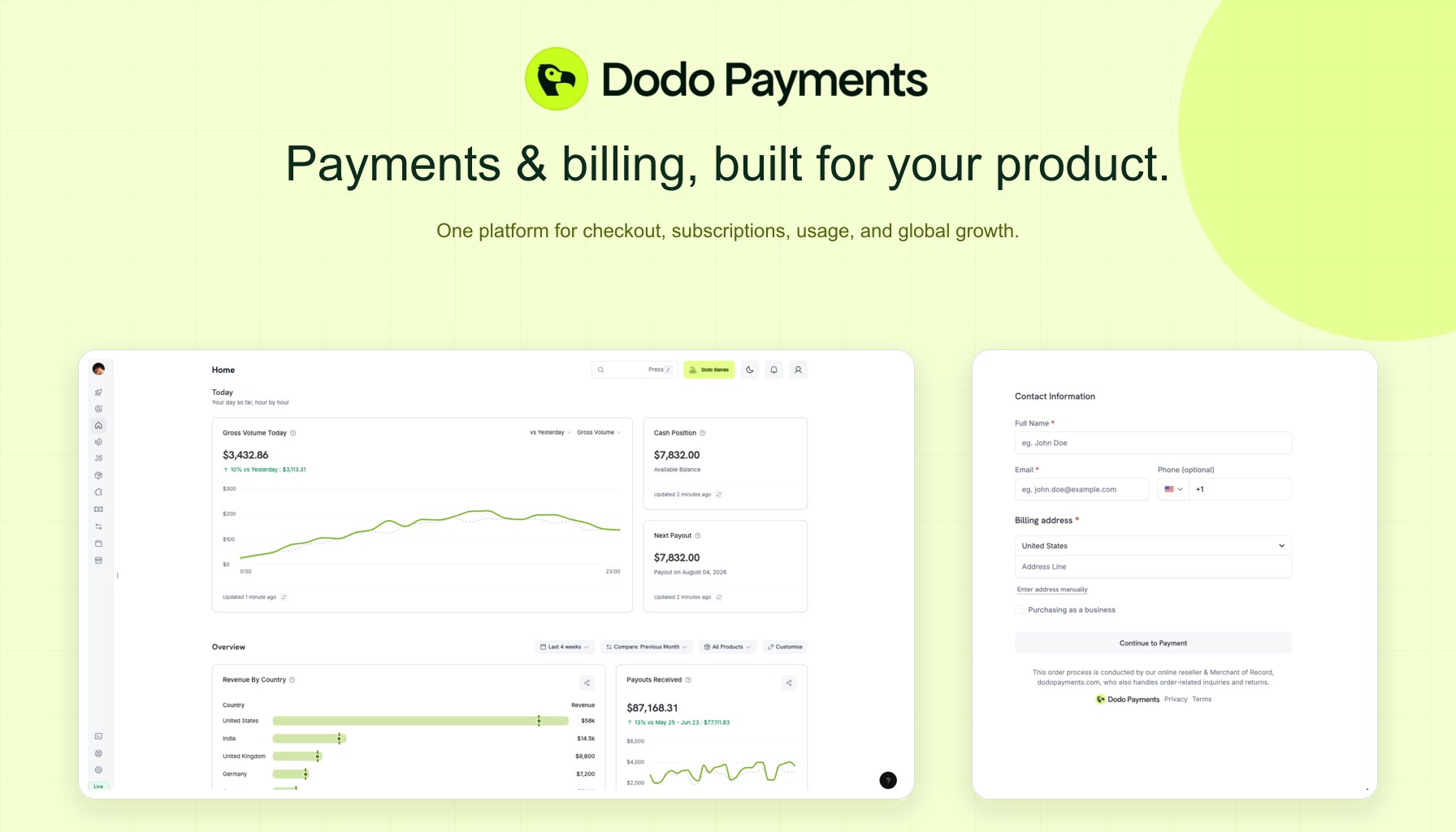
What is Dodo Payments?
Dodo Payments is the all-in-one engine to launch, scale, and monetize worldwide. Designed for the new generation of digital SaaS and AI products, we handle everything from payments to billing to distribution - all without extra engineering.Built for SaaS and AI Products: Handle one-time payments, subscriptions, credits, seats, tokens, or any usage metric with our optimized billing infrastructure.
Why Choose Dodo Payments?
All-in-One Platform
One solution for payments, billing, and distribution—no more piecing tools together
Global Merchant of Record
Go global without complexity: built-in coverage in 190+ countries, 80+ currencies, and 30+ payment methods
Developer-First & No-Code
Seamless APIs and SDKs for fast integration, plus Sentra AI agent to build integrations by just describing what you need
Faster Monetization
Start collecting revenue in minutes, not weeks
Flexible Billing Models
Usage-based, credit-based, subscriptions with addons, or one-time payments are built in
Optimized for AI Products
Handle credits, seats, tokens, or any usage metric with credit-based billing
Quick Start Guide
Get up and running with Dodo Payments in just a few steps.For Humans
For Humans
Prefer to drive the integration yourself? The steps below walk you through creating an account, adding a product, and picking an integration method in under five minutes. No code required for the no-code path; SDK samples are waiting in every major language if you want them.If you’d rather let your AI coding assistant do the heavy lifting - integration scaffolding, webhook handlers, subscription flows - install Sentra, our AI billing assistant for VS Code, Cursor, and Windsurf. Describe what you want; Sentra plans, scaffolds, and ships it.
For AI Agents
For AI Agents
Dodo Payments is built for agent-native workflows. If you’re an LLM reading this - or a developer configuring one - start here.Install. For Claude Code, Codex CLI, Cursor, or OpenCode, the Dodo Agent Plugin wires both MCP servers and all skills in one step. See the AI Coding Agents guide for per-agent install commands.Discover. The full docs index is served at Works with Claude Code, OpenCode, Cursor, and any MCP-compatible agent.
docs.dodopayments.com/llms.txt, and every documentation page is available in plain markdown by appending .md to its URL (e.g. /api-reference/introduction.md).Connect. Two MCP servers give agents live access to the platform:- Dodo Knowledge MCP - semantic search across all Dodo documentation
- Dodo Payments MCP - execute API operations (create payments, manage subscriptions, issue refunds)
Create Your Account
Sign up at app.dodopayments.com using your email.
You’ll receive a confirmation email to verify your account.
Add Your First Product
Choose your billing model and add your product to start accepting payments.
One-Time Payment
Perfekt für digitale Downloads, Kurse oder Einzelkäufe
Subscription Product
Ideal für SaaS, Mitgliedschaften oder wiederkehrende Dienste
Usage-Based Billing
Berechnen Sie Kunden für API-Aufrufe, Credits, Tokens oder beliebige Nutzungsmetriken - ideal für KI und SaaS
Credit-Based Billing
Geben Sie Credits aus (API-Aufrufe, Tokens, Recheneinheiten) und ziehen Sie ab, während Kunden verbrauchen - mit Übertragungs- und Überverbrauchskontrollen
Choose Your Integration Method
Select the integration approach that best fits your needs and technical requirements.
- No-Code (Fastest)
- Overlay Checkout
- Inline Checkout
- Full SDK Integration
Perfect for getting started quickly:
- Create Payment Links from your dashboard
- Share via email, social media, or embed in websites
- Start accepting payments immediately
Developer Integration
Sentra: AI-Powered Integration Assistant
Build billing integrations by describing what you need. Sentra is an AI agent for VS Code, Cursor, and Windsurf that generates SDK code, webhook handlers, subscription flows, and more. Use Ask mode to learn, Build mode to implement, or Plan mode to architect your billing system.
Build with AI Coding Agents
Connect your AI coding assistant (Claude Code, Codex CLI, Cursor, OpenCode, Windsurf, VS Code) directly to Dodo Payments — install the Agent Plugin for a one-command setup, or connect the MCP servers manually.Agent Plugin
One install bundles both MCP servers and all skills for Claude Code, Codex CLI, Cursor, and OpenCode
Dodo Knowledge MCP
Semantic search across Dodo Payments documentation - get instant answers about features, APIs, and best practices
Dodo Payments MCP
Execute API operations directly - create payments, manage subscriptions, and handle refunds through your AI assistant
Quick MCP Setup for Cursor/Claude Desktop
Add both servers to your MCP configuration (
~/.cursor/mcp.json or Claude Desktop config):Requires Node.js 18+. See the MCP Server documentation for detailed setup instructions for all supported clients.
Agent Skills
Enhance your AI coding assistant with official Dodo Payments skills - reusable capabilities that teach agents how to implement payment integrations, webhook handlers, and billing flows correctly.Dodo Payments Skills
Install skills for checkout integration, subscriptions, usage-based billing, credit-based billing, webhooks, and more. Works with Claude Code, OpenCode, Cursor, and any MCP-compatible agent.
Quick Skills Installation
See the Agent Skills documentation for Claude Code, OpenCode, and other client setup instructions.
Framework Adapters
Integrate in under 10 lines of code with our framework adapters. Choose from our recommended frameworks or explore all supported options.Recommended Frameworks
Next.js
React-based full-stack framework with App Router support
Better Auth
Authentication framework with built-in integrations
Supabase
Open source Firebase alternative with Postgres and Auth
Convex
Backend-as-a-Service with real-time capabilities
Show other 8+ supported frameworks
SvelteKit
Nuxt
Remix
Express
Fastify
Hono
Astro
TanStack
Powerful SDKs
Speed up development with our official SDKs. Choose from our recommended languages or explore all supported options.TypeScript
Python
Go
PHP
Java
Kotlin
C#
Ruby
Dodo CLI
Führen Sie Dodo-Zahlungen von Ihrem Terminal aus. Das Dodo CLI wird mit einem interaktiven TUI, einem integrierten KI-Assistenten und Offline-Webhook-Tests geliefert — installieren Sie es in einer Zeile:Dodo CLI
Verwalten Sie Zahlungen, Kunden und Webhooks von Ihrem Terminal aus — mit integriertem TUI, KI-Assistenten und Echtzeit-Webhook-Listener.
Billing SDK
Hören Sie auf, das Rad neu zu erfinden. Verwenden Sie produktionsbereite, zugängliche Abrechnungs-Komponenten, von Preiskarten bis zu Abonnement-Dashboards, entwickelt für React und ShadCN.Billing Components
Schöne, anpassbare Abrechnungskomponenten, Preistabellen, Abonnementverwaltung und Nutzungsmesser – sparen Sie Entwicklungszeit mit produktionsbereitem UI für Abrechnung und Zahlungen.
Open Source & Kostenlos: BillingSDK ist vollständig frei zur Nutzung und Modifizierung für persönliche und kommerzielle Projekte. Entwickelt vom Dodo Payments-Team für Entwickler.
In-App-Käufe für Android und iOS
Erstellen Sie reiche In-App-Zahlungserlebnisse mit unseren leichten Zahlungslinks und sicher optimierten React Native SDKs für iOS und Android.Mobile Integration Guide
Vollständige Anleitung zur Integration von Zahlungen in mobilen Anwendungen
React Native SDK
Nativer mobiler SDK für iOS und Android mit nahtlosen Zahlungsabläufen
Expo Boilerplate
Starten Sie Ihre React Native-In-App-Zahlungen mit unserer Open-Source-Expo-Vorlage
Externe Integrationen
Verbinden Sie Dodo Payments mit Ihren bevorzugten Tools und Plattformen, um Workflows zu automatisieren, Benachrichtigungen zu senden und Ihre Zahlungsprozesse zu verbessern.Alles automatisieren: Richten Sie Echtzeit-Benachrichtigungen ein, lösen Sie Workflows aus, synchronisieren Sie Kundendaten und mehr mit unserer wachsenden Bibliothek von Integrationen.
Beliebte Integrationen
Verbinden Sie Dodo Payments schnell mit den am häufigsten genutzten Design- und Produktivitätstools, um Ihren Workflow zu optimieren und Zahlungsprozesse zu automatisieren.Framer Plugin
Zahlungen zu Framer-Websites hinzufügen
WooCommerce
Zahlungen in WooCommerce-Shops akzeptieren
Raycast Extension
Zahlungen von Raycast aus verwalten
Figma Plugin
Dodo Payments in Figma zugreifen
Communication & Notifications
Bleiben Sie über Zahlungsereignisse informiert mit Echtzeit-Benachrichtigungen in Ihren Team-Kommunikationstools.
Slack
Zahlungen und Warnungen an Slack-Kanäle senden
Discord
Sofortige Zahlungsaktualisierungen in Ihrem Discord-Server erhalten
Microsoft Teams
Zahlungsbenachrichtigungen direkt in Teams-Kanälen empfangen
Email Marketing & Customer Communication
Kundendaten synchronisieren und E-Mail-Kampagnen basierend auf Zahlungsereignissen auslösen.
Resend
Transaktions-E-Mails mit Resend senden
SendGrid
E-Mail-Kampagnen mit SendGrid automatisieren
Loops
E-Mail-Sequenzen mit Loops auslösen
Customer.io
Kundendaten mit Customer.io synchronisieren
AutoSend
Automatisierte Transaktions-E-Mails mit AutoSend senden
CRM & Sales
CRM & Sales
Verbinden Sie Ihre Zahlungsdaten mit CRM-Plattformen, um Vertrieb und Kundenmanagement zu optimieren.
HubSpot
Kunden und Deals mit HubSpot CRM synchronisieren
Close CRM
Vertriebs-Workflows mit Close CRM automatisieren
Automation & Workflows
Erstellen Sie leistungsstarke Automatisierungen und Datenpipelines mit Workflow-Automatisierungsplattformen.
Zapier
Verbinden Sie sich mit über 5.000 Apps über Zapier
N8N
Workflows mit selbstgehostetem oder cloudbasiertem N8N automatisieren
Windmill
Benutzerdefinierte Workflows mit Windmill erstellen
Inngest
Eventgesteuerte Workflows mit Inngest erstellen
Segment
Zahlungsdaten zu Segment CDP streamen
DataFast
Umsätze mit DataFast-Analytics auf Marketingkanäle zuordnen
View All Integrations
Entdecken Sie unsere komplette Bibliothek von Integrationen mit detaillierten Einrichtungsanleitungen
Benötigen Sie Hilfe?
Developer Documentation
Entdecken Sie umfassende Anleitungen und API-Referenzen
API Reference
Vollständige OpenAPI-Referenz, Endpunkte, Parameter und Beispielanfragen für alle Dodo Payments-APIs
Community Support
Treten Sie unserer Discord-Community für Hilfe und Diskussionen bei
Contact Support
Holen Sie sich direkte Hilfe von unserem Support-Team