

New Features
1. Localized Pricing
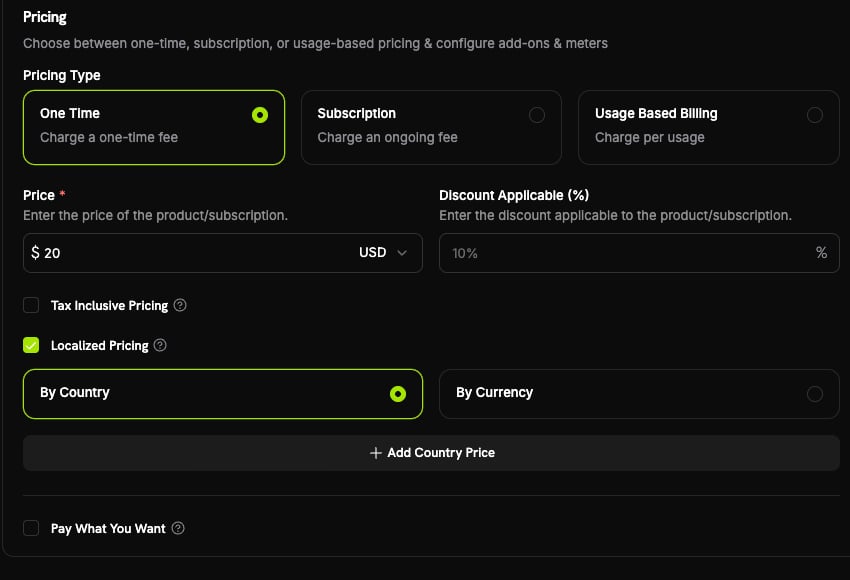
You can now set fixed prices per currency or per country instead of letting exchange rates decide the amount a customer sees. Turn it on by setting apricing_mode on a product, then attach one price rule per market:
| Mode | What it does | Example |
|---|---|---|
by_currency | One fixed price per currency, regardless of country | Everyone paying in EUR sees €9.99 |
by_country | A price specific to a country, even when several countries share a currency | ₹999 in India on a $20 base product |
/products/{product_id}/localized-prices endpoints (create, list, get, patch, archive). Each rule’s amount is an integer in the currency’s smallest unit — a price you set, never a converted value.
When no rule matches, the product keeps its existing behavior: customers in your base currency pay the base price directly, and everyone else is converted through Adaptive Currency. When a rule does match, the customer pays exactly the amount you set — the Adaptive Currency FX fee is absorbed rather than added on top.
This is the recommended, native way to run Purchasing Power Parity (PPP), charm pricing (€9.99, ¥1000, ₹499), reversible market-entry promotions, and competitive price-matching.
Learn more: Localized Pricing | Adaptive Currency | Purchasing Power Parity
2. New Payment Methods: Satispay, BLIK & Klarna for Subscriptions
Three additions expand local coverage in Europe and bring Buy Now, Pay Later to recurring billing.| Method | API type | Region | Currency | Subscriptions |
|---|---|---|---|---|
| Satispay | satispay | Europe (Italy) | EUR | Yes |
| BLIK | blik | Poland | PLN | No (one-time only) |
| Klarna | klarna | United States | USD | Yes (new) |
- Satispay surfaces on EUR checkouts for both one-time and subscription payments within the supported amount range.
- BLIK, Poland’s most popular online payment method (~60% market share), settles in
PLNand supports one-time payments. - Klarna can now be used for subscriptions on USD checkouts with US billing above the $50 minimum — previously it was limited to one-time payments.
3. Feature Flag Entitlements
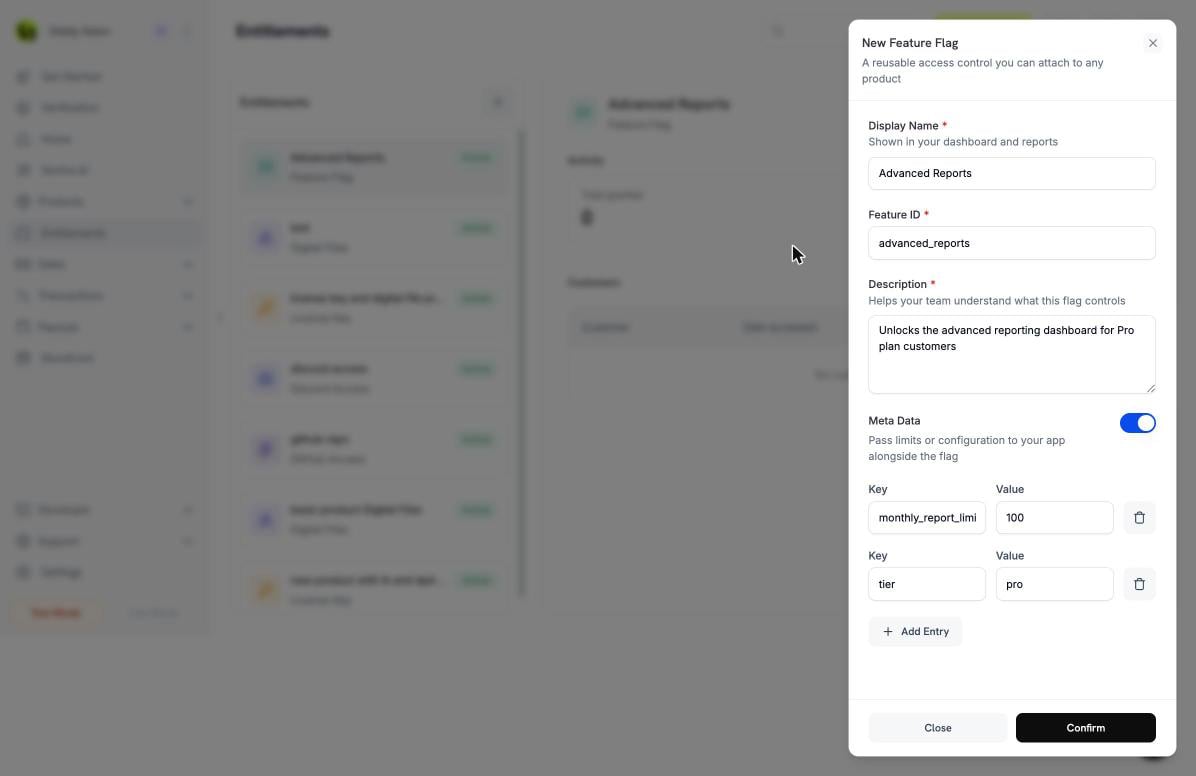
A new feature flag entitlement type turns Dodo Payments into a billing-aware feature-flag store. Attach a flag likeadvanced_reports to a product, and every paying customer instantly gets a grant your application can check — no external platform, no OAuth, and no delivery step that can fail.
- On purchase, the grant is created and moves straight to
delivered. There is nopendingphase and no customer action. - The grant carries a typed
featurepayload —{ "feature_type": "boolean", "feature_id": "advanced_reports" }— and your application readsfeature_idto decide what to unlock. - Cancellation, refund, or manual revoke moves the grant to
revoked, and the flag disappears automatically.
GET /customers/{customer_id}/entitlement-grants endpoint (status and integration-type filters, paginated), or keep them in sync via webhooks. Entitlement metadata now also supports a string | number | boolean scalar union, so you can attach limits and quotas alongside the flag.
Learn more: Feature Flag Entitlement | Entitlements
4. Apple Pay Domain Registration
You can now register and verify your own domains for Apple Pay directly from the dashboard, enabling one-tap Apple Pay on inline (embedded) checkout hosted on your site. Set it up from Settings → Payment Methods: on the Apple Pay row, click Manage domains, download the domain-association file, host it on your domain, then register and verify. Domain verification is only required for inline (embedded) checkout — overlay checkout, hosted checkout, and payment links work without it.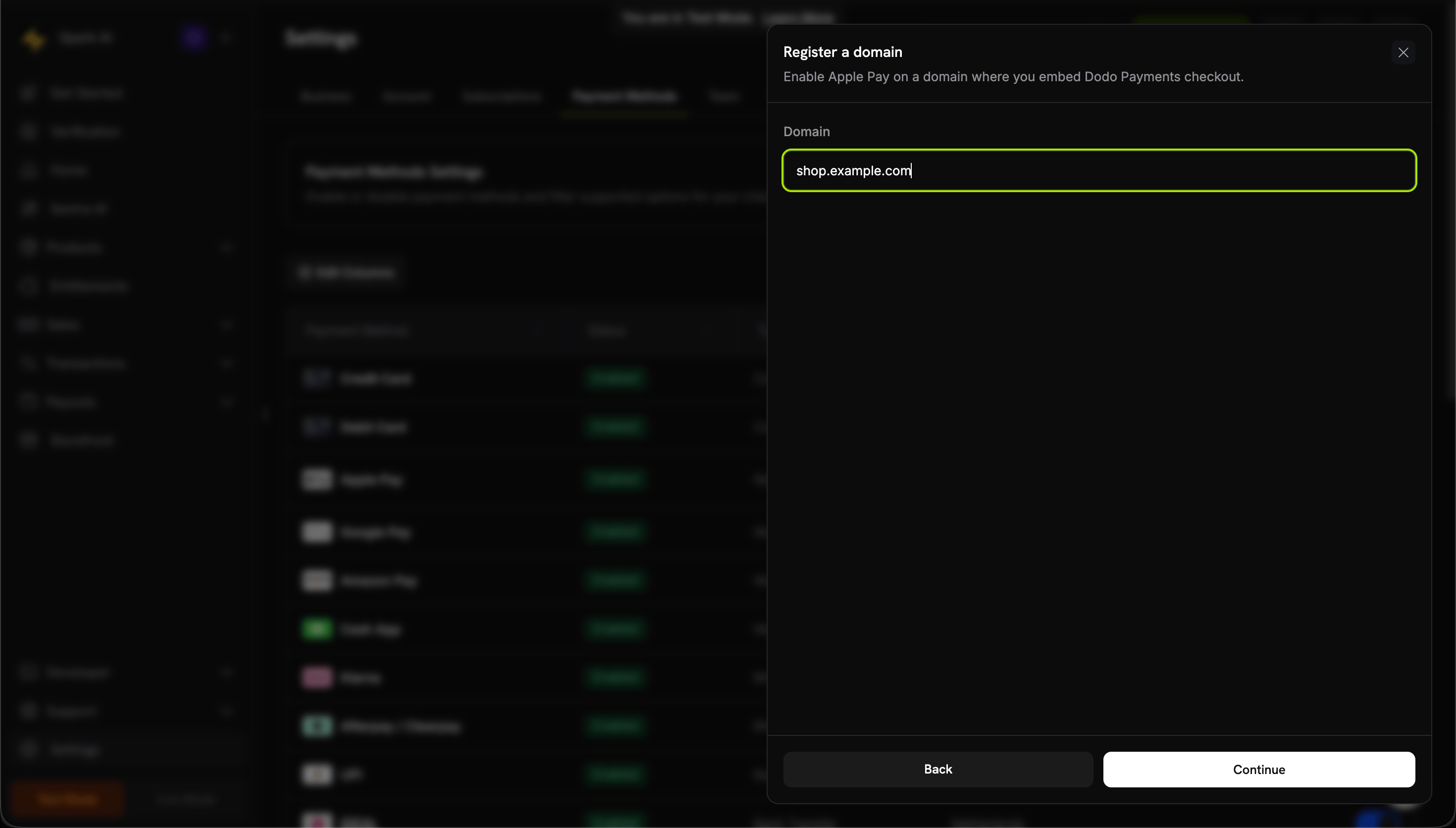
Disabling a domain is a kill switch that stops Dodo from offering Apple Pay on that domain at checkout — it does not unregister the domain with Apple.
5. Editable Add-ons at Checkout
A newallow_editing_addons feature flag on checkout sessions lets customers add or remove add-ons on a subscription product during checkout, instead of locking the cart to a fixed set of add-ons.
false and only applies to subscription products. It is also surfaced on GET /checkout/sessions/{id} so your front end knows whether add-on editing is enabled for a session.
Learn more: Checkout Session | Add-ons
Improvements & Bug Fixes
6. Extend a Subscription’s Period via PATCH /subscriptions
PATCH /subscriptions/{id} now accepts subscription_period_count and subscription_period_interval, so you can extend a subscription’s current period — for example, to grant extra time. The subscription’s expiry (expires_at) is recomputed from the new count and interval and persisted.
A subscription’s period can only be increased, never shortened.
7. Remove Images From Add-ons
PATCH /addons/{id} now supports clearing an add-on’s image by sending image_id: null. An explicit null removes the image, while omitting the field leaves it unchanged — matching the same convention used by products and product collections.
Learn more: Update Add-on
Other Fixes & Improvements
- Minor bug fixes and stability improvements across the platform.