Add paying customers to your Discord server with an optional role, and remove them automatically when their access ends.
The Discord entitlement adds a paying customer to your Discord server and can assign them a role. The customer connects their Discord account after their subscription becomes active or their one-time payment succeeds. When the grant is revoked, for example on cancellation or refund, Dodo Payments removes the role and removes the customer from the server.
The customer connects their Discord account from the Customer Portal. The payment confirmation email marks the entitlement Action Required and links to the portal.
After they authorize, the Dodo Payments bot adds them to your server, or finds their existing membership, and assigns the role you configured.
If you don’t pick a role, the customer gets server membership only.
Use it for paid communities, supporter perks, and tiered access channels.
In the Dodo Payments dashboard, go to Entitlements and click + to start a new entitlement.
2
Pick Discord
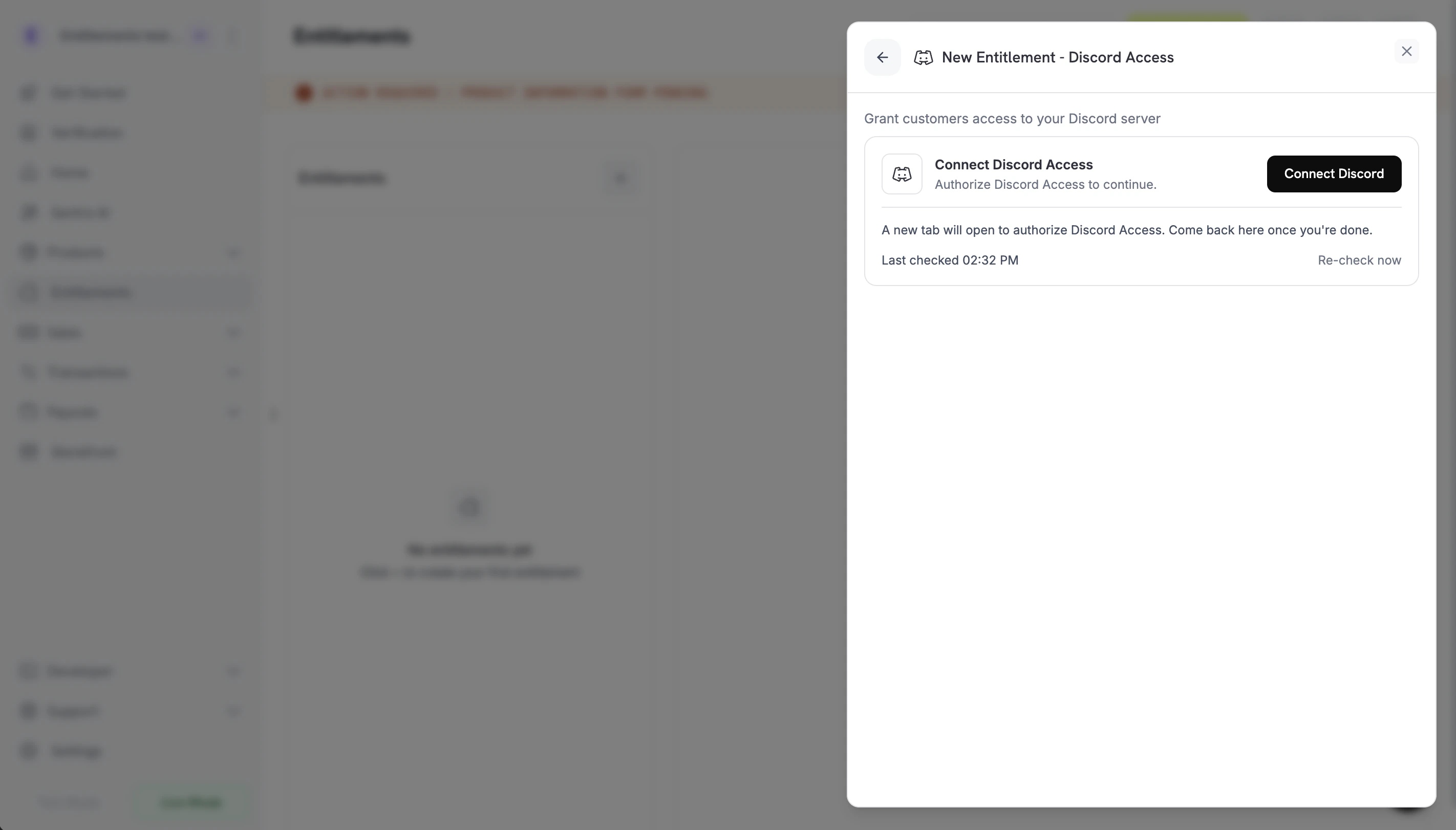
Choose Discord Access as the integration. If Discord isn’t connected for your business yet, click Connect Discord.
Connect Discord prompt before the OAuth handoff.
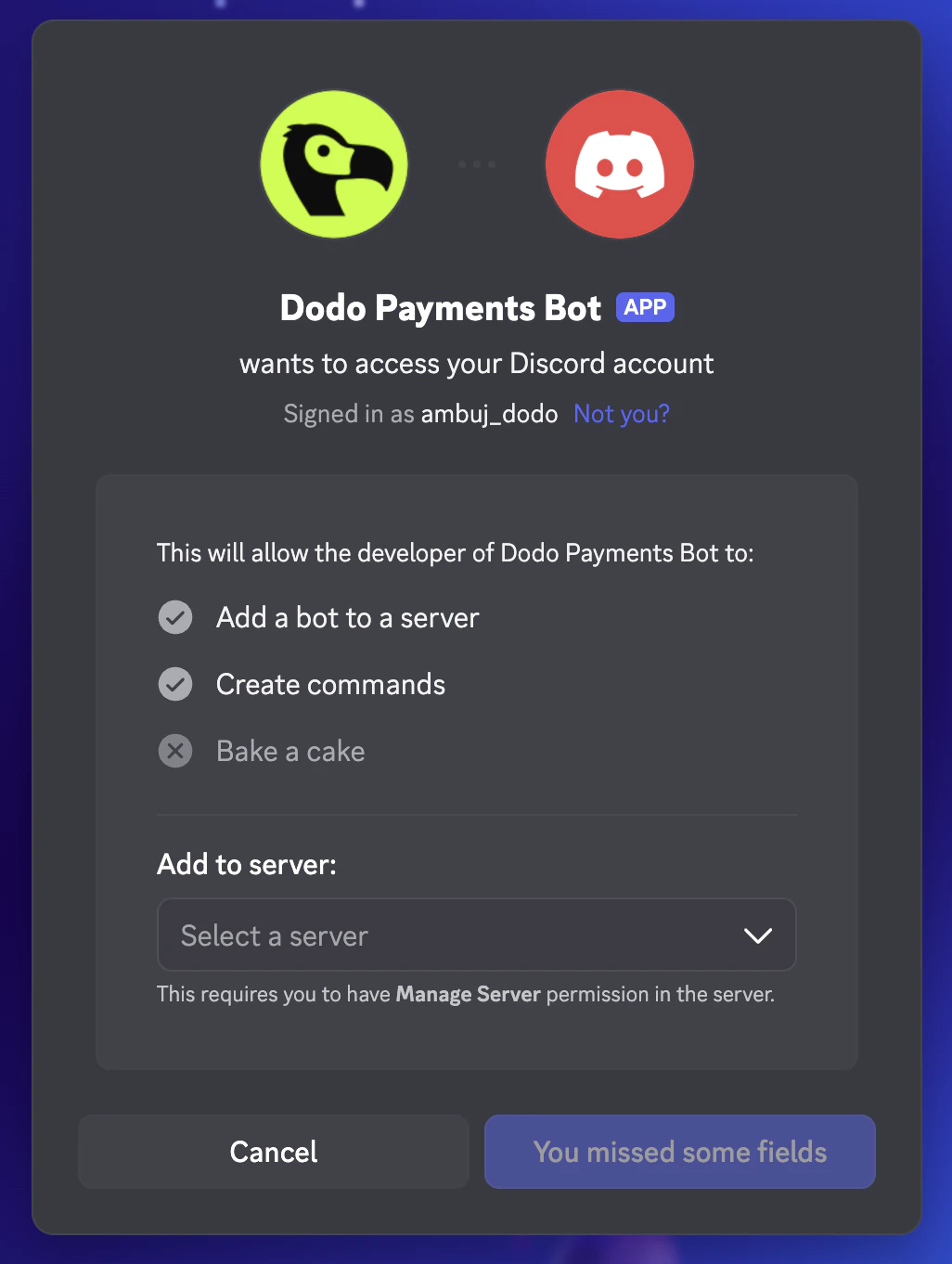
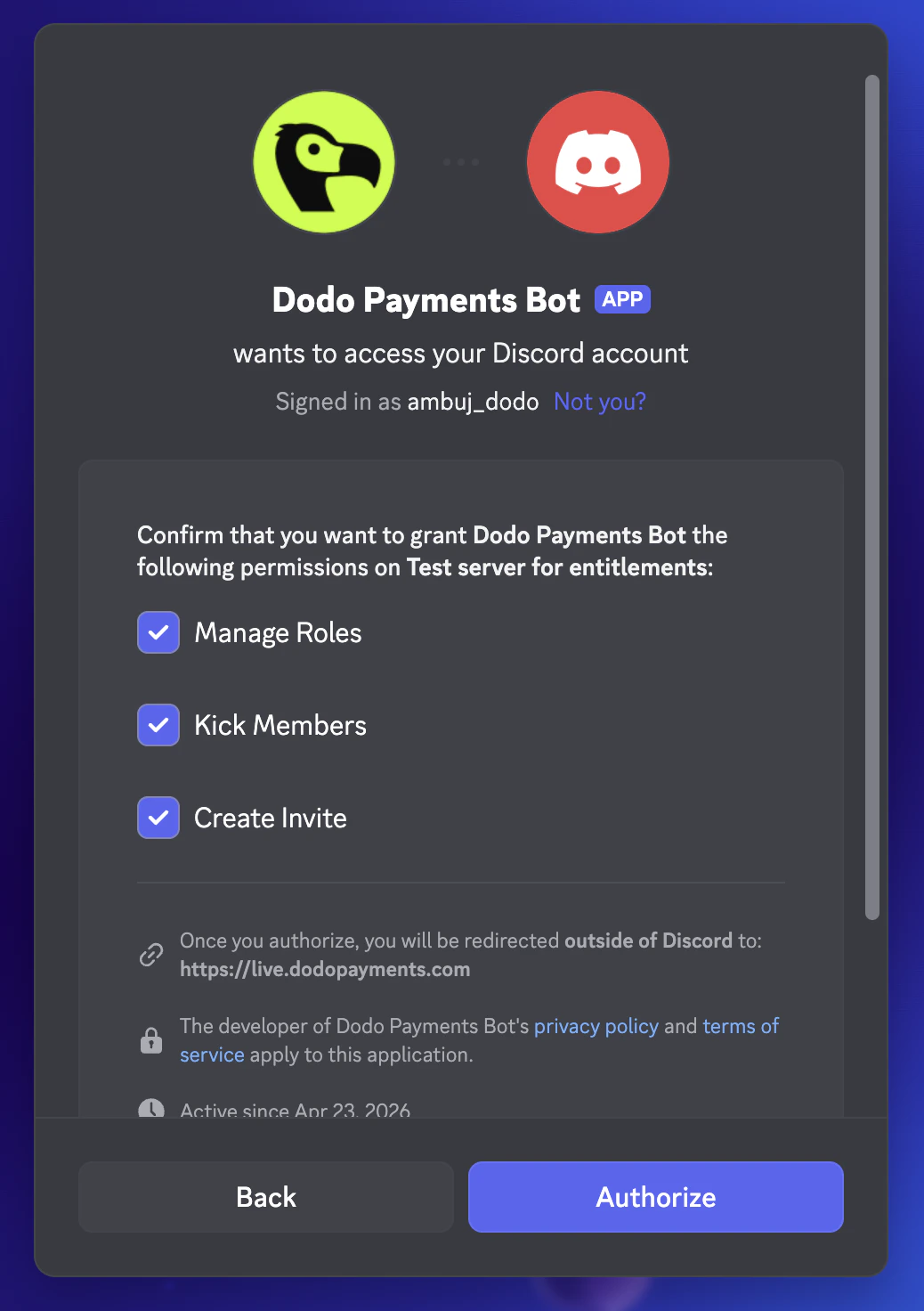
Discord opens in a new tab. Sign in, pick the server you want to gate, and approve the bot’s permissions on that server: Manage Roles, Kick Members, and Create Invite.
Discord OAuth: pick the server to add the bot to.
Discord OAuth: confirm the bot's permissions on the server.
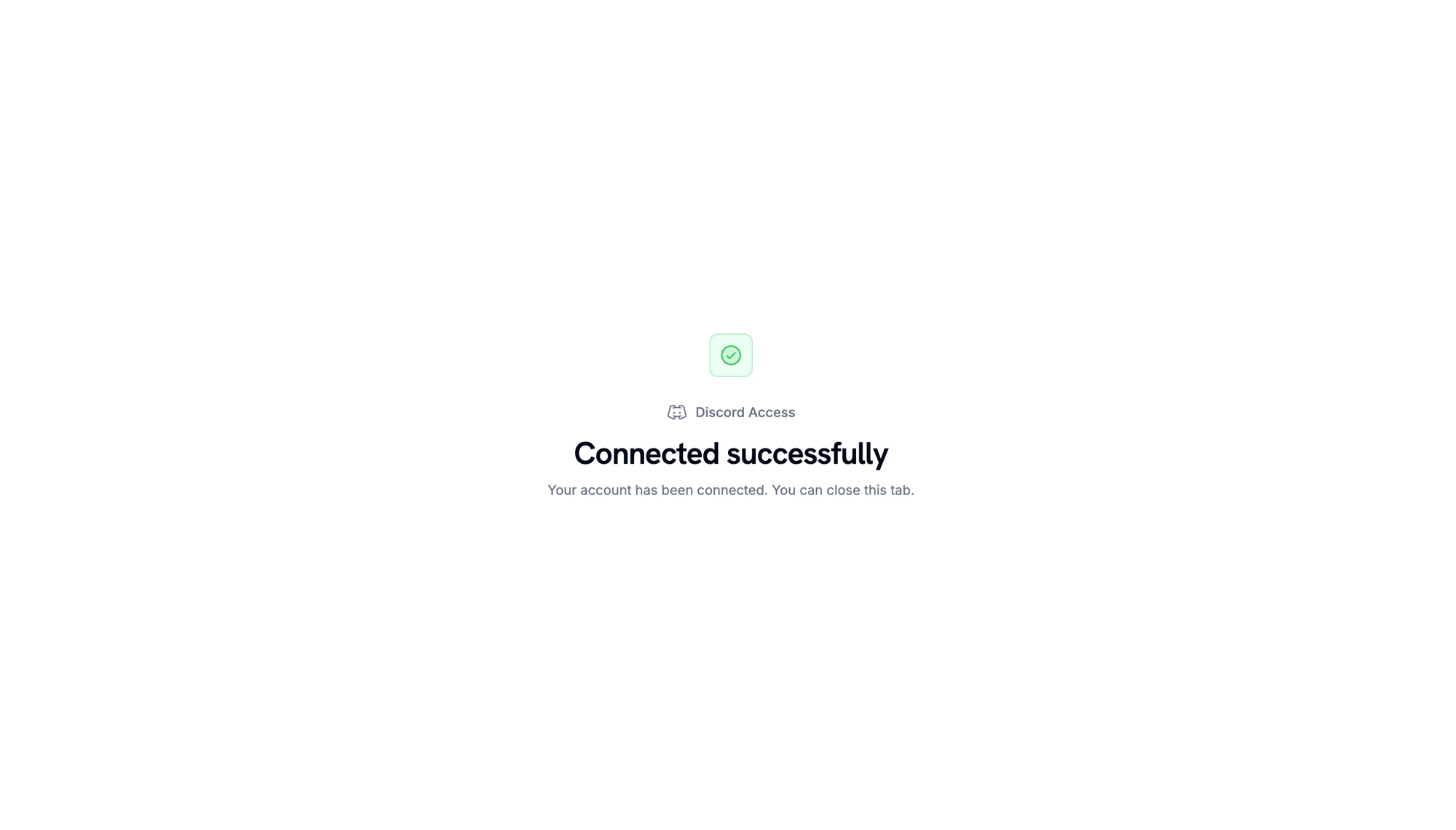
When Discord redirects back, a confirmation page shows that the server is connected.
Server connected. Return to the Dodo Payments dashboard to continue.
3
Pick a Server and Role
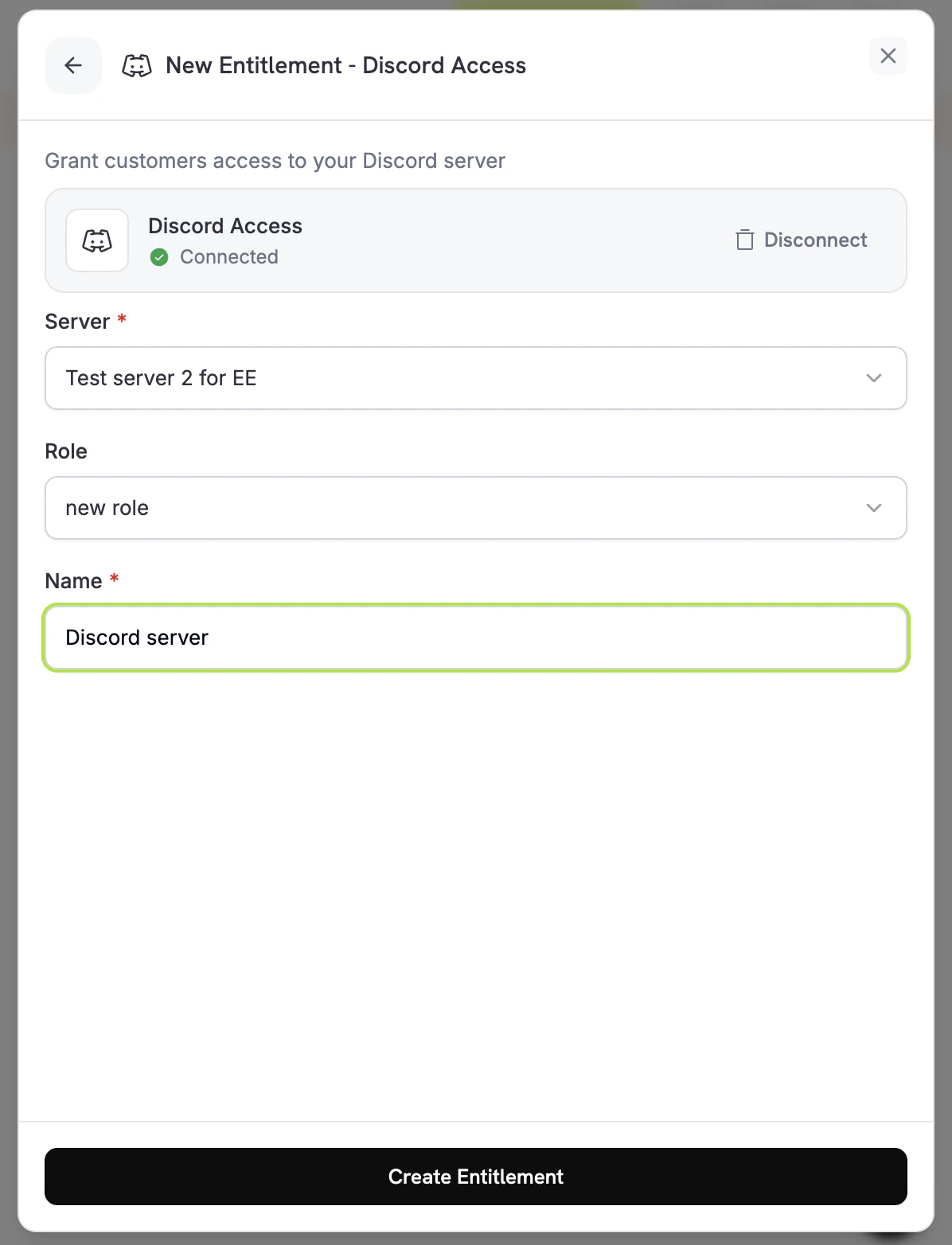
Back in the dashboard, select the Server you connected. To assign a role on delivery, select it under Role. To grant server membership only, leave Role set to No specific role. Enter a Name for the entitlement and click Create Entitlement.
顧客が Discord 上で Dodo Payments を認証します。bot が顧客を server に追加して設定済みの role を割り当て、grant が Delivered に移行します。
grant が取り消されると(subscription がキャンセル、一時停止、保留、または期限切れになった場合、one-time payment が返金された場合、またはお客様が grant を取り消した場合)、bot は role を削除し、顧客を server から削除します。grant は Revoked に移行します。
An authorization link expires 30 minutes after it’s generated. If the customer returns to the Customer Portal after that, Dodo Payments generates a new link. If a customer leaves your server on their own, Dodo Payments revokes their grant with revocation_reason: platform_external.
Place the Dodo Payments bot’s role above the role you grant. Discord doesn’t let a bot assign a role at or above its own highest role. Managed roles, such as bot and integration roles, can’t be assigned.
// client is a *dodopayments.Client, for example from// dodopayments.NewClient(option.WithEnvironmentTestMode()); ctx is a context.Context.client.Entitlements.New(ctx, dodopayments.EntitlementNewParams{ Name: dodopayments.F("Patrons Discord Role"), IntegrationType: dodopayments.F(dodopayments.EntitlementIntegrationTypeDiscord), IntegrationConfig: dodopayments.F[dodopayments.IntegrationConfigUnionParam]( dodopayments.IntegrationConfigDiscordConfigParam{ GuildID: dodopayments.F("123456789012345678"), RoleID: dodopayments.F("987654321098765432"), }, ),})
The grant stays Pending until the customer completes the Discord authorization. Open the entitlement in the dashboard and check the customer’s grant. If it’s still Pending, ask the customer to open the Customer Portal and click Connect on the Discord entitlement.
Grant moves to failed with permission errors
Dodo Payments bot が引き続き server に参加しており、Manage Roles 権限を持ち、割り当て対象の role より上位に配置されていることを確認してください。bot が server から削除されると、Dodo Payments はその server の保留中および配信済みの grant を取り消します。entitlement を再保存しても、確認されるのはその設定のみで、bot の権限は確認されません。権限を修正したら、顧客に Customer Portal を開いて Discord entitlement の Connect をクリックし、grant を再試行するよう依頼してください。
Customer cancelled but still has the role
Revocation removes the role and removes the customer from the server. If the grant shows Revoked but the customer is still in the server, confirm the bot still has the Manage Roles and Kick Members permissions and sits above the role. If the customer’s Discord app still shows the role, ask them to refresh it. The server-side state is the source of truth.