

Notion 权益会将你准备的模板复制到付费客户的 Notion 工作区。客户通过 Notion 授权 Dodo Payments,并选择接收模板的工作区,然后由 Dodo Payments 创建副本。
交付内容
- 客户从 Customer Portal 连接其 Notion 工作区。付款确认电子邮件会将该权益标记为 Action Required,并提供指向门户的链接。
- 完成授权后,Dodo Payments 会将配置的模板复制到客户在授权期间共享的页面中,该页面位于客户选择的工作区内。
- 撤销授权后,副本仍会保留在客户的工作区中。Dodo Payments 会将授权标记为
Revoked以供记录,并且不会删除副本。
连接 Notion
1
Open Entitlements
在 Dodo Payments 控制面板中,前往 Entitlements,然后点击 +。
2
Pick Notion
选择 Notion Template 作为集成。如果尚未连接 Notion,请点击 Connect Notion。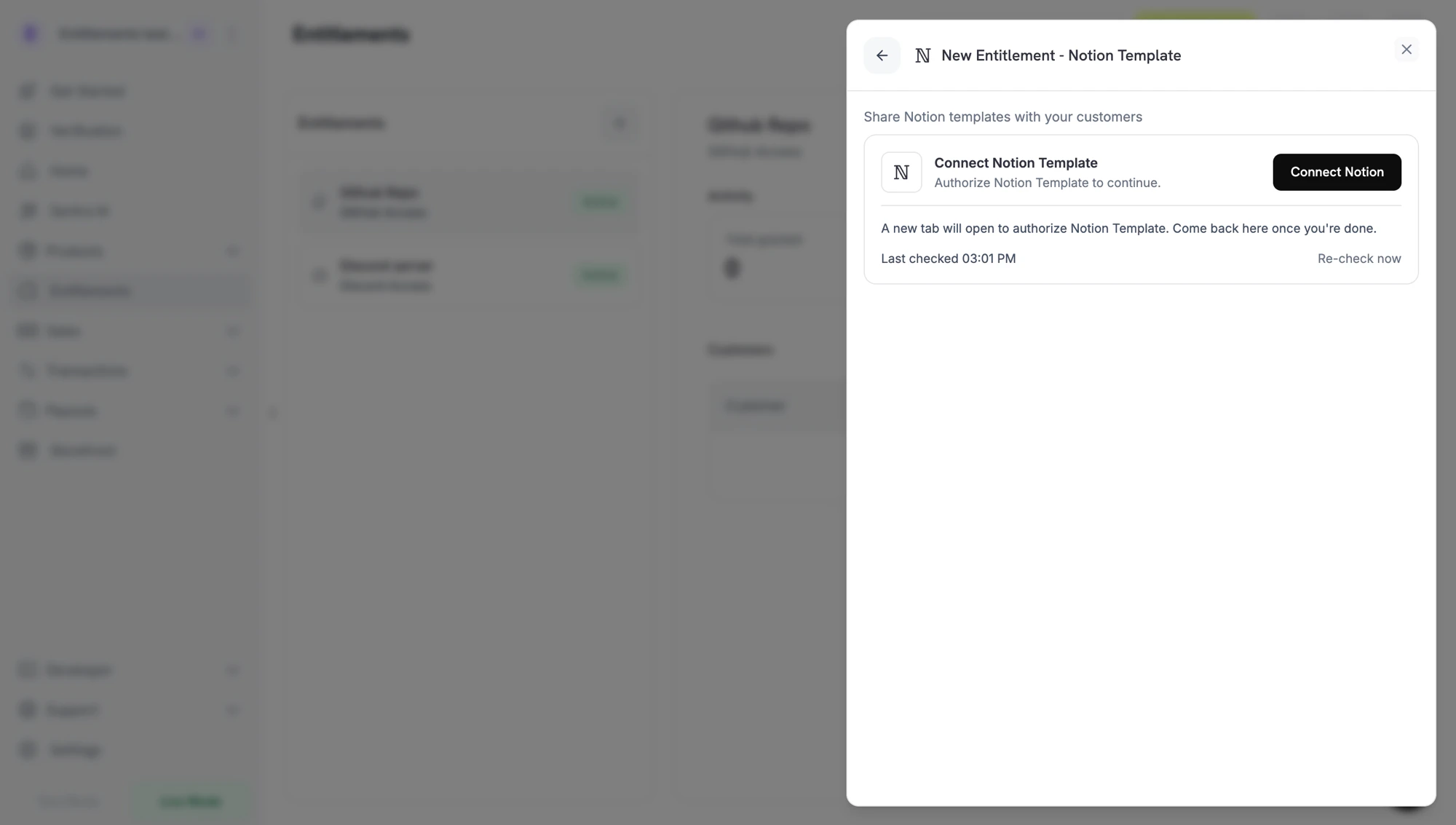
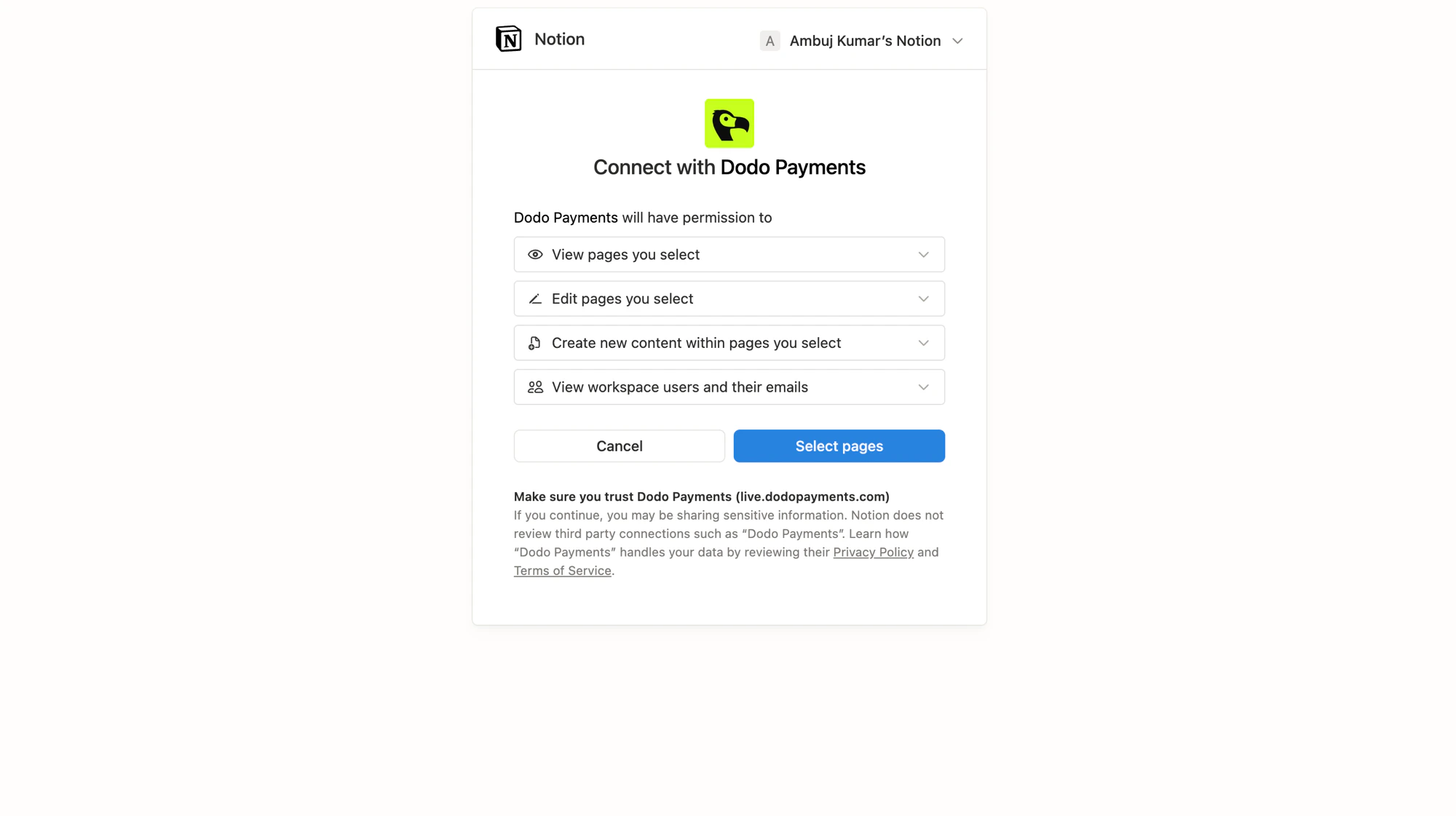
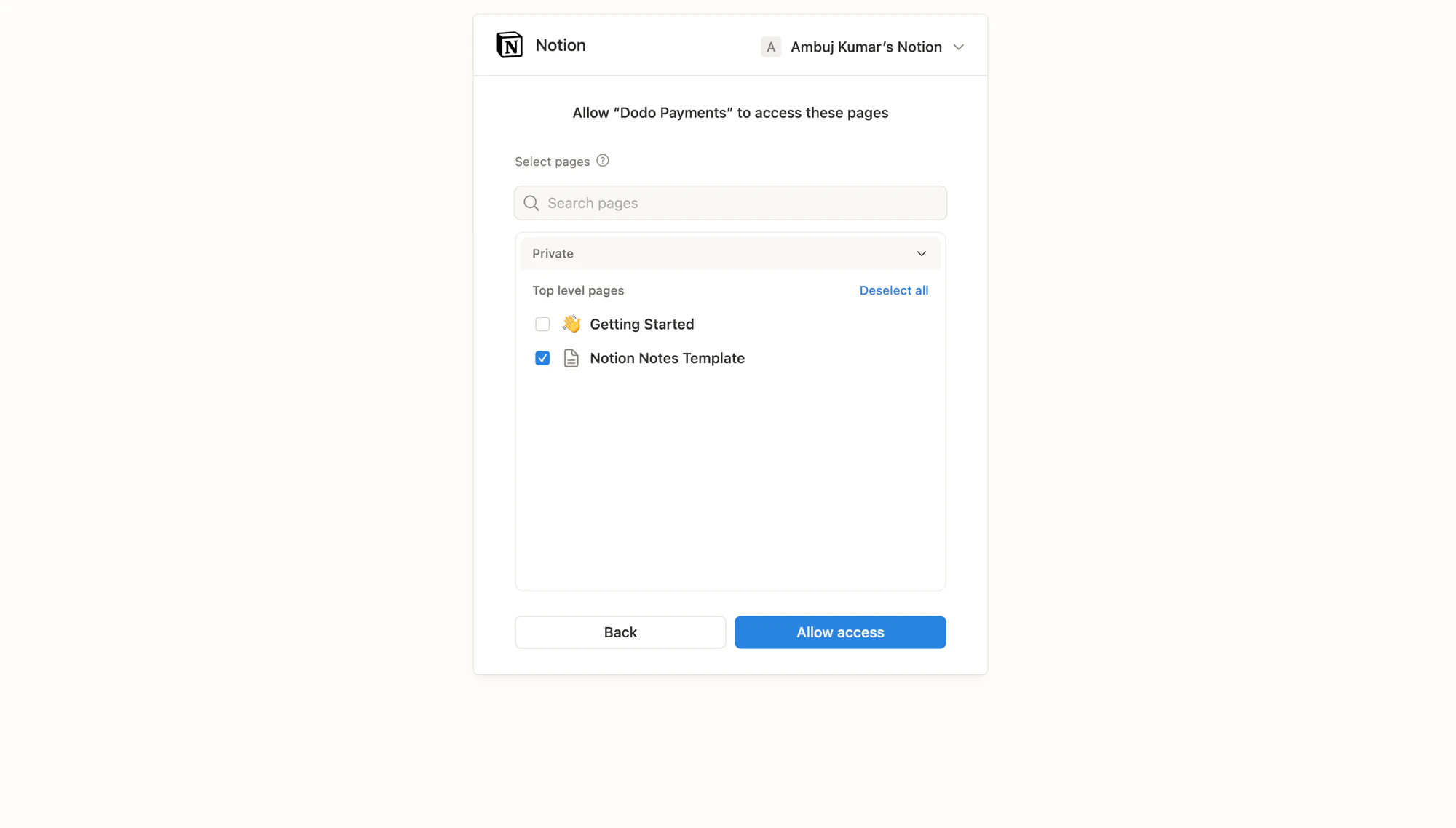
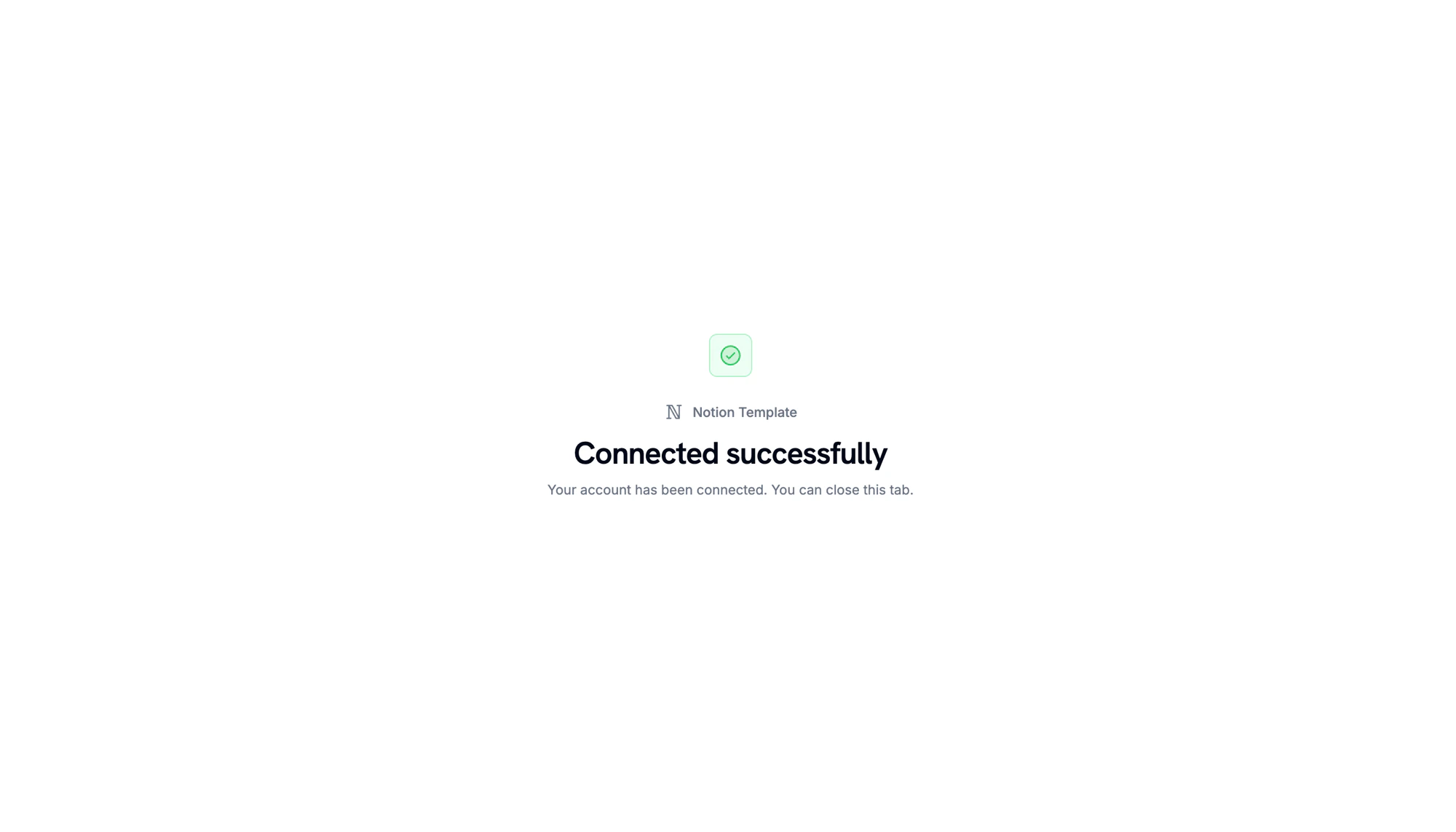
Connect Notion prompt before the OAuth handoff.
Notion OAuth: review the permissions Dodo Payments requests.
Notion OAuth: pick the template pages to share.
Workspace connected. Return to the Dodo Payments dashboard to continue.
3
Pick a Template
返回控制面板后,在 Template 下选择要复制的模板。此处仅会显示你在上一步共享的页面。为权益输入 Name,然后点击 Create Entitlement。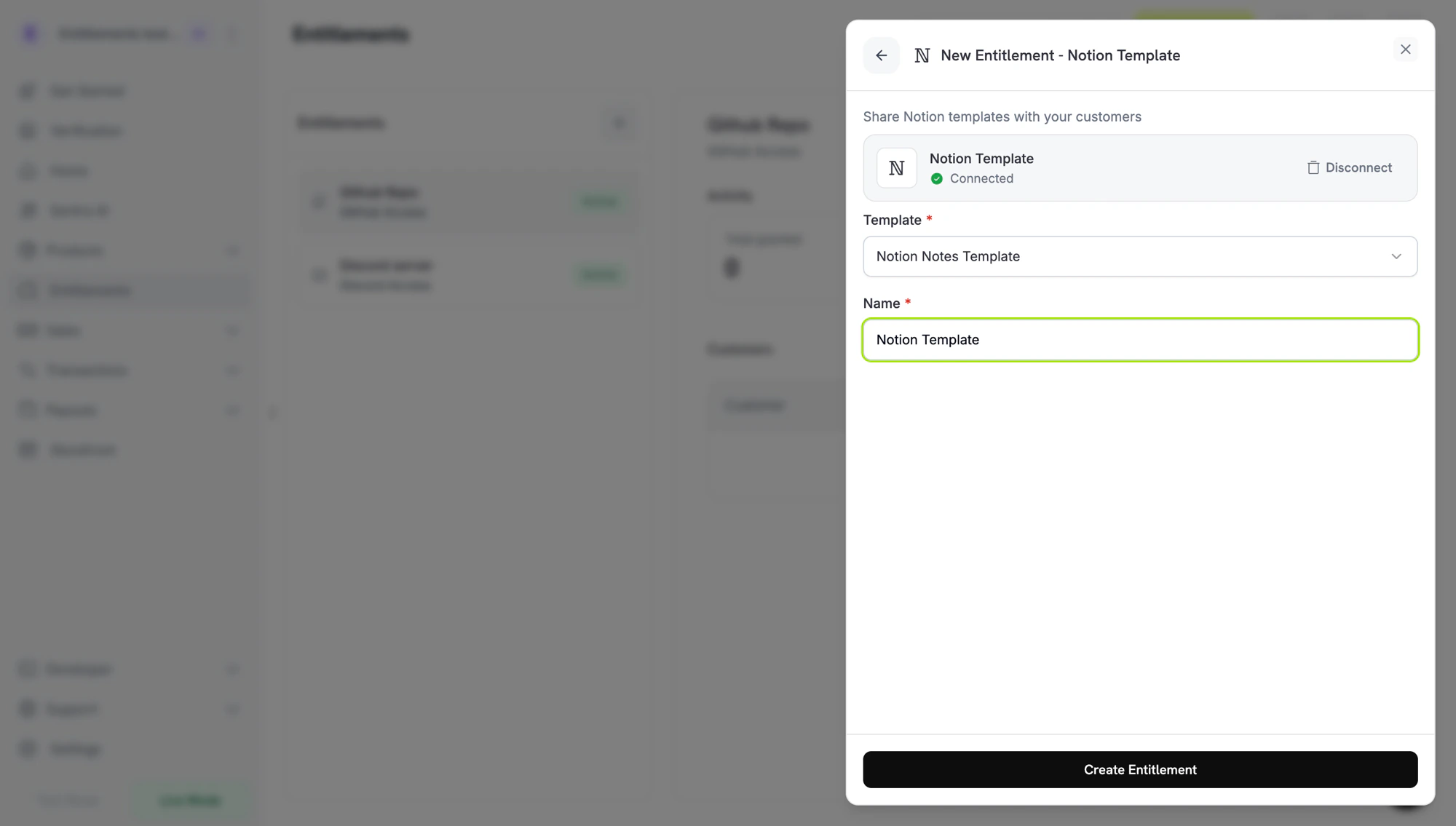
4
Attach It to a Product
将权益关联到任意产品。请参阅将权益关联到产品。
客户流程
- 客户完成结账。
- Dodo Payments 创建一个处于
Pending状态的授权记录。Dodo Payments 会立即尝试创建 Notion 授权 URL,并将其存储在oauth_url中。如果失败,oauth_url会保持为null,直到客户开始接受流程。 - 在 Customer Portal 中,客户点击权益上的 Connect,通过 Notion 授权,选择接收模板的工作区,并至少与 Dodo Payments 共享一个页面。
- Dodo Payments 将模板复制到该工作区中的共享页面。授权记录变为
Delivered。 - 撤销授权后,授权记录会标记为
Revoked,副本仍保留在客户的工作区中。
撤销不会删除副本。副本位于客户的工作区中,Dodo Payments 的撤销流程只会将授权标记为
Revoked。必需配置
通过 API 创建
Webhooks
entitlement_grant.* webhook 事件涵盖 Notion 流程:
entitlement_grant.created会以status: "Pending"触发。oauth_url可能已经包含 Notion 授权 URL。如果其值为null,则会在客户从 Customer Portal 开始接受流程后填充。- 模板复制完成后,
entitlement_grant.delivered会触发。 - 取消时,
entitlement_grant.revoked会触发。客户的副本不会受到影响。
故障排除
Customer didn't get the template
Customer didn't get the template
在客户完成 Notion 授权之前,授权会保持
Pending 状态。请让客户打开 Customer Portal 并点击 Connect。每个授权链接会在生成 30 分钟后过期,客户返回时,Customer Portal 会生成新的授权链接。在授权期间,客户必须至少共享一个页面,因为 Dodo Payments 会在共享页面内创建副本。Template picker is empty
Template picker is empty
在权益表单中,点击 Notion 卡片上的 Disconnect,然后点击 Connect Notion,使用拥有源模板的工作区重新连接。在授权期间共享模板页面。
Customer wants the template removed after refund
Customer wants the template removed after refund
Dodo Payments 撤销授权时不会删除副本。客户必须从自己的工作区中删除副本。