

Pendahuluan
Sinkronkan data pembayaran Anda langsung ke HubSpot CRM. Buat kontak dari pembayaran yang berhasil, lacak siklus hidup langganan, dan bangun profil pelanggan yang komprehensif—semuanya dipicu secara otomatis oleh peristiwa Dodo Payments.Integrasi ini memerlukan akses admin HubSpot untuk mengonfigurasi cakupan OAuth dan izin API.
Memulai
1
Open the Webhook Section
Di dasbor Dodo Payments Anda, pergi ke Webhooks → + Tambah Endpoint dan perluas dropdown integrasi.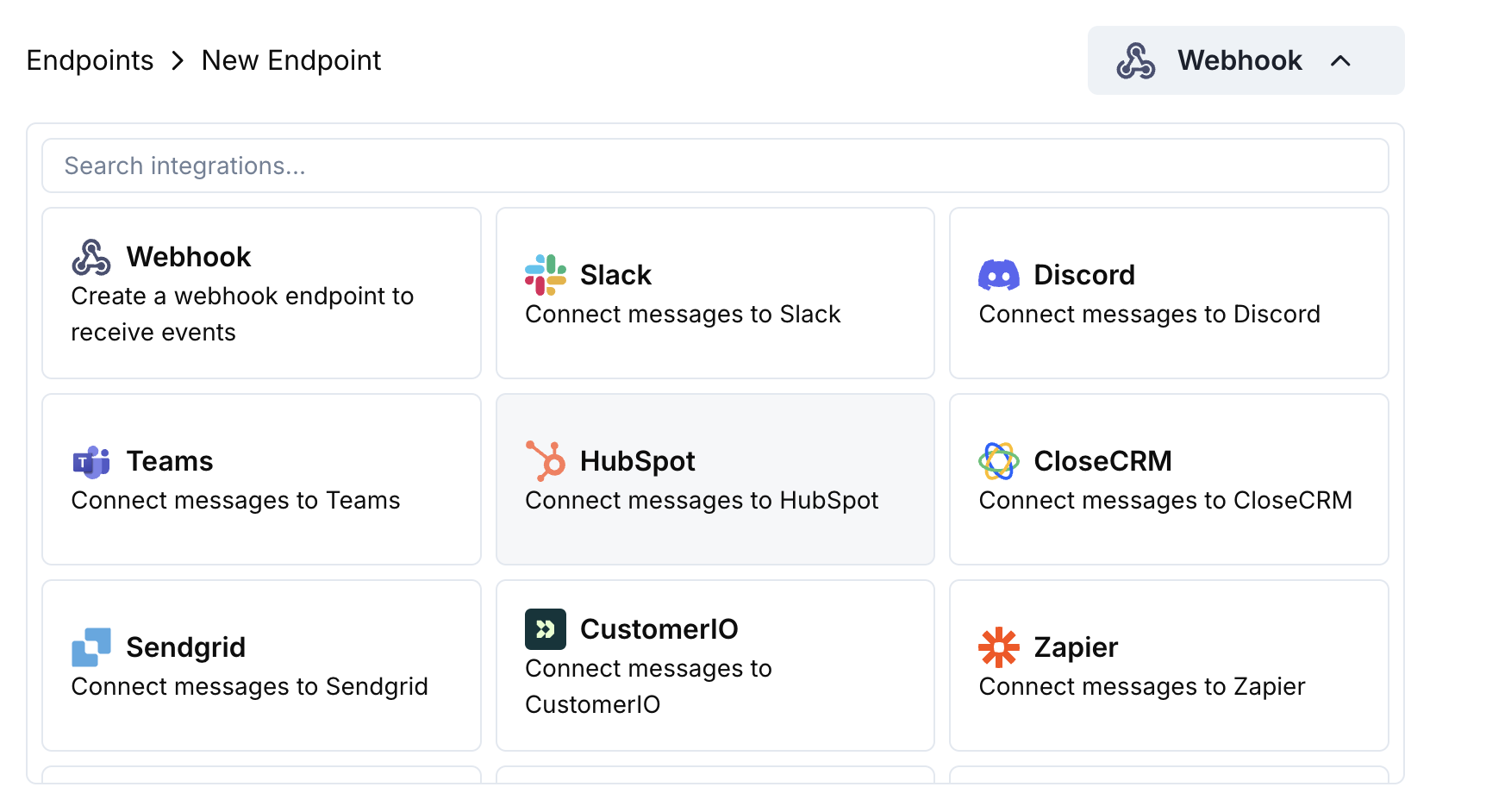
2
Select HubSpot
Pilih kartu integrasi HubSpot.
3
Connect HubSpot
Klik Connect to HubSpot dan otorisasi cakupan OAuth yang diperlukan.
4
Configure Transformation
Edit kode transformasi untuk memetakan data pembayaran ke objek CRM HubSpot.
5
Test & Create
Uji dengan payload sampel dan klik Create untuk mengaktifkan sinkronisasi.
6
Done!
🎉 Event pembayaran sekarang akan secara otomatis membuat/memperbarui catatan di CRM HubSpot Anda.
Contoh Kode Transformasi
Buat Kontak dari Pembayaran
create_contact.js
Perbarui Kontak dengan Langganan
update_contact.js
Buat Kesepakatan dari Pembayaran
create_deal.js
Tips
- Gunakan penjelajah API HubSpot untuk menguji pembuatan objek
- Pemetaan jumlah pembayaran ke bidang mata uang HubSpot
- Sertakan ID pelanggan untuk asosiasi yang tepat
- Atur tahap kesepakatan yang sesuai berdasarkan status pembayaran
Pemecahan Masalah
Records not created in HubSpot
Records not created in HubSpot
- Verifikasi cakupan OAuth mencakup izin tulis
- Periksa bahwa properti HubSpot yang diperlukan ada
- Pastikan email pelanggan valid dan unik
- Tinjau batas laju API HubSpot
Transformation errors
Transformation errors
- Validasi struktur JSON sesuai format API HubSpot
- Periksa bahwa semua properti yang diperlukan disertakan
- Pastikan nama properti cocok persis dengan nama bidang HubSpot