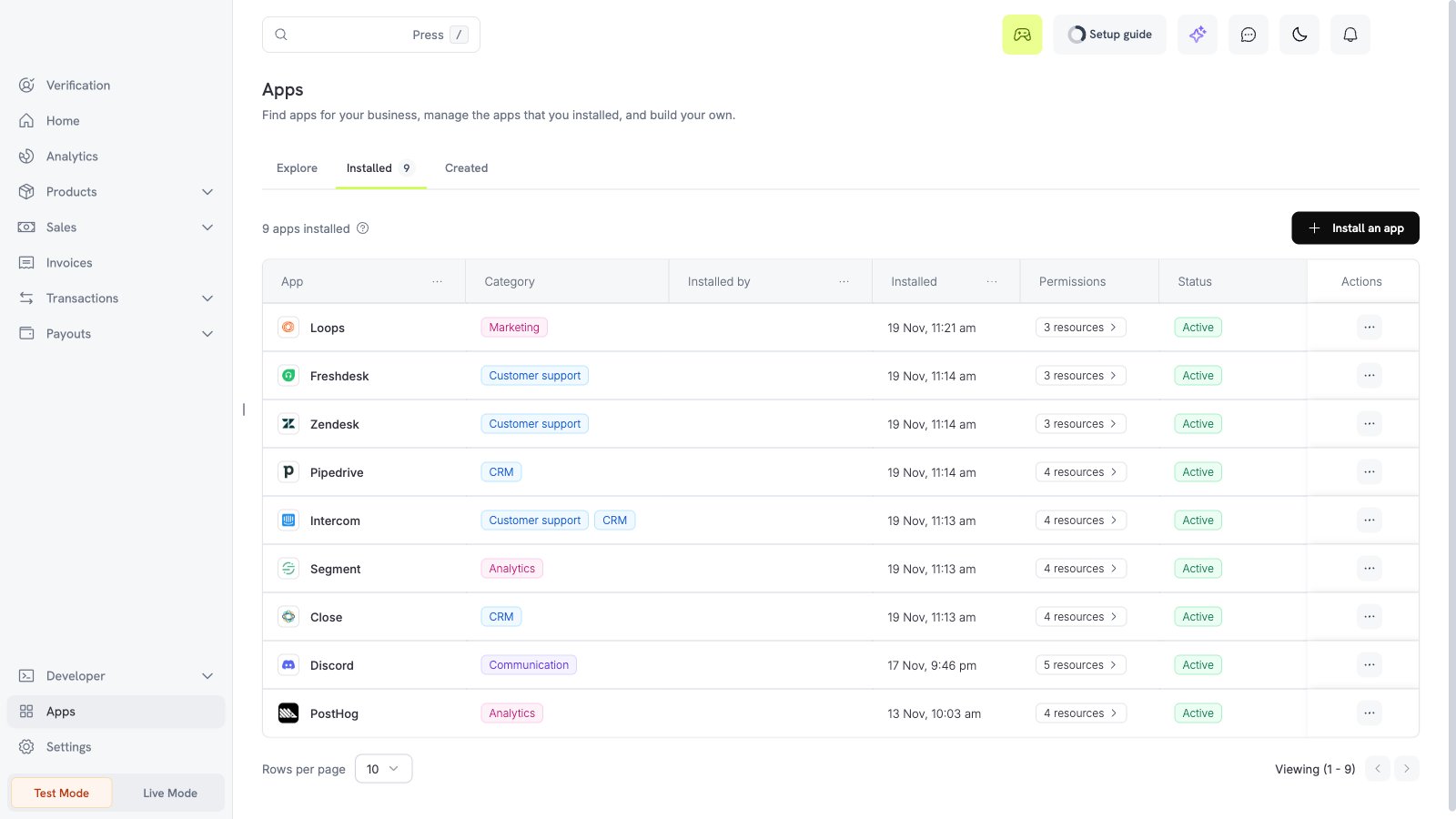
What the Discord app does
The Discord app posts a message to one Discord channel when an event occurs in your Dodo Payments business. You select the events and the filters.To send events to Discord through your webhook endpoint and your transformation code, use the Discord webhook connector.
Before you start
- You are an owner or an admin of the Dodo Payments business.
- You have a Discord account that can add a webhook to the server and the channel that you want to use.
Install, connect, and configure
1
Install the app
Open Apps, then Explore. Open Discord (publisher Dodo Payments) and select Install app.
2
Connect Discord
Select Connect. Select Continue to Discord. A Discord page opens in a new window. Dodo Payments does not see your Discord password. The app asks only for the permission webhook.incoming.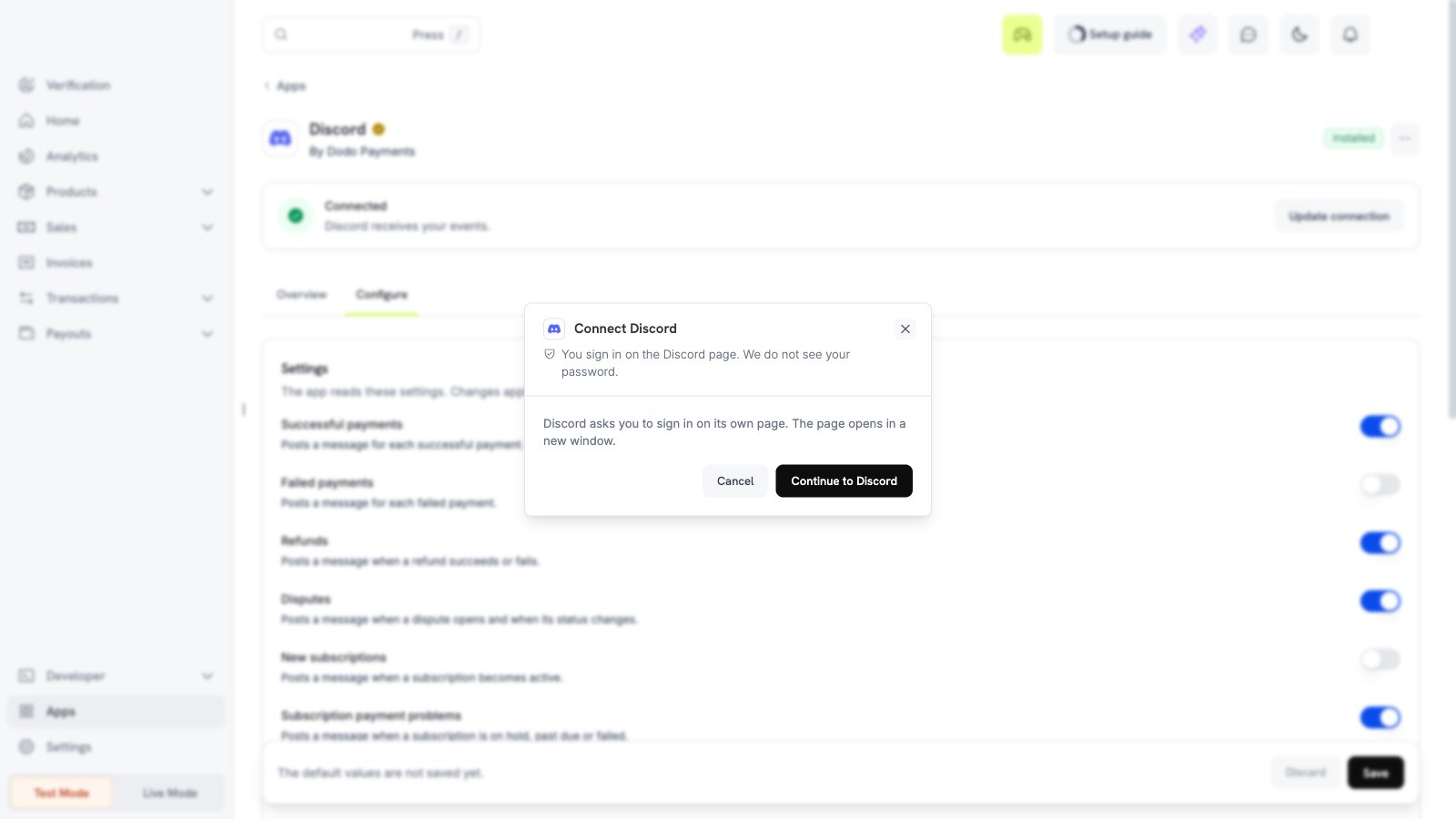
3
Choose the alerts
Open the Configure tab. Turn on the alerts that you need.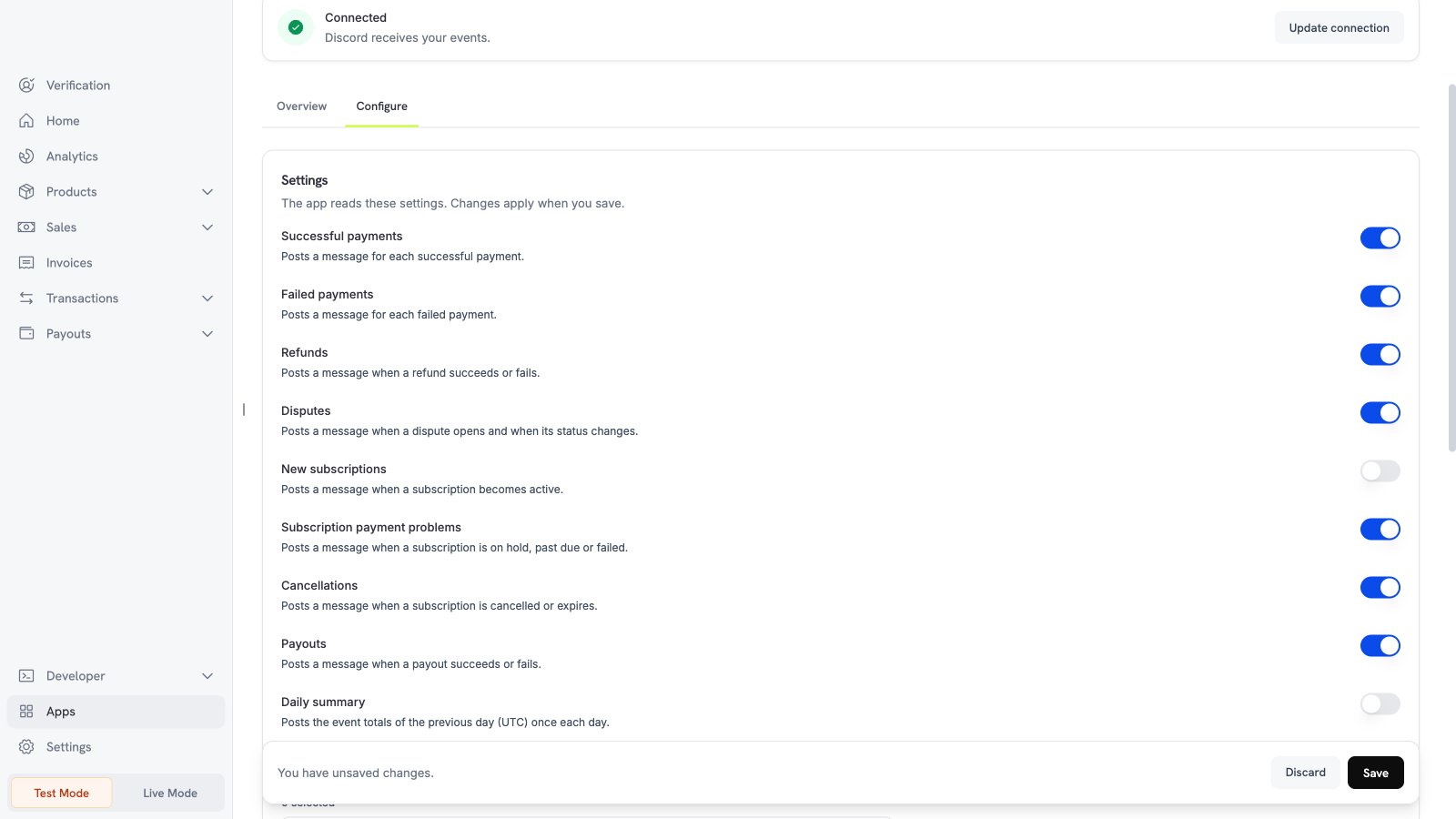
4
Set the filters and save
Scroll down. Select the products and currencies, and enter a minimum amount if you need one. Then select Save.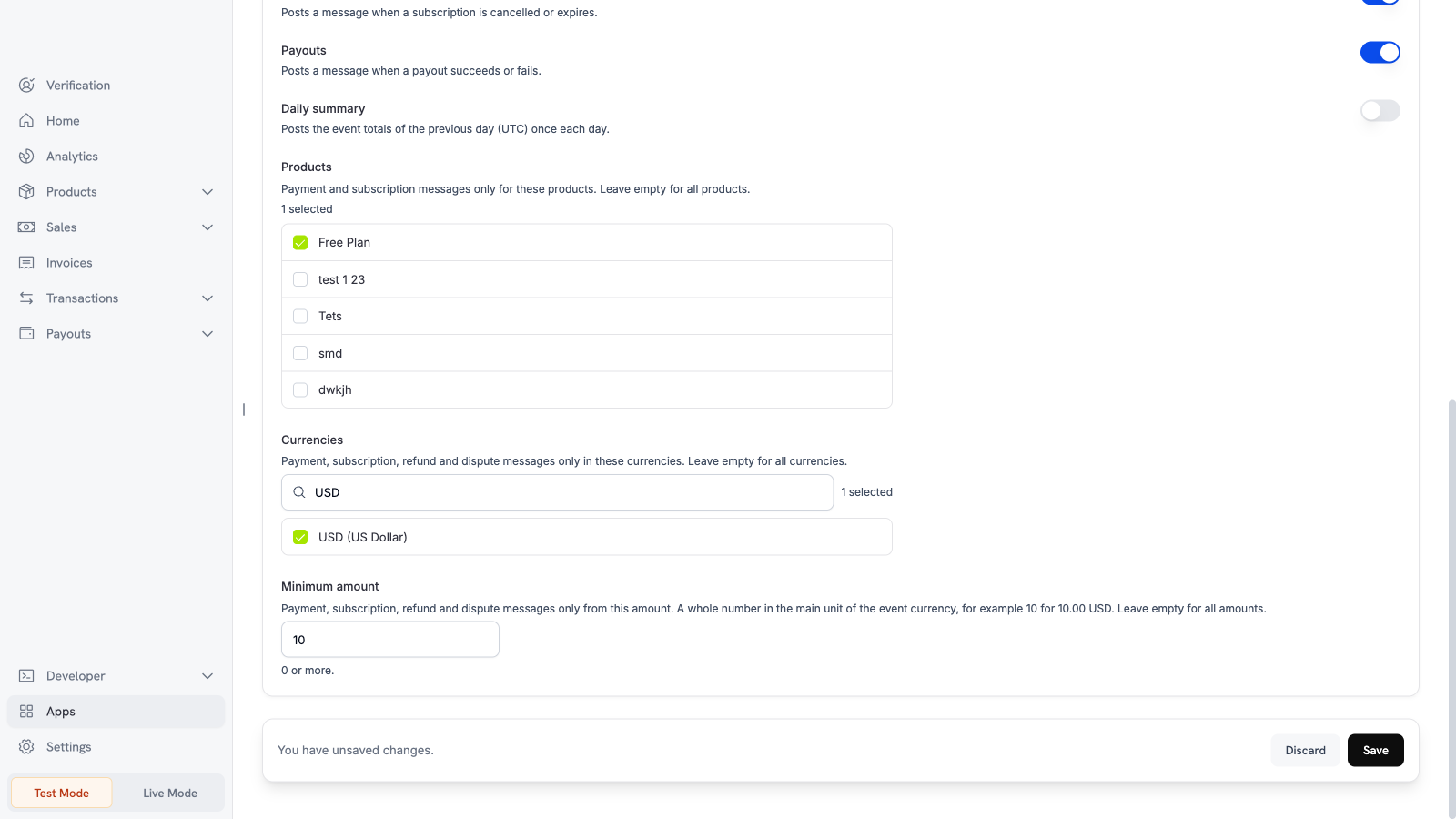
Settings
What is sent and when
Dodo Payments posts a message after the event occurs. Each message shows the event type, the amount in the major unit, and the currency code. It can also show the customer email (or the customer ID), the product names, the ID of the object, the dispute status, and the dispute reason. The messages contain no card data, no address, and no customer name. Test mode and live mode use different connections. To use a different channel, connect the app again. Discord has no duplicate check for a message. In rare cases, a retry can post the same message two times.Test the app
1
Use test mode
Install and connect the app in test mode. Turn on Successful payments.
2
Make a test payment
Create a test payment.
3
Check Discord
Open the channel that you selected. A payment message appears.
Troubleshooting
Disconnect and uninstall
Turn off the alerts on the Configure tab to stop the messages. Uninstall the app to delete the Discord connection. See Manage and uninstall.