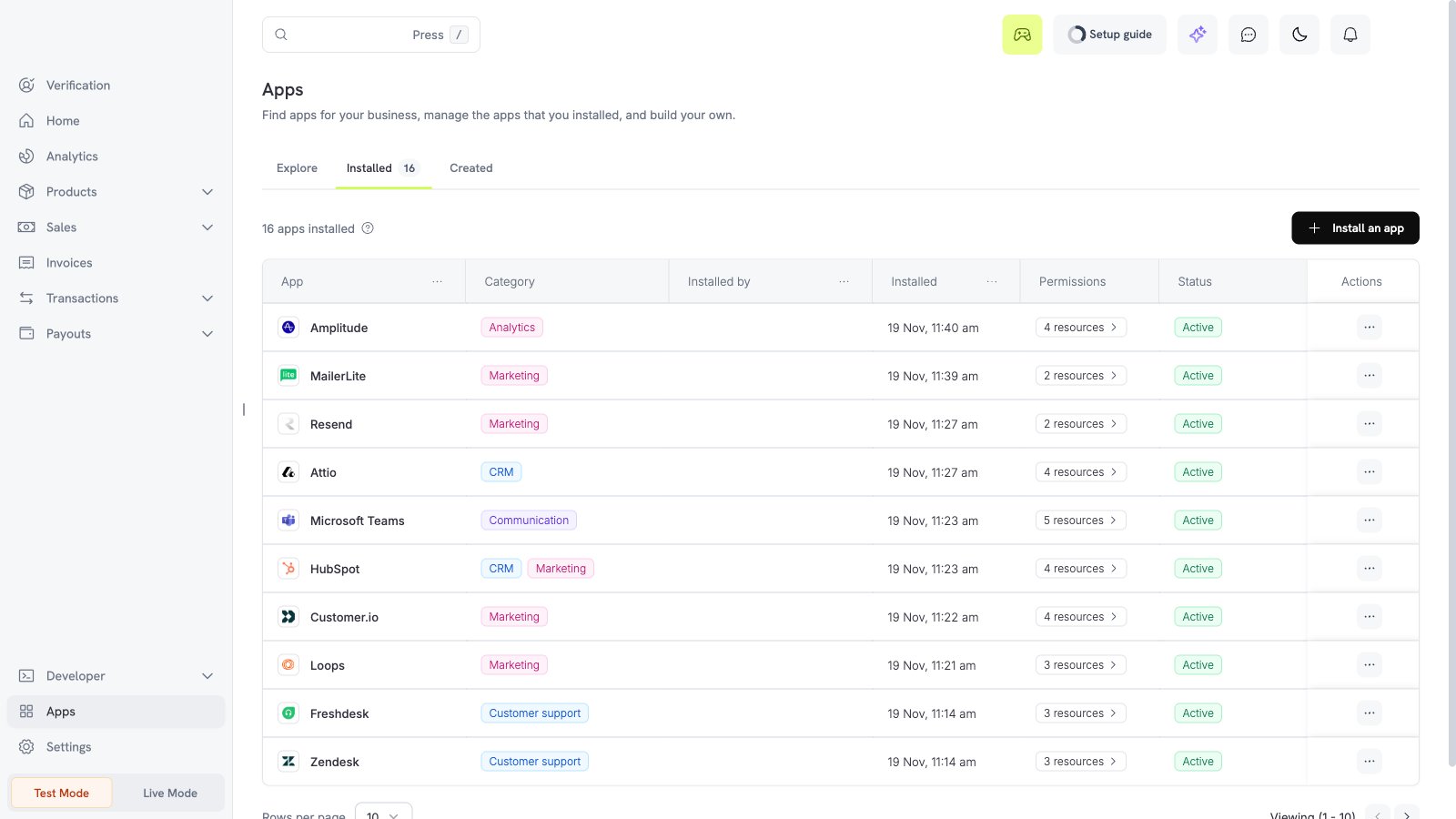
What the Amplitude app does
The Amplitude app sends events from your business to Amplitude. Each event has a name likedodo_payment_succeeded. You select the events and the filters.
Before you start
- You are an owner or an admin of the Dodo Payments business.
- You have an Amplitude project and its API key.
Install, connect, and configure
1
Install the app
Open Apps, then Explore. Open Amplitude (publisher Dodo Payments) and select Install app.
2
Connect Amplitude
Select Connect. Enter the Region: leave it empty for the US, or enter 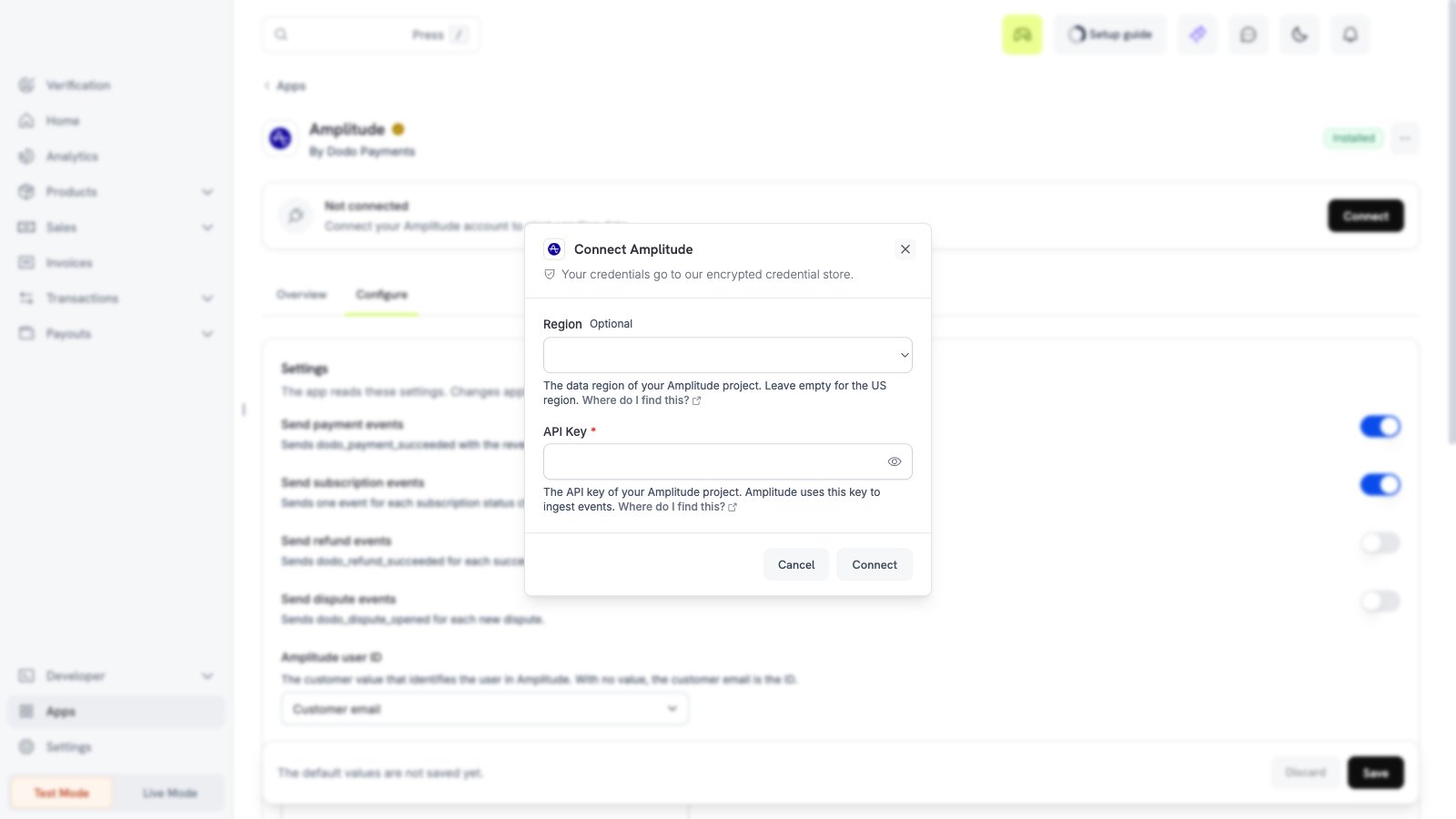
eu for the EU. Paste the API key of your Amplitude project. Find it in the project settings in Amplitude. Then select Connect. Dodo Payments sends the event dodo_payments_connected one time.3
Choose the events
Open the Configure tab. Turn on the events that you need.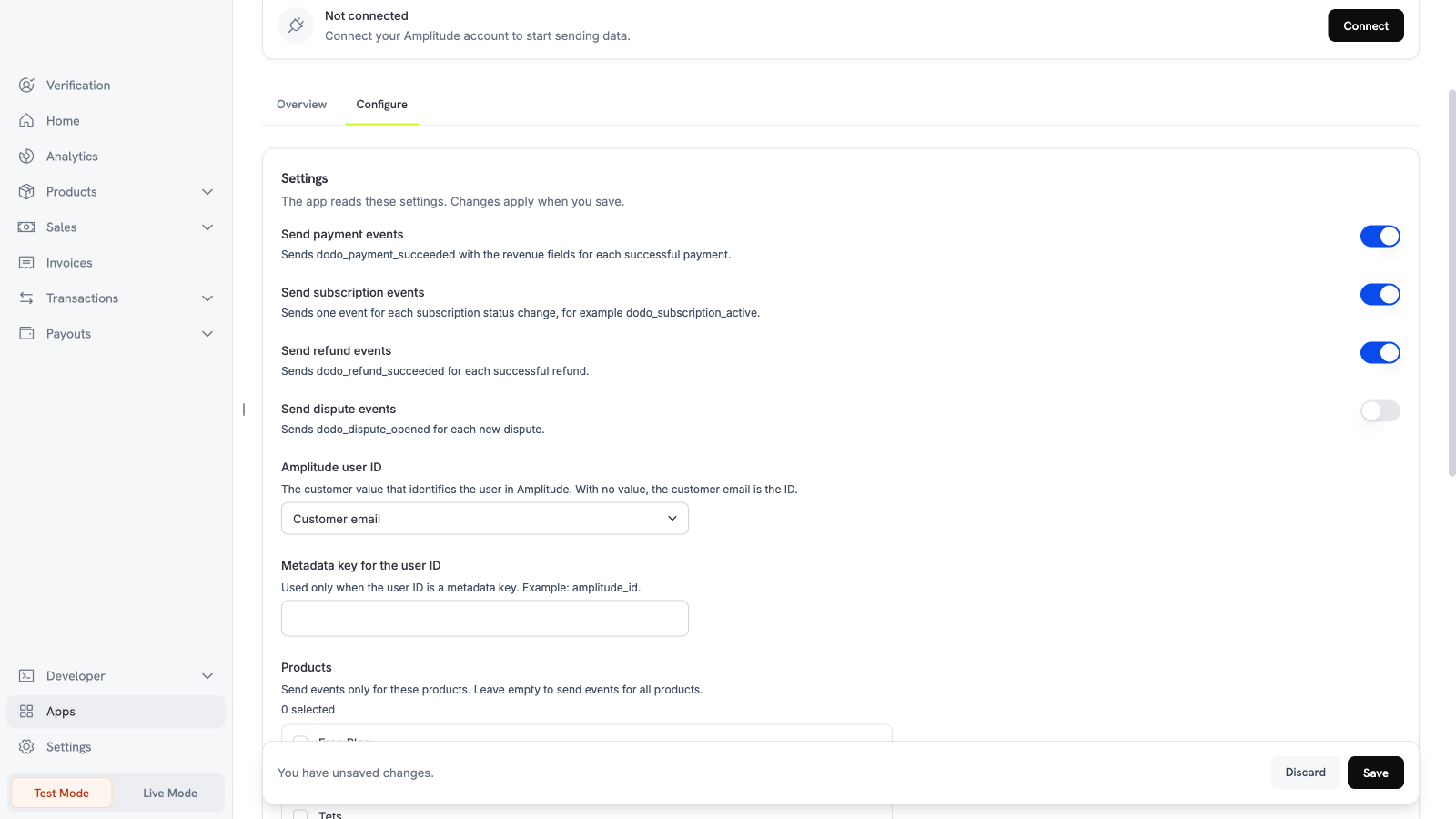
4
Set the filters and save
Scroll down. Select the products and currencies, and enter a minimum amount if you need one. Then select Save.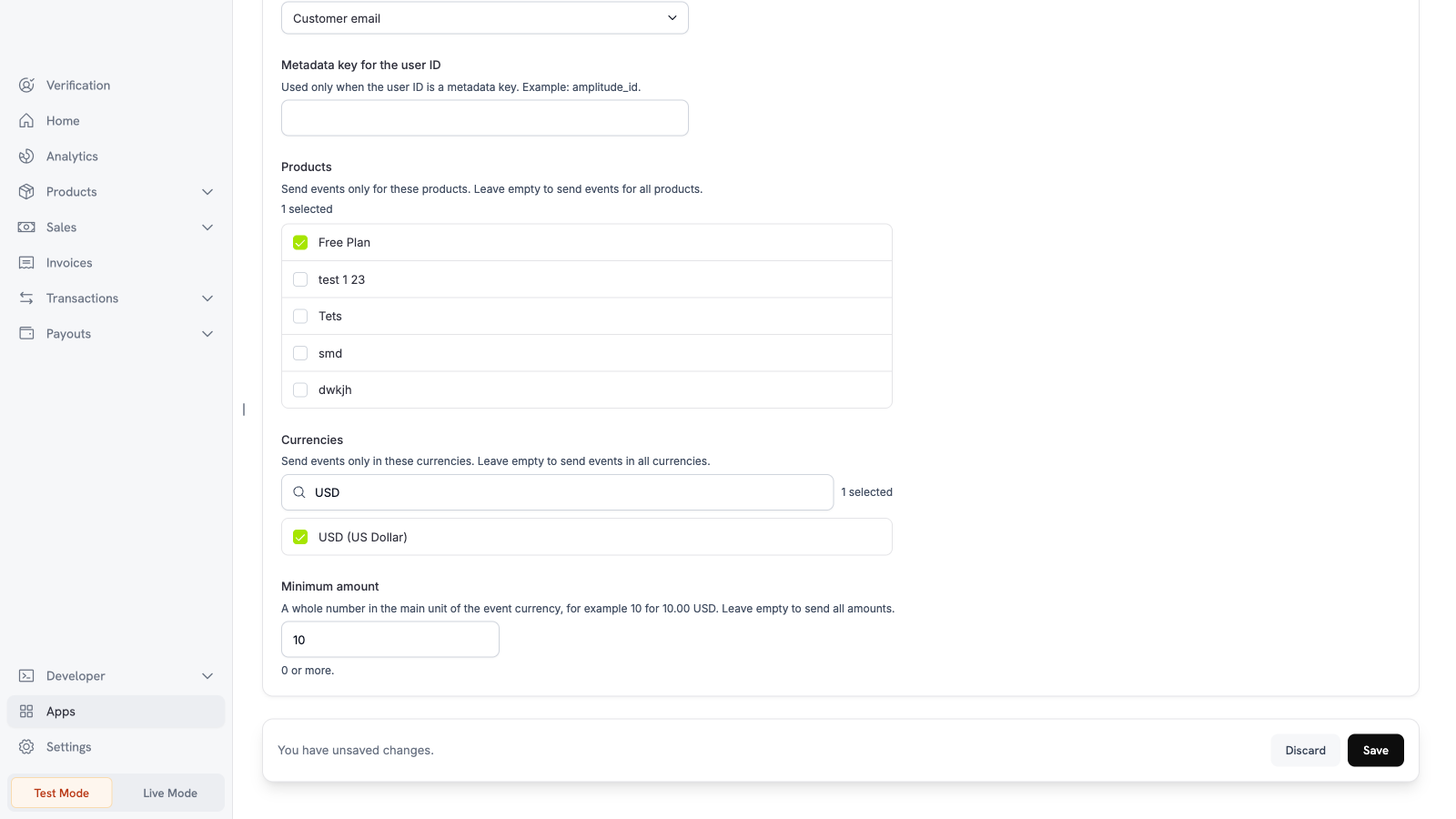
Settings
What is sent and when
Dodo Payments sends one Amplitude event for each Dodo Payments event, after the event happens. The user ID of each event is the customer email, unless you select a different value. A payment event also sends the revenue fields: price, revenue, quantity, currency, revenue type, and the first product. The event properties are the object ID, the customer ID, the product IDs, the amount, the currency code, the status, and the mode. The events contain no card data, no address, and no customer name. The app sends no IP address, so Amplitude does not find a location. Each event has a fixed ID, so a retry does not add a copy. Amplitude drops a repeated event for 7 days only. A retry after that time can add a copy.Test the app
1
Use test mode
Install and connect the app in test mode. Turn on Send payment events.
2
Make a test payment
Create a test payment.
3
Check Amplitude
Open the live event view of your Amplitude project. A
dodo_payment_succeeded event appears.Troubleshooting
Disconnect and uninstall
Turn off the events on the Configure tab to stop sending data. Uninstall the app to delete the Amplitude connection. See Manage and uninstall.