

What the Attio app does
The Attio app creates or updates an Attio person for each customer. It also adds a note to the person for each payment, refund, and dispute. The app does not make deals and has no map from a product to a list.Before you start
- You are an owner or an admin of the Dodo Payments business.
- You have an Attio workspace and you can make an access token.
Install, connect, and configure
1
Install the app
Open Apps, then Explore. Open Attio (publisher Dodo Payments) and select Install app.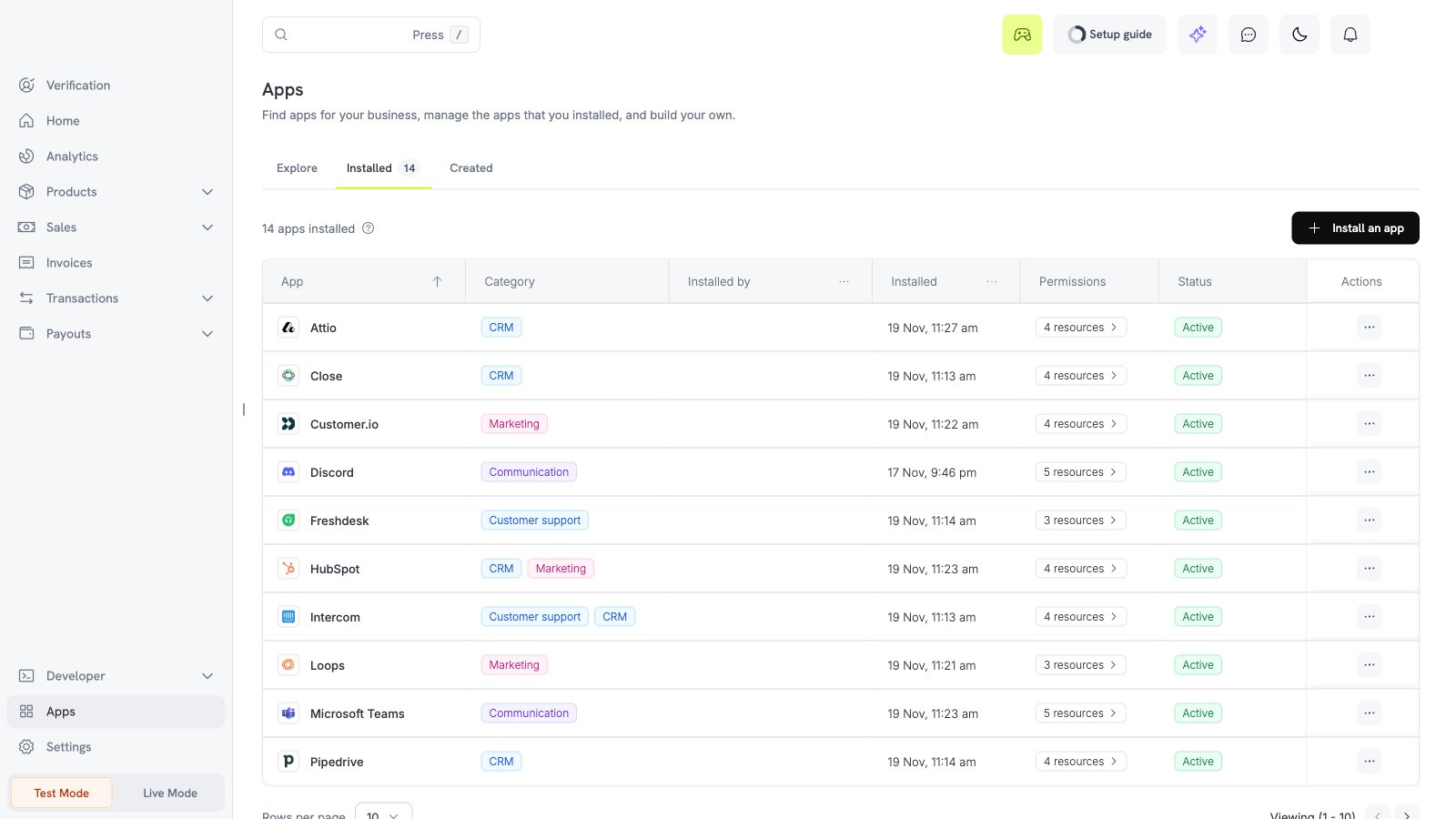
2
Connect Attio
Select Connect. In Attio, open Workspace settings, then Developers. Make an access token with the scopes 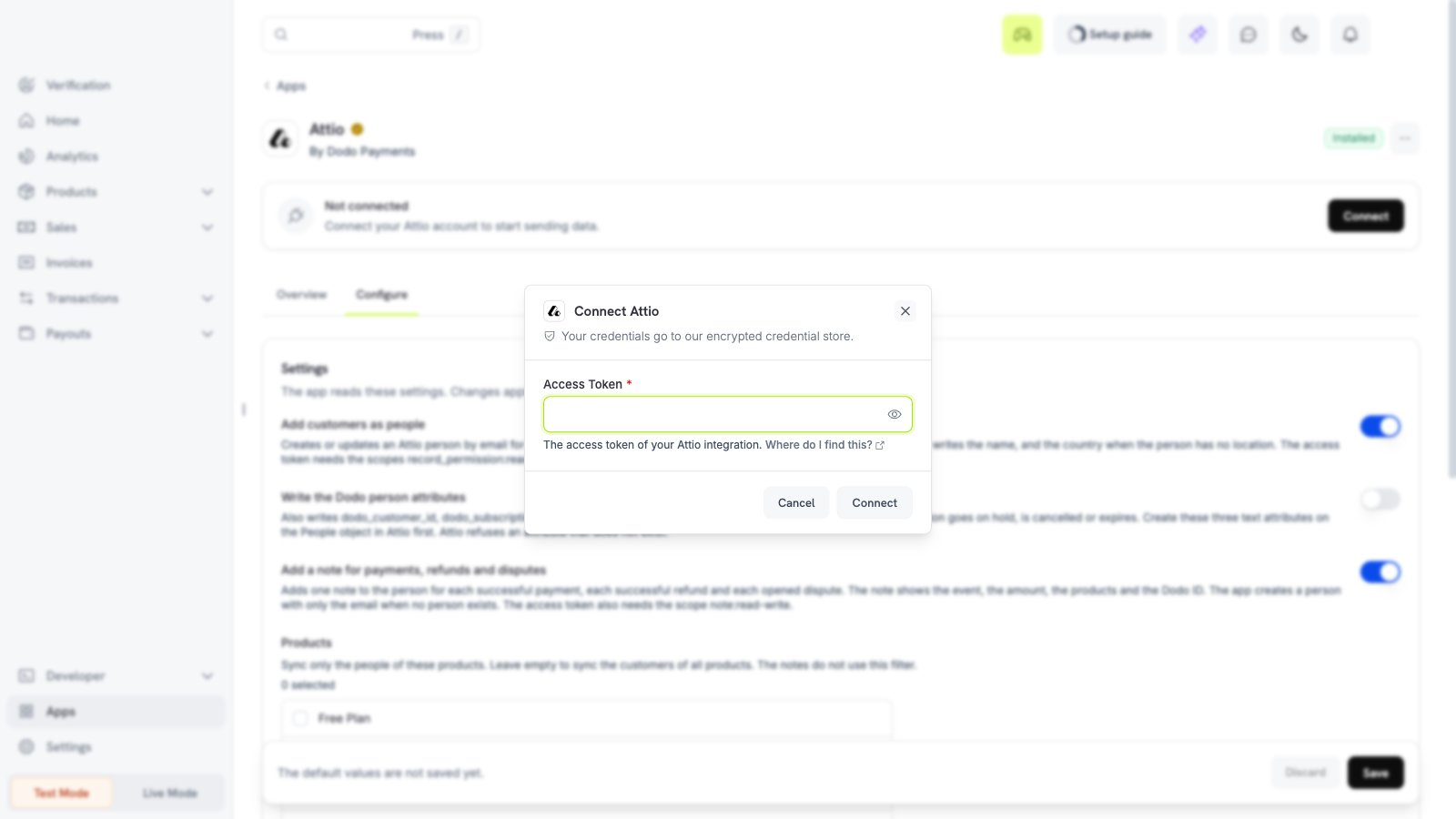
record_permission:read-write, object_configuration:read, and note:read-write. Enter the token in the Access Token field, then select Connect.3
Choose the settings
Open the Configure tab, set the options, and select Save.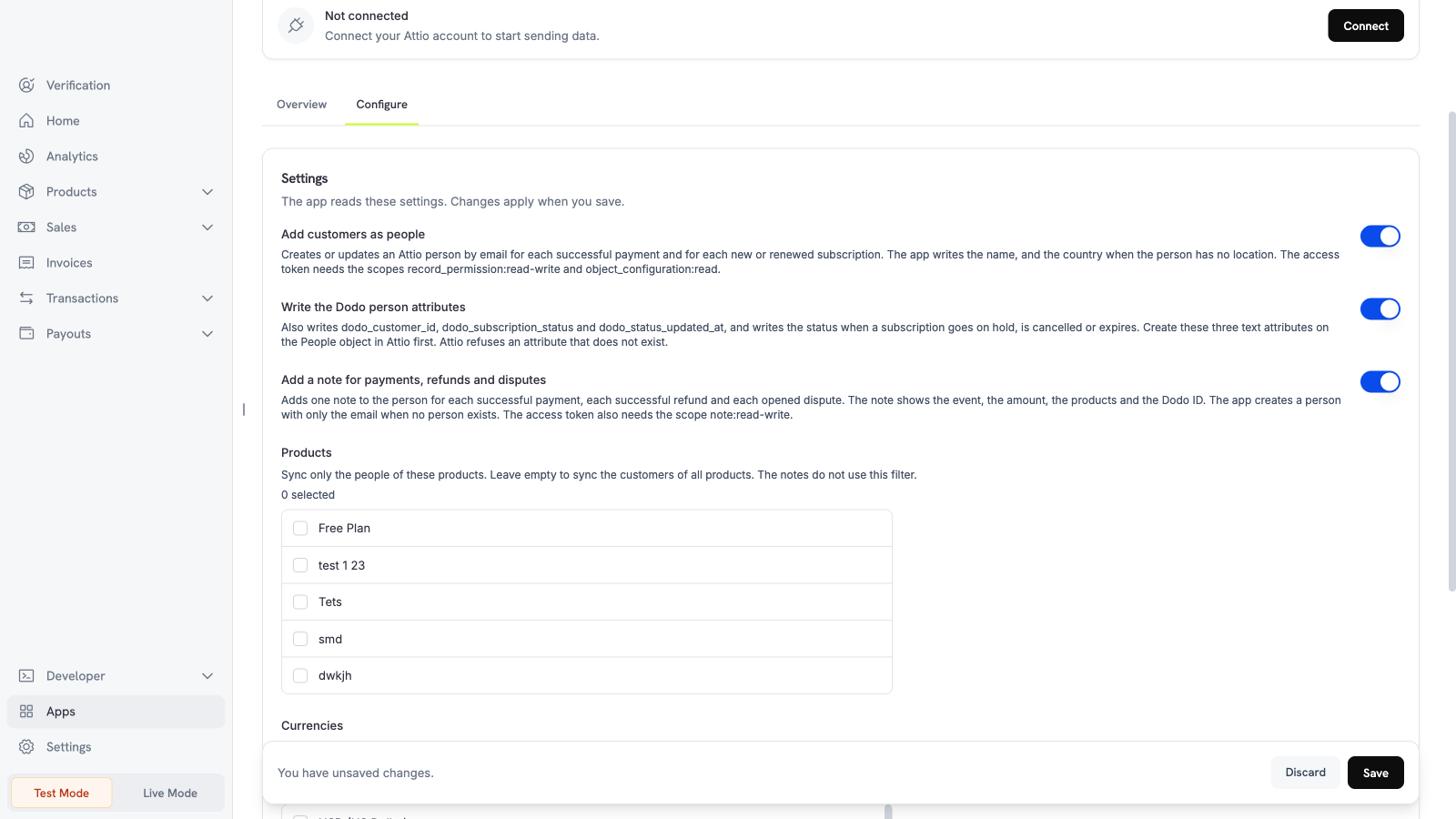
4
Make the person attributes (optional)
To use Write the Dodo person attributes, make three text attributes on the People object in Attio:
dodo_customer_id, dodo_subscription_status, and dodo_status_updated_at. Attio refuses an attribute that does not exist.5
Pick the filters
Pick the products and currencies, then select Save.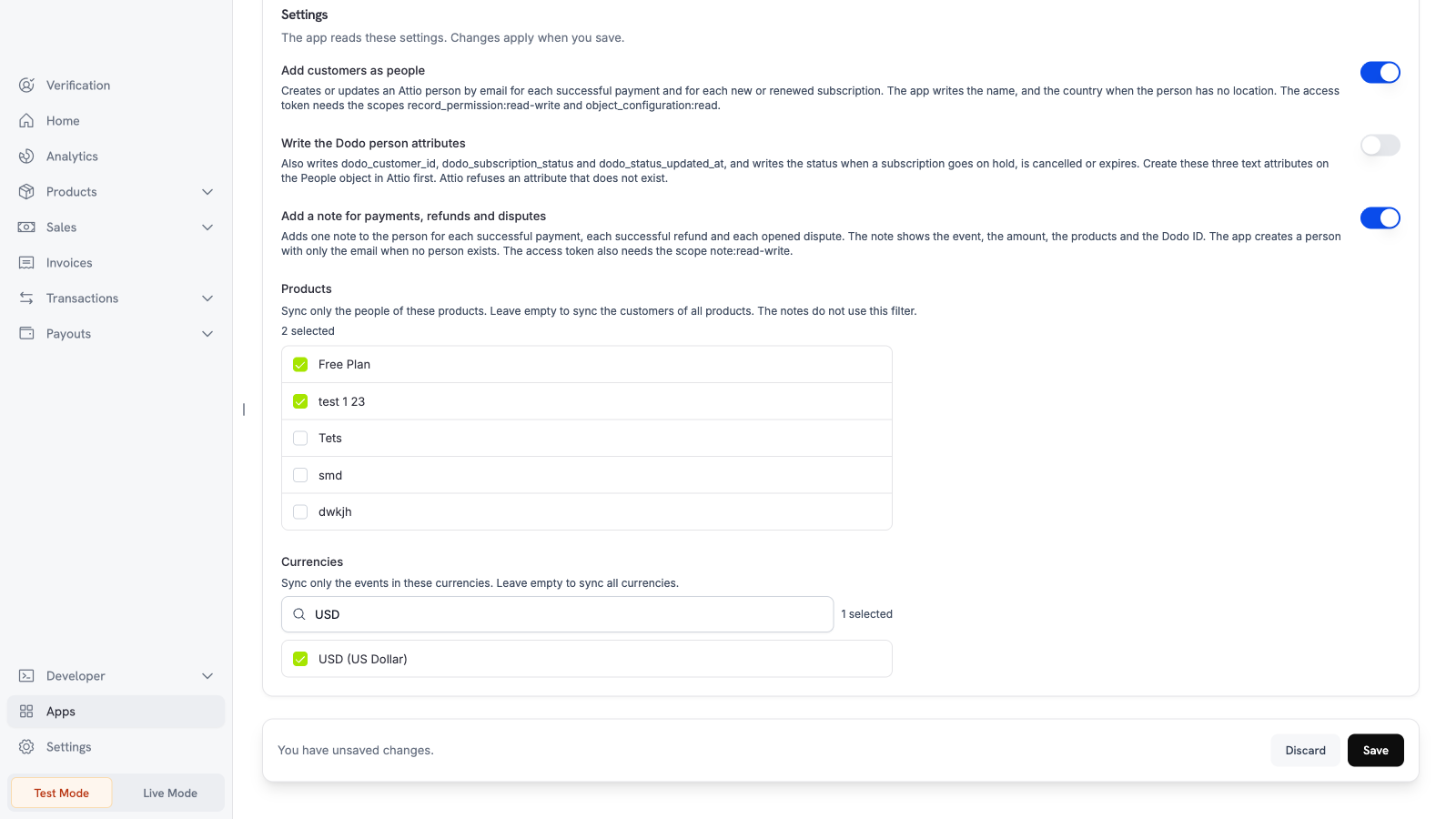
Settings
What is sent and when
Dodo Payments sends data after the Dodo Payments event happens. The app sends the email address, the name, and the billing country code of the customer. With Write the Dodo person attributes on, it also sends the customer ID, the subscription status, and the time. A note shows the event, the amount in the major unit with the currency code, the product names, and the Dodo ID. The app sends no card data and no street address. When no person exists, the app creates a person with only the email for a note. The app updates the name of an existing person at each payment. A name that you changed in Attio changes back to the name in Dodo Payments. For a person with more than 2000 notes, a retry can add a second note.Test the app
1
Use test mode
Install and connect the app in test mode.
2
Make a test payment
Create a test payment with a test customer email.
3
Check Attio
Open People in Attio. The test customer appears. If notes are on, the person has a note for the payment.