> ## Documentation Index
> Fetch the complete documentation index at: https://docs.dodopayments.com/llms.txt
> Use this file to discover all available pages before exploring further.
# セグメント
> Dodo Paymentsのイベントをセグメントに送信して、分析および顧客データプラットフォームの統合を行います。
## はじめに
セグメントでの支払いイベントを追跡し、分析、マーケティングオートメーション、顧客データプラットフォームを強化します。支払い、サブスクリプション、顧客ライフサイクルイベントを300以上の下流ツールに自動的に送信します。
この統合にはSegmentワークスペースからのSegment Write Keyが必要です。
## 始め方
Dodo Paymentsのダッシュボードで、Webhooks → + エンドポイントを追加に移動し、統合のドロップダウンを展開します。
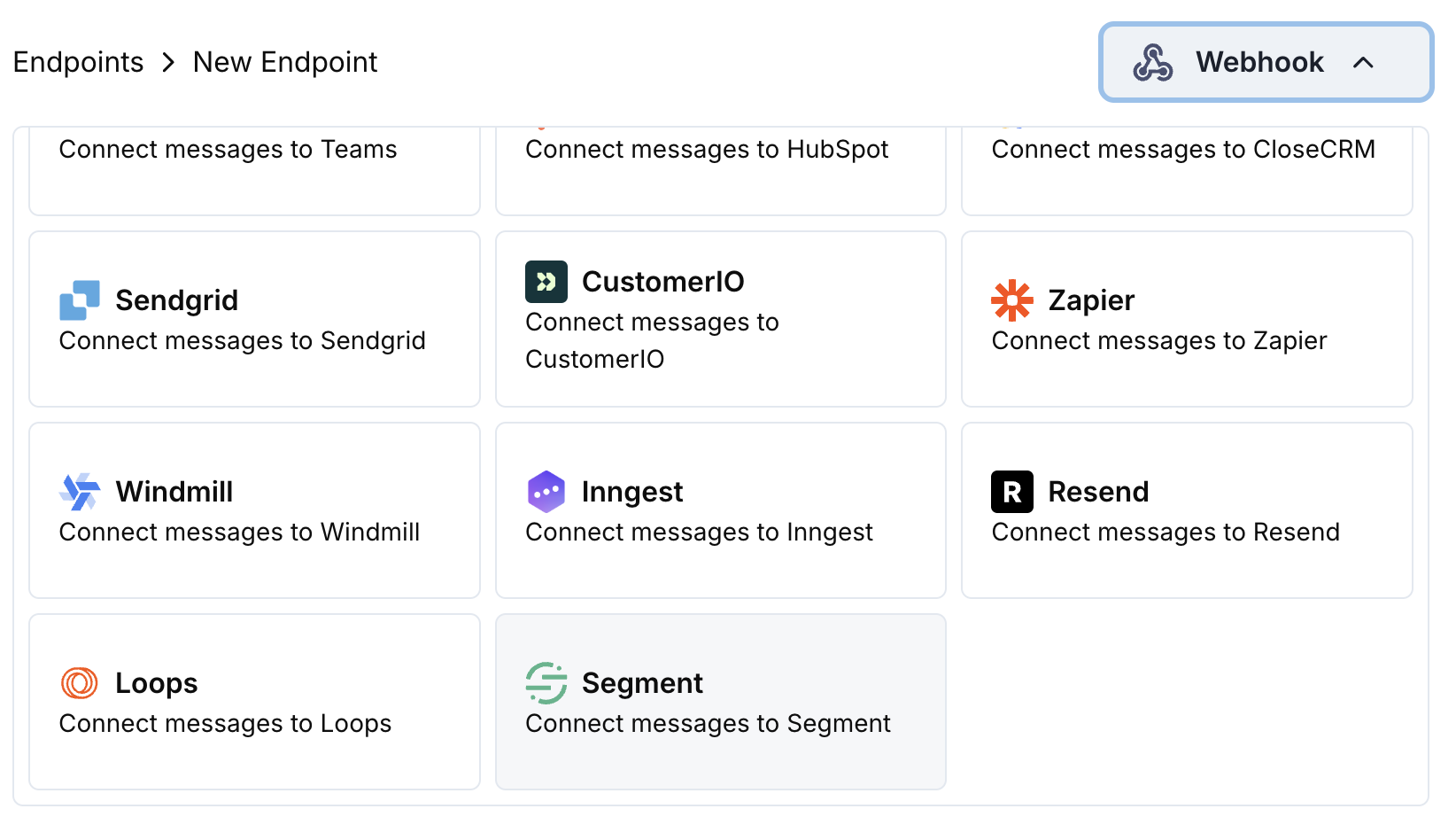 Segment統合カードを選択します。
設定にSegment Write Keyを入力します。
変換コードを編集してSegmentのTrack API用にイベントをフォーマットします。
サンプルペイロードでテストし、Createをクリックして同期を有効にします。
🎉 支払いイベントがSegmentで追跡され、接続されたツールに送信されます。
## 変換コードの例
### 支払いイベントを追跡
```javascript track_payments.js icon="js" expandable theme={null}
function handler(webhook) {
if (webhook.eventType === "payment.succeeded") {
const p = webhook.payload.data;
webhook.url = "https://api.segment.io/v1/track";
webhook.payload = {
userId: p.customer.customer_id,
event: "Payment Completed",
properties: {
amount: (p.total_amount / 100).toFixed(2),
currency: p.currency || "USD",
payment_method: p.payment_method || "unknown",
payment_id: p.payment_id,
customer_email: p.customer.email,
customer_name: p.customer.name
},
timestamp: webhook.payload.timestamp
};
}
return webhook;
}
```
### サブスクリプションライフサイクルを追跡
```javascript track_subscriptions.js icon="js" expandable theme={null}
function handler(webhook) {
const s = webhook.payload.data;
switch (webhook.eventType) {
case "subscription.active":
webhook.url = "https://api.segment.io/v1/track";
webhook.payload = {
userId: s.customer.customer_id,
event: "Subscription Started",
properties: {
subscription_id: s.subscription_id,
product_id: s.product_id,
amount: (s.recurring_pre_tax_amount / 100).toFixed(2),
frequency: s.payment_frequency_interval,
next_billing: s.next_billing_date,
customer_email: s.customer.email
},
timestamp: webhook.payload.timestamp
};
break;
case "subscription.cancelled":
webhook.url = "https://api.segment.io/v1/track";
webhook.payload = {
userId: s.customer.customer_id,
event: "Subscription Cancelled",
properties: {
subscription_id: s.subscription_id,
product_id: s.product_id,
cancelled_at: s.cancelled_at,
cancel_at_next_billing: s.cancel_at_next_billing_date,
customer_email: s.customer.email
},
timestamp: webhook.payload.timestamp
};
break;
}
return webhook;
}
```
### 顧客プロパティを特定
```javascript identify_customer.js icon="js" expandable theme={null}
function handler(webhook) {
if (webhook.eventType === "payment.succeeded") {
const p = webhook.payload.data;
webhook.url = "https://api.segment.io/v1/identify";
webhook.payload = {
userId: p.customer.customer_id,
traits: {
email: p.customer.email,
name: p.customer.name,
total_spent: (p.total_amount / 100).toFixed(2),
payment_method: p.payment_method || "unknown",
last_payment_date: webhook.payload.timestamp,
customer_since: webhook.payload.timestamp
}
};
}
return webhook;
}
```
## ヒント
* 統合全体で一貫したイベント名を使用する
* 分析とセグメンテーションのために関連するプロパティを含める
* 正確なイベント追跡のために適切なタイムスタンプを設定する
* 適切なユーザー識別のためにcustomer IDをuserIdとして使用する
## トラブルシューティング
* Write Keyが正しくアクティブであることを確認します
* イベント名がSegmentの命名規則に従っているか確認します
* userIdがユーザー識別のために適切に設定されていることを確認します
* Segment APIのレート制限を確認します
* JSON構造がSegment APIのフォーマットに一致していることを確認します
* すべての必須フィールドが存在することを確認します
* イベント名がオブジェクトではなく文字列であることを確認します
Segment統合カードを選択します。
設定にSegment Write Keyを入力します。
変換コードを編集してSegmentのTrack API用にイベントをフォーマットします。
サンプルペイロードでテストし、Createをクリックして同期を有効にします。
🎉 支払いイベントがSegmentで追跡され、接続されたツールに送信されます。
## 変換コードの例
### 支払いイベントを追跡
```javascript track_payments.js icon="js" expandable theme={null}
function handler(webhook) {
if (webhook.eventType === "payment.succeeded") {
const p = webhook.payload.data;
webhook.url = "https://api.segment.io/v1/track";
webhook.payload = {
userId: p.customer.customer_id,
event: "Payment Completed",
properties: {
amount: (p.total_amount / 100).toFixed(2),
currency: p.currency || "USD",
payment_method: p.payment_method || "unknown",
payment_id: p.payment_id,
customer_email: p.customer.email,
customer_name: p.customer.name
},
timestamp: webhook.payload.timestamp
};
}
return webhook;
}
```
### サブスクリプションライフサイクルを追跡
```javascript track_subscriptions.js icon="js" expandable theme={null}
function handler(webhook) {
const s = webhook.payload.data;
switch (webhook.eventType) {
case "subscription.active":
webhook.url = "https://api.segment.io/v1/track";
webhook.payload = {
userId: s.customer.customer_id,
event: "Subscription Started",
properties: {
subscription_id: s.subscription_id,
product_id: s.product_id,
amount: (s.recurring_pre_tax_amount / 100).toFixed(2),
frequency: s.payment_frequency_interval,
next_billing: s.next_billing_date,
customer_email: s.customer.email
},
timestamp: webhook.payload.timestamp
};
break;
case "subscription.cancelled":
webhook.url = "https://api.segment.io/v1/track";
webhook.payload = {
userId: s.customer.customer_id,
event: "Subscription Cancelled",
properties: {
subscription_id: s.subscription_id,
product_id: s.product_id,
cancelled_at: s.cancelled_at,
cancel_at_next_billing: s.cancel_at_next_billing_date,
customer_email: s.customer.email
},
timestamp: webhook.payload.timestamp
};
break;
}
return webhook;
}
```
### 顧客プロパティを特定
```javascript identify_customer.js icon="js" expandable theme={null}
function handler(webhook) {
if (webhook.eventType === "payment.succeeded") {
const p = webhook.payload.data;
webhook.url = "https://api.segment.io/v1/identify";
webhook.payload = {
userId: p.customer.customer_id,
traits: {
email: p.customer.email,
name: p.customer.name,
total_spent: (p.total_amount / 100).toFixed(2),
payment_method: p.payment_method || "unknown",
last_payment_date: webhook.payload.timestamp,
customer_since: webhook.payload.timestamp
}
};
}
return webhook;
}
```
## ヒント
* 統合全体で一貫したイベント名を使用する
* 分析とセグメンテーションのために関連するプロパティを含める
* 正確なイベント追跡のために適切なタイムスタンプを設定する
* 適切なユーザー識別のためにcustomer IDをuserIdとして使用する
## トラブルシューティング
* Write Keyが正しくアクティブであることを確認します
* イベント名がSegmentの命名規則に従っているか確認します
* userIdがユーザー識別のために適切に設定されていることを確認します
* Segment APIのレート制限を確認します
* JSON構造がSegment APIのフォーマットに一致していることを確認します
* すべての必須フィールドが存在することを確認します
* イベント名がオブジェクトではなく文字列であることを確認します