> ## Documentation Index
> Fetch the complete documentation index at: https://docs.dodopayments.com/llms.txt
> Use this file to discover all available pages before exploring further.
# Evendeals
> Sync location-based purchasing power parity discount coupons from Evendeals into your Dodo Payments account for one-time and subscription products.
## Introduction
[Evendeals](https://www.evendeals.com/integrations/dodo-payments) is a platform that creates and syncs location-based purchasing power parity discount coupons into your Dodo Payments account. It supports both one-time and subscription products, automatically generating discount codes that rotate on a schedule you define.
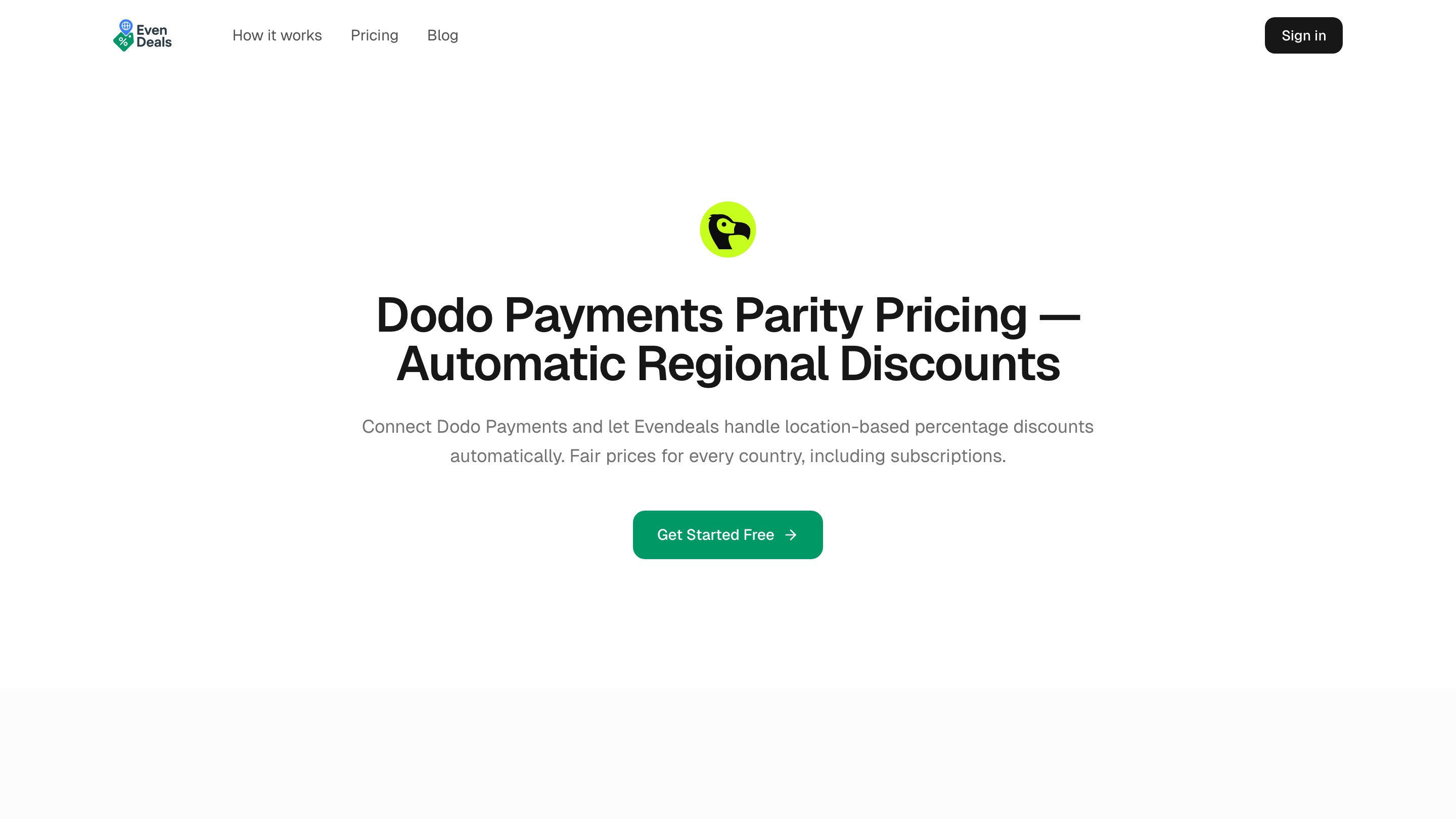 Dodo Payments has native [Purchasing Power Parity](/features/purchasing-power-parity), which reduces prices by country at checkout with no banner, no script, and no coupon codes to manage. Evendeals is for merchants who specifically want the discount-code approach with automatic coupon rotation.
## How It Works
Evendeals connects to your Dodo Payments account via API key. Once connected, you configure percentage discounts for each country group. Evendeals then creates discount codes in your Dodo Payments account automatically and rotates them on a schedule you set (by time interval, redemption count, or view count) to prevent abuse.
## Evendeals vs Native PPP
Native Purchasing Power Parity is the recommended way to price by country, since it needs no coupon codes and cannot be shared or abused. Choose Evendeals when you specifically want the discount-code approach.
| | Native PPP | Evendeals |
| :----------------------------- | :-------------------------------------------- | :--------------------------------------------- |
| How it works | A percentage per country, applied at checkout | A percentage off, applied through a code |
| Where it's configured | Built into Dodo Payments | Evendeals dashboard |
| Banner or script required | Not required | Not required |
| Coupon rotation / auto-refresh | Not applicable | Yes |
| Subscription support | Yes | Yes |
| Best for | Correct prices with no site changes | Discount-code approach with automatic rotation |
## Key Features
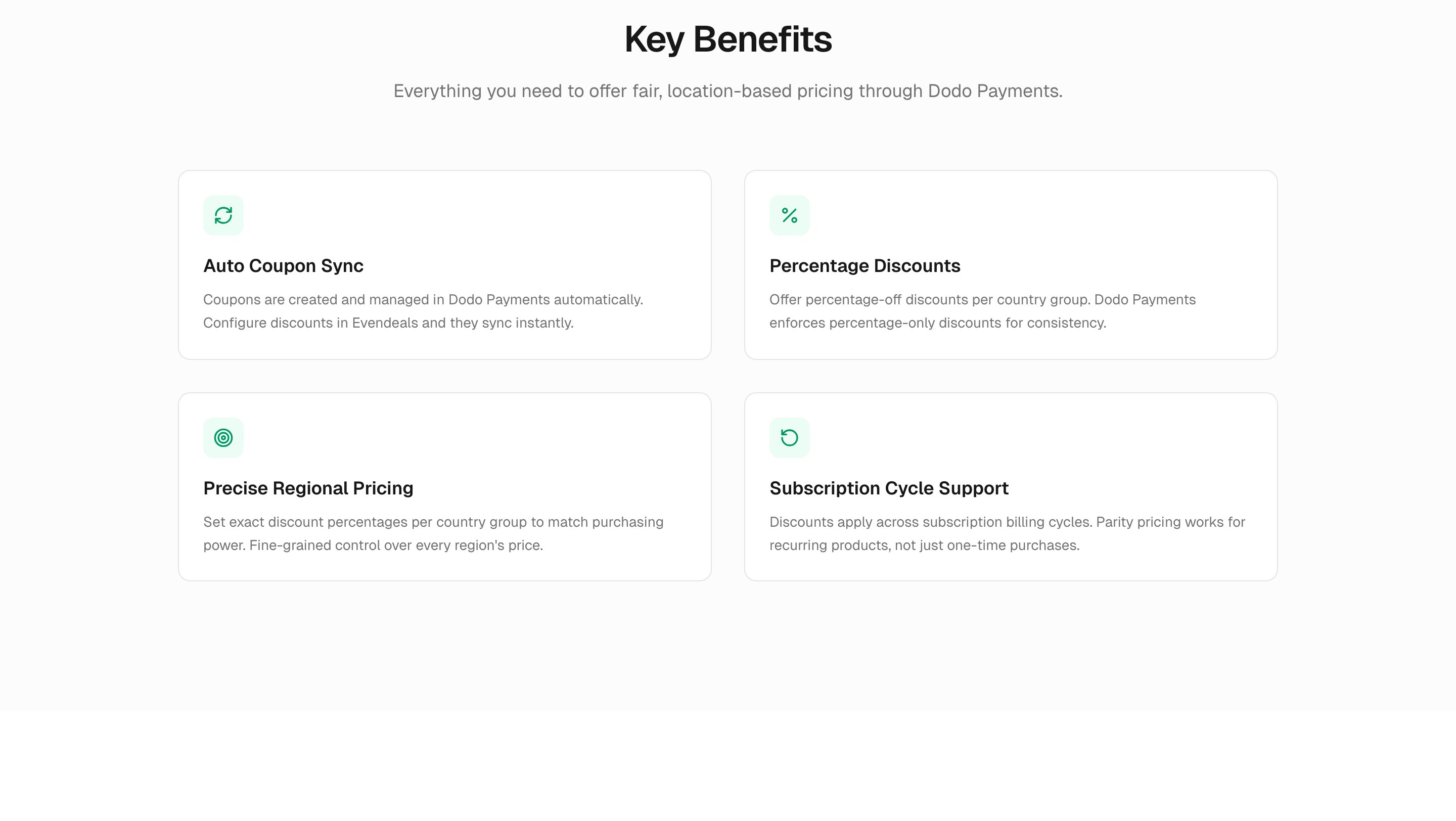
* **Auto coupon sync** — Coupons are created and managed in Dodo Payments automatically
* **Percentage discounts** — Offer percentage-off discounts per country group
* **Subscription support** — Discounts apply across subscription billing cycles
* **Auto-refresh rules** — Rotate coupon codes automatically by time interval, redemption count, or view count to prevent abuse
Discount codes created by Evendeals will automatically appear in your Dodo Payments dashboard under **Sales → Discounts**.
Dodo Payments has native [Purchasing Power Parity](/features/purchasing-power-parity), which reduces prices by country at checkout with no banner, no script, and no coupon codes to manage. Evendeals is for merchants who specifically want the discount-code approach with automatic coupon rotation.
## How It Works
Evendeals connects to your Dodo Payments account via API key. Once connected, you configure percentage discounts for each country group. Evendeals then creates discount codes in your Dodo Payments account automatically and rotates them on a schedule you set (by time interval, redemption count, or view count) to prevent abuse.
## Evendeals vs Native PPP
Native Purchasing Power Parity is the recommended way to price by country, since it needs no coupon codes and cannot be shared or abused. Choose Evendeals when you specifically want the discount-code approach.
| | Native PPP | Evendeals |
| :----------------------------- | :-------------------------------------------- | :--------------------------------------------- |
| How it works | A percentage per country, applied at checkout | A percentage off, applied through a code |
| Where it's configured | Built into Dodo Payments | Evendeals dashboard |
| Banner or script required | Not required | Not required |
| Coupon rotation / auto-refresh | Not applicable | Yes |
| Subscription support | Yes | Yes |
| Best for | Correct prices with no site changes | Discount-code approach with automatic rotation |
## Key Features
* **Auto coupon sync** — Coupons are created and managed in Dodo Payments automatically
* **Percentage discounts** — Offer percentage-off discounts per country group
* **Subscription support** — Discounts apply across subscription billing cycles
* **Auto-refresh rules** — Rotate coupon codes automatically by time interval, redemption count, or view count to prevent abuse
Discount codes created by Evendeals will automatically appear in your Dodo Payments dashboard under **Sales → Discounts**.
 ## Prerequisites
Before setting up this integration, ensure you have:
1. A [Dodo Payments account](https://app.dodopayments.com)
2. An [Evendeals account](https://www.evendeals.com/signin)
3. A Dodo Payments API key
## Getting Started
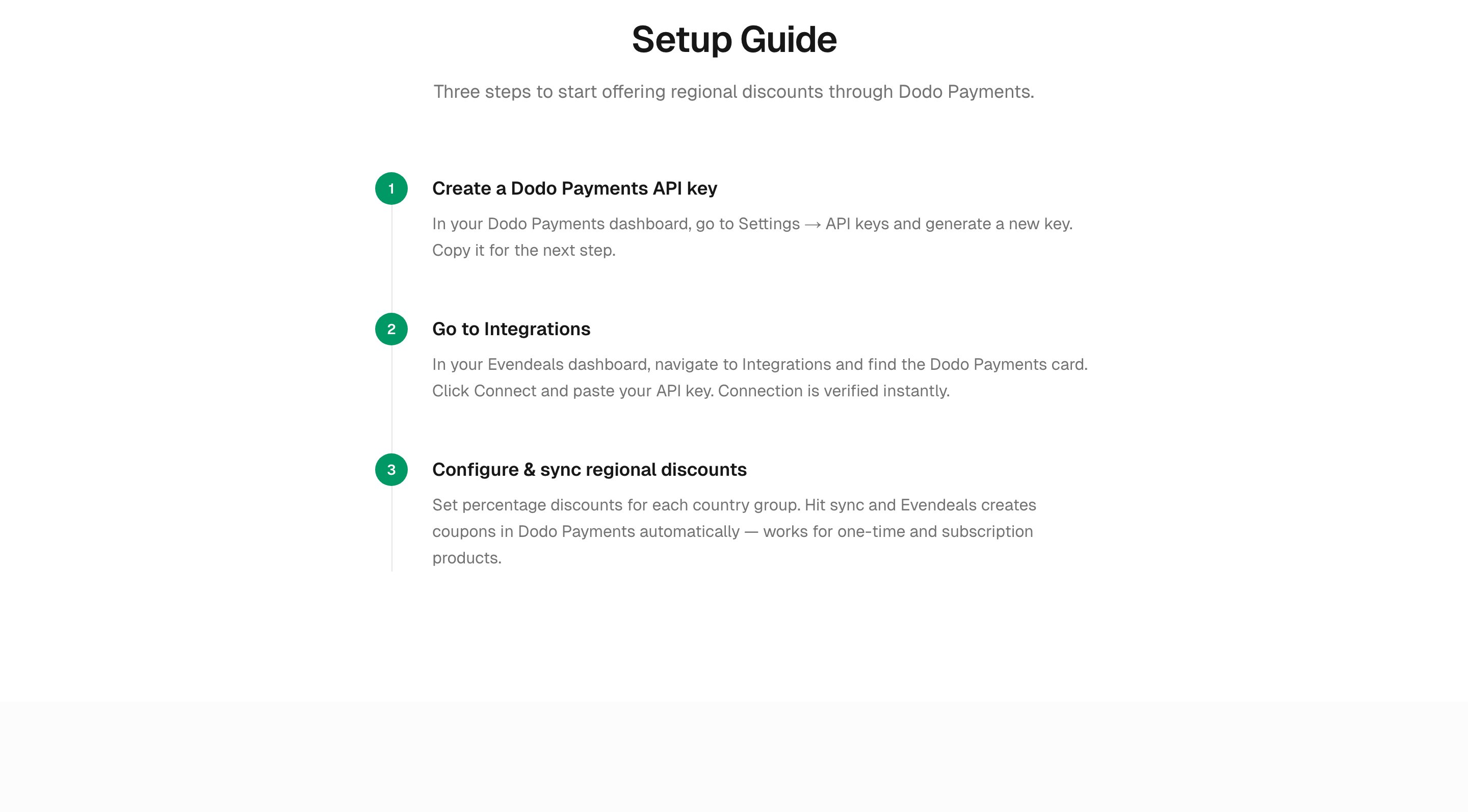
In your Dodo Payments dashboard, go to **Developers → API Keys** and click **Create New API**. Name it descriptively (e.g., "Evendeals") so you can identify it later.
In your [Evendeals dashboard](https://www.evendeals.com/signin), navigate to **Integrations**, find the Dodo Payments card, and paste your API key.
Set percentage discounts for each country group and hit sync. Evendeals creates coupons in Dodo Payments automatically.
After syncing, open **Sales → Discounts** in your Dodo Payments dashboard to confirm the generated coupons appear. Each coupon will have a recognizable Evendeals prefix.
## Prerequisites
Before setting up this integration, ensure you have:
1. A [Dodo Payments account](https://app.dodopayments.com)
2. An [Evendeals account](https://www.evendeals.com/signin)
3. A Dodo Payments API key
## Getting Started
In your Dodo Payments dashboard, go to **Developers → API Keys** and click **Create New API**. Name it descriptively (e.g., "Evendeals") so you can identify it later.
In your [Evendeals dashboard](https://www.evendeals.com/signin), navigate to **Integrations**, find the Dodo Payments card, and paste your API key.
Set percentage discounts for each country group and hit sync. Evendeals creates coupons in Dodo Payments automatically.
After syncing, open **Sales → Discounts** in your Dodo Payments dashboard to confirm the generated coupons appear. Each coupon will have a recognizable Evendeals prefix.
 ## Additional Resources
The full setup guide and documentation on Evendeals.
Native PPP in Dodo Payments, which reduces prices by country at checkout.
How to create and manage discount codes in Dodo Payments.
An alternative discount-code tool, with banner customization and time-based deals.
## Additional Resources
The full setup guide and documentation on Evendeals.
Native PPP in Dodo Payments, which reduces prices by country at checkout.
How to create and manage discount codes in Dodo Payments.
An alternative discount-code tool, with banner customization and time-based deals.