> ## Documentation Index
> Fetch the complete documentation index at: https://docs.dodopayments.com/llms.txt
> Use this file to discover all available pages before exploring further.

# Raycast 扩展

> 安装 Raycast 扩展以从键盘浏览和管理 Dodo Payments 资源。
<Frame>
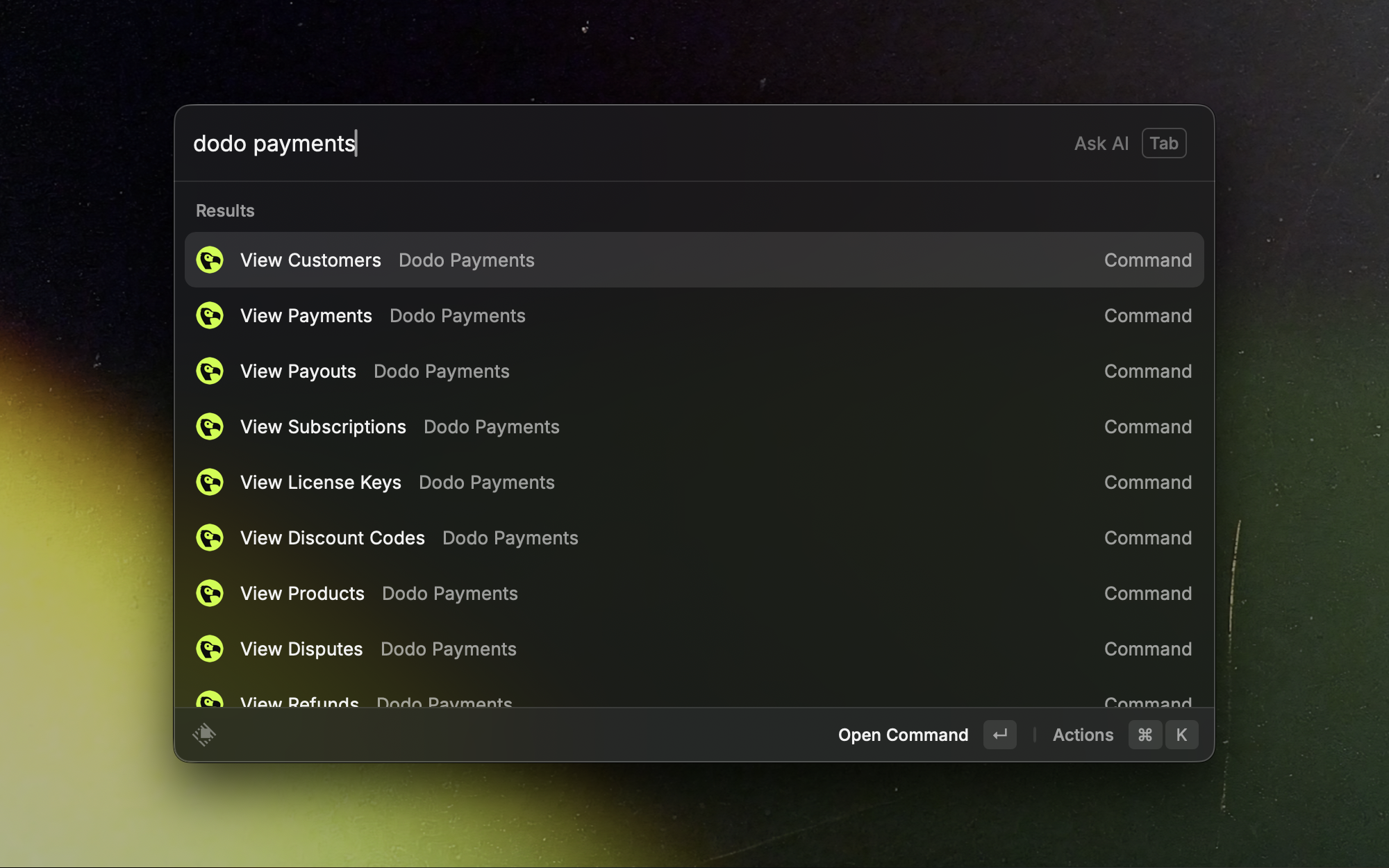
  <img src="https://mintcdn.com/dodopayments/slbAEdrLLwKHfaRf/images/integrations/raycast/dodo-payments-commands.png?fit=max&auto=format&n=slbAEdrLLwKHfaRf&q=85&s=4bf25ee9eaa63ae8f4eadbcd3c61ce48" alt="Raycast 扩展主页，显示 Dodo Payments 命令" style={{ maxHeight: '500px', width: 'auto' }} width="2000" height="1250" data-path="images/integrations/raycast/dodo-payments-commands.png" />
</Frame>

您的 Dodo Payments 仪表板，几次按键即可访问。使用 Raycast 快速查看支付、订阅、客户、产品、折扣代码、许可证密钥和退款，而无需打开仪表板。

## 安装

<Card title="Install from Raycast Store →" icon="puzzle-piece" href="https://www.raycast.com/dodopayments/dodo-payments">
  在 Raycast 商店中打开 Dodo Payments 扩展页面。
</Card>

<Info>
  需要在 macOS 上使用 Raycast 以及 Dodo Payments API 密钥。
</Info>

## 设置

<Steps>
  <Step title="Get your API Key">
    1. 登录到您的 Dodo Payments 仪表板。
    2. 前往开发者 › API 密钥。
    3. 复制您的 API 密钥。
  </Step>

  <Step title="Configure the Extension">
    1. 打开 Raycast。
    2. 搜索「Dodo Payments」并选择任一命令。
    3. 在提示时，在 API 密钥字段中输入你的 API 密钥。
    4. 选择 API 模式：
       * 测试：用于开发和测试。
       * 生产：用于生产数据。
    5. 保存设置。
  </Step>
</Steps>

<Tip>
  从测试模式开始以验证你的设置，然后再切换到生产模式。
</Tip>

<Warning>
  将你的 API 密钥视为密码。不要分享或以明文形式存储它。
</Warning>

## 使用扩展

* **搜索**：打开 Raycast，输入 "Dodo Payments"，并选择一个命令。
* **过滤**：通过输入 ID、电子邮件、名称或状态的部分内容来缩小结果。
* **打开详细信息**：在列表项上按 Enter 以查看更多信息。

## 命令和视图

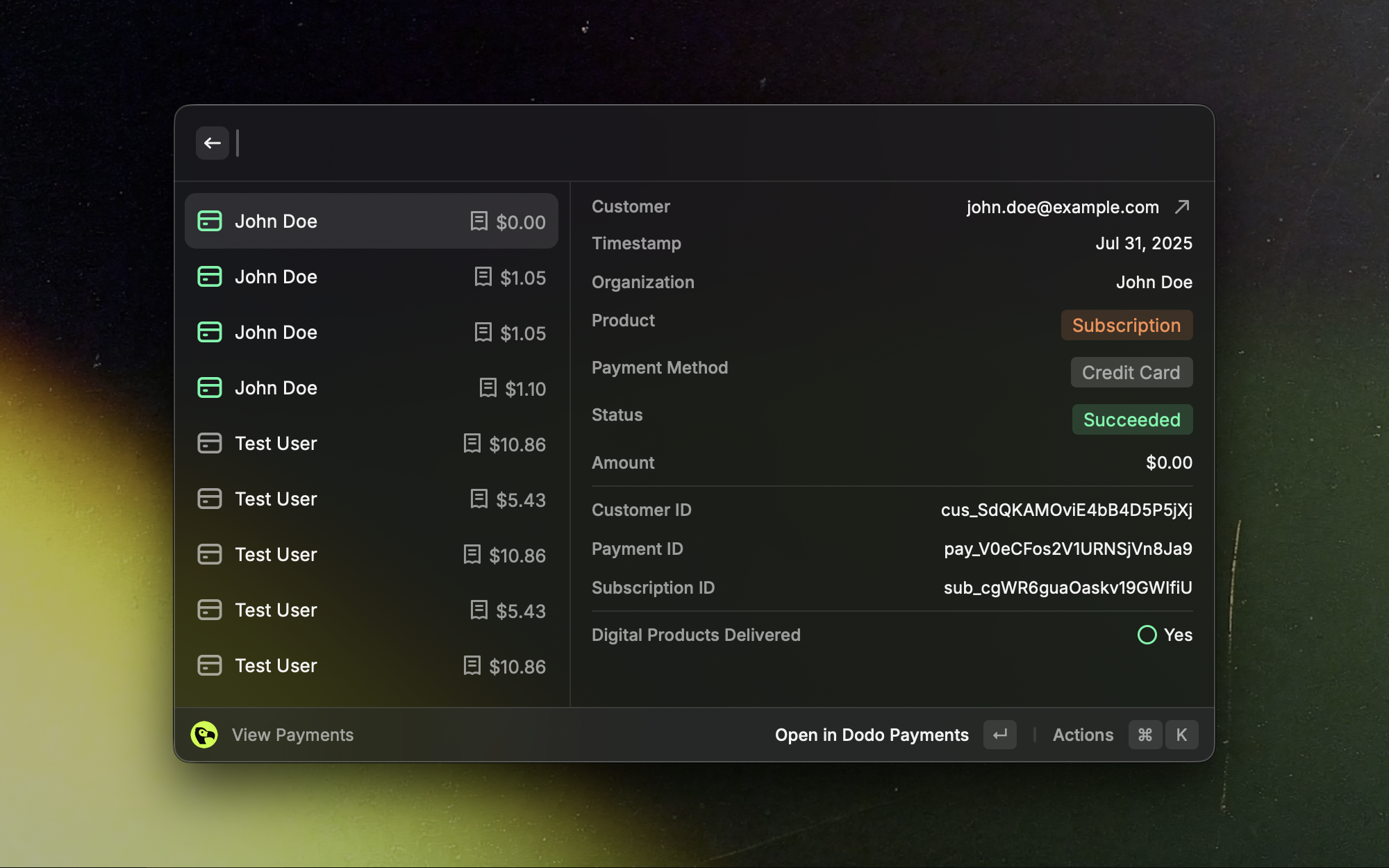
### 支付

浏览最近的支付，并在几秒钟内跳转到详细视图。

<Frame>
  <img src="https://mintcdn.com/dodopayments/slbAEdrLLwKHfaRf/images/integrations/raycast/view-payments.png?fit=max&auto=format&n=slbAEdrLLwKHfaRf&q=85&s=b3f7a7f1b52dd7cc12092c0b97fffcc8" alt="Raycast 扩展中的付款列表视图" style={{ maxHeight: '500px', width: 'auto' }} width="2000" height="1250" data-path="images/integrations/raycast/view-payments.png" />
</Frame>

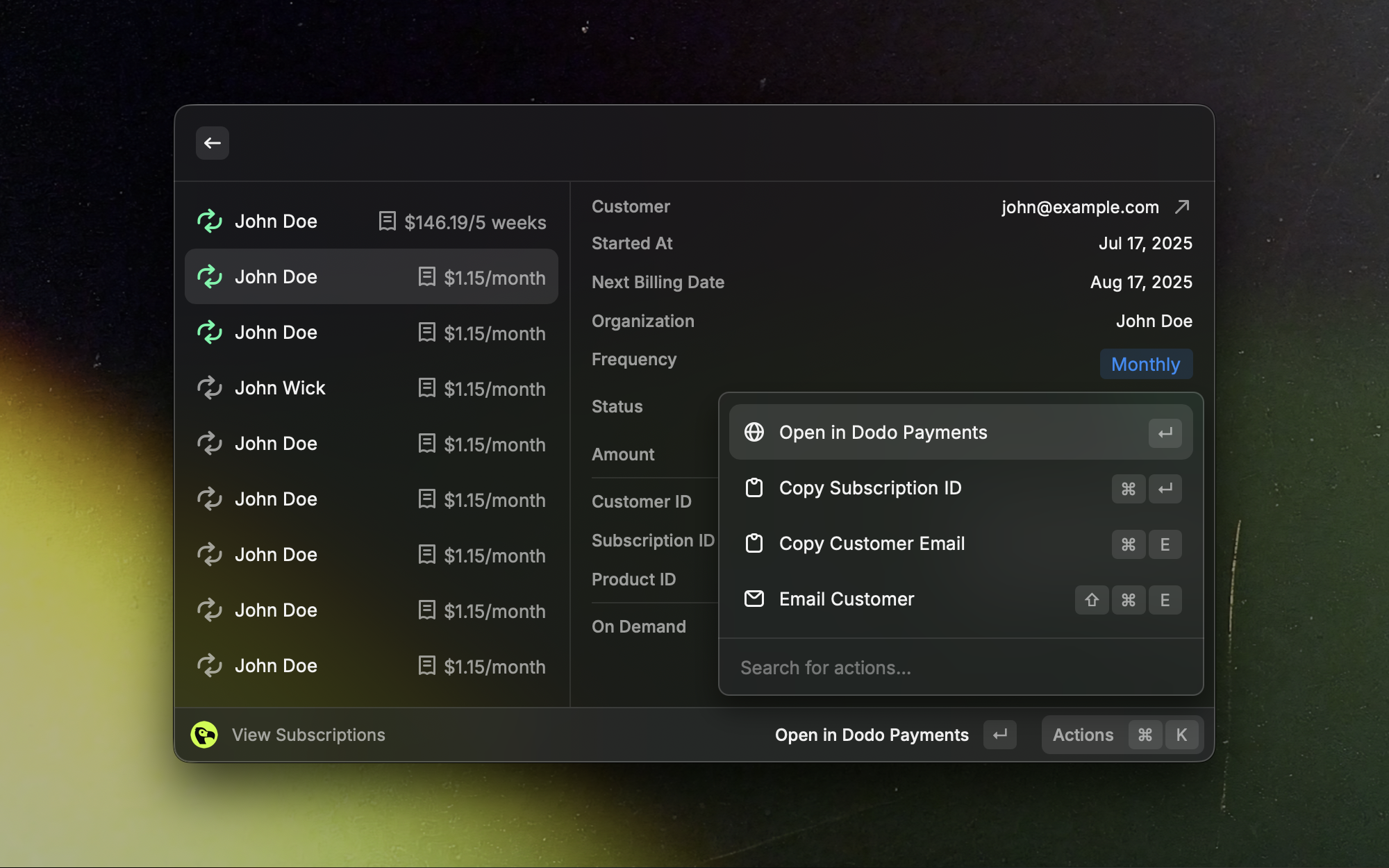
### 订阅

快速扫描活动、试用和已取消的订阅。

<Frame>
  <img src="https://mintcdn.com/dodopayments/slbAEdrLLwKHfaRf/images/integrations/raycast/view-subscriptions.png?fit=max&auto=format&n=slbAEdrLLwKHfaRf&q=85&s=efdcb47236aa8717d7d5256b1ba271d2" alt="Raycast 扩展中的订阅列表视图" style={{ maxHeight: '500px', width: 'auto' }} width="2000" height="1250" data-path="images/integrations/raycast/view-subscriptions.png" />
</Frame>

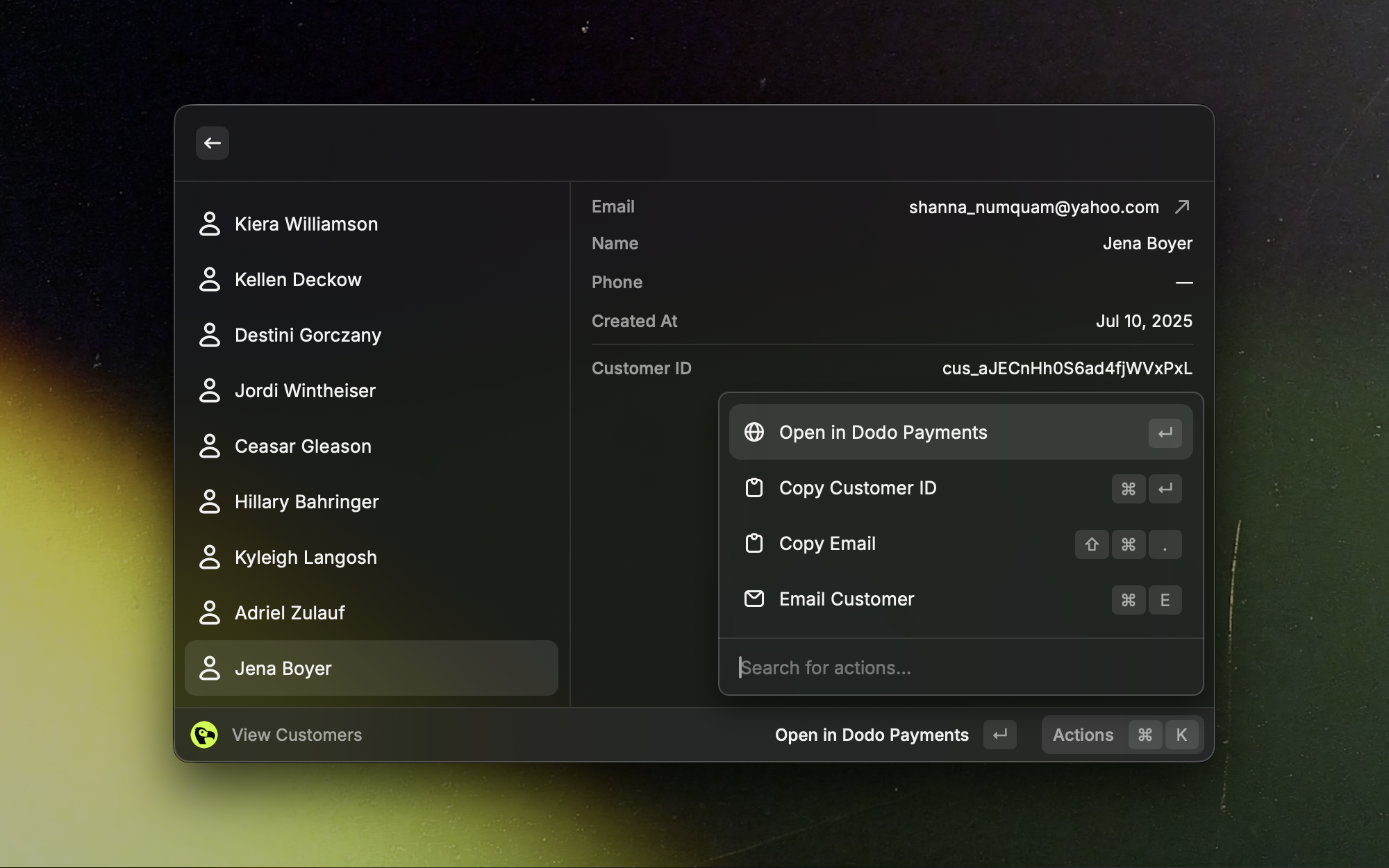
### 客户

快速查找客户并打开完整的个人资料。

<Frame>
  <img src="https://mintcdn.com/dodopayments/slbAEdrLLwKHfaRf/images/integrations/raycast/view-customers.png?fit=max&auto=format&n=slbAEdrLLwKHfaRf&q=85&s=c2e7b2cdf47e128f4b4a200ccbb06c9c" alt="Raycast 扩展中的客户列表视图" style={{ maxHeight: '500px', width: 'auto' }} width="2000" height="1250" data-path="images/integrations/raycast/view-customers.png" />
</Frame>

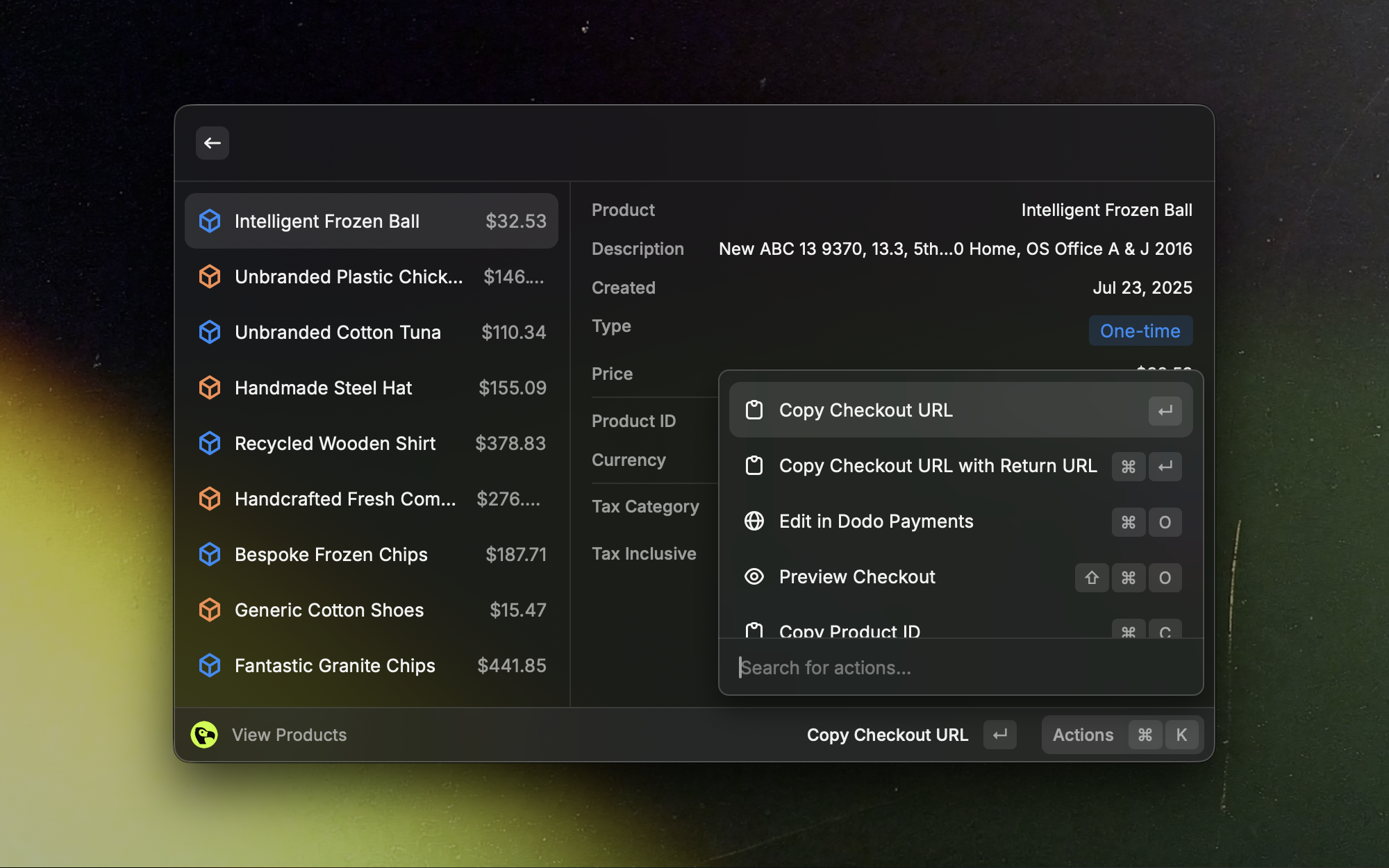
### 产品

一目了然地查看和管理您的产品目录。

<Frame>
  <img src="https://mintcdn.com/dodopayments/slbAEdrLLwKHfaRf/images/integrations/raycast/view-products.png?fit=max&auto=format&n=slbAEdrLLwKHfaRf&q=85&s=973cf1ac1bd6cd4b97bf28bcaa93e09e" alt="Raycast 扩展中的产品列表视图" style={{ maxHeight: '500px', width: 'auto' }} width="2000" height="1250" data-path="images/integrations/raycast/view-products.png" />
</Frame>

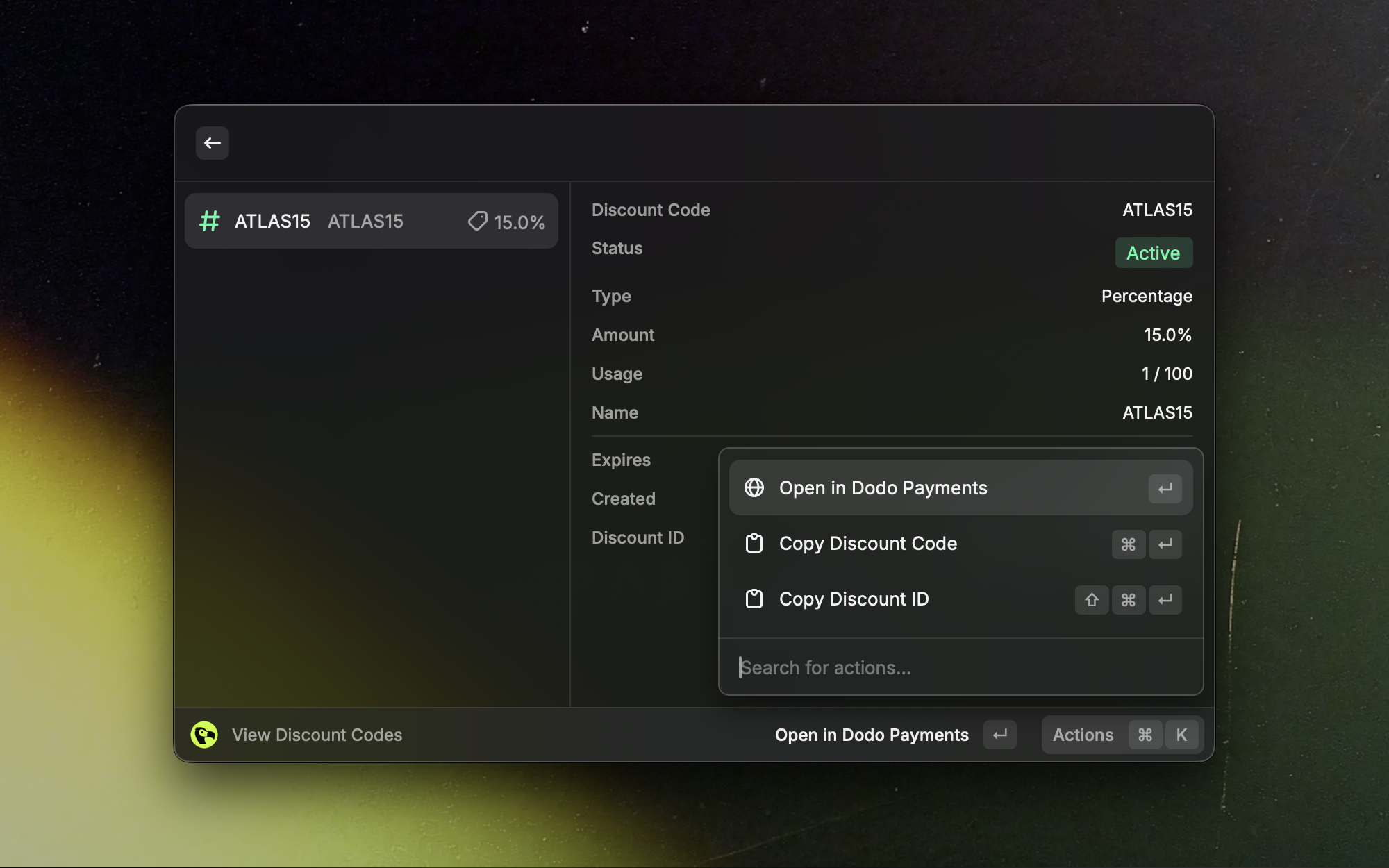
### 折扣代码

快速搜索和引用活动的折扣代码。

<Frame>
  <img src="https://mintcdn.com/dodopayments/slbAEdrLLwKHfaRf/images/integrations/raycast/view-discount-codes.png?fit=max&auto=format&n=slbAEdrLLwKHfaRf&q=85&s=51c0d034428ad81397b5df52ddf1d224" alt="Raycast 扩展中的折扣码列表视图" style={{ maxHeight: '500px', width: 'auto' }} width="2000" height="1250" data-path="images/integrations/raycast/view-discount-codes.png" />
</Frame>

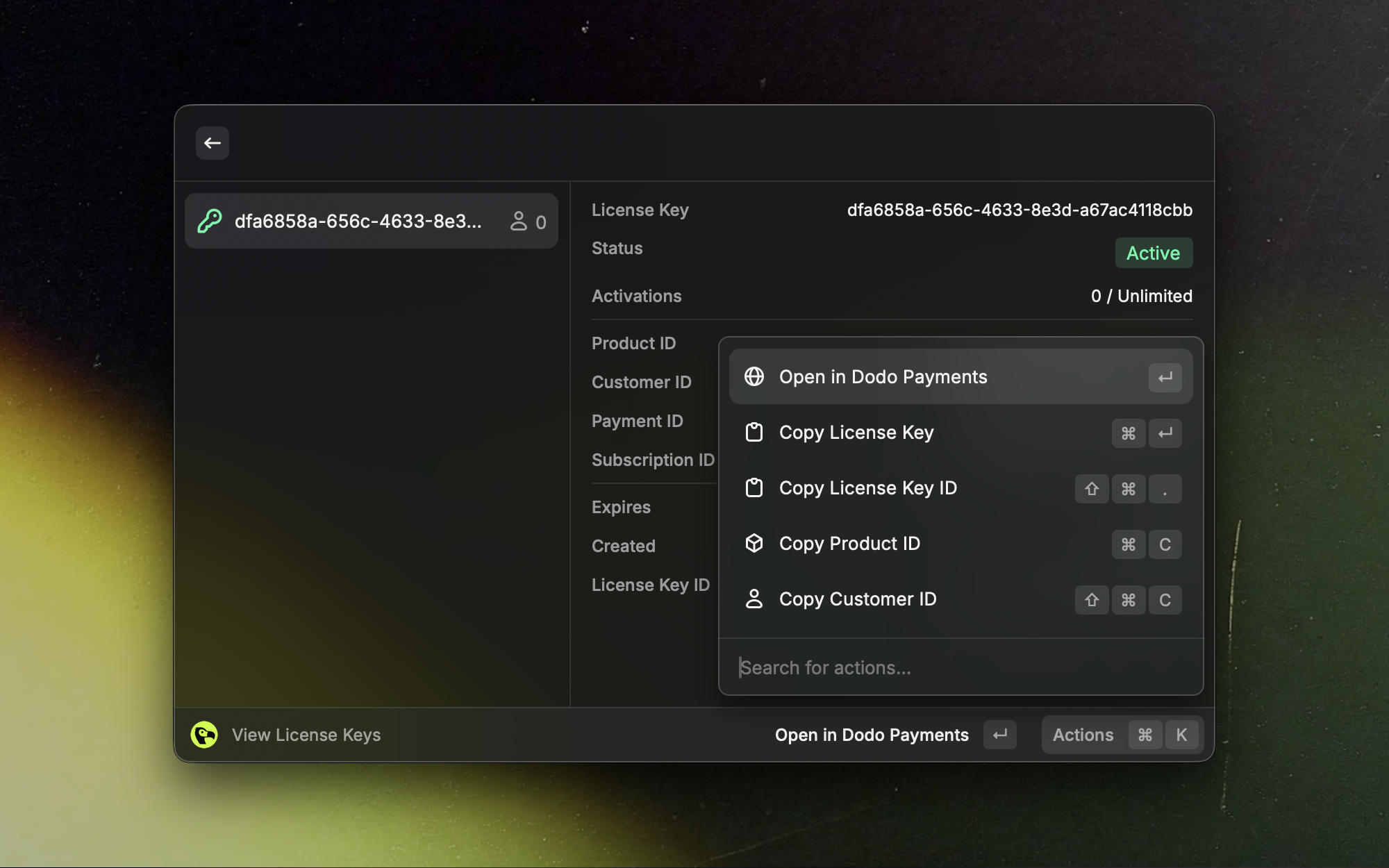
### 许可证密钥

在不离开 Raycast 的情况下查找和管理许可证密钥。
<Frame>
  <img src="https://mintcdn.com/dodopayments/slbAEdrLLwKHfaRf/images/integrations/raycast/view-license-keys.png?fit=max&auto=format&n=slbAEdrLLwKHfaRf&q=85&s=11a4eff6666ea52a12e80c66201d0120" alt="Raycast 扩展中的许可证密钥列表视图" style={{ maxHeight: '500px', width: 'auto' }} width="2000" height="1250" data-path="images/integrations/raycast/view-license-keys.png" />
</Frame>

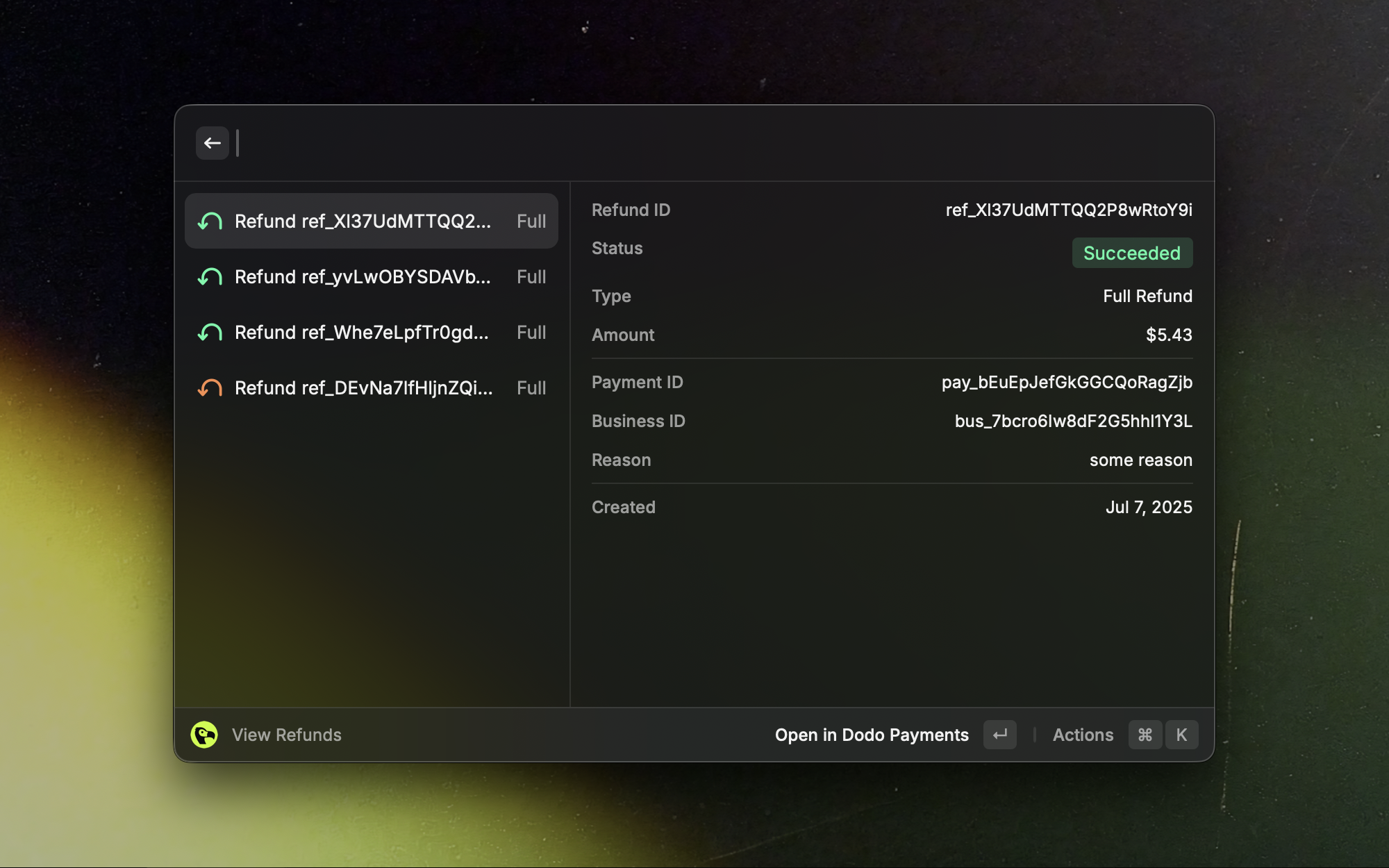
### 退款

查看最近的退款并深入了解其详细信息。

<Frame>
  <img src="https://mintcdn.com/dodopayments/slbAEdrLLwKHfaRf/images/integrations/raycast/view-refunds.png?fit=max&auto=format&n=slbAEdrLLwKHfaRf&q=85&s=a1600d565ff683d738ec27a675e23c30" alt="Raycast 扩展中的退款列表视图" style={{ maxHeight: '500px', width: 'auto' }} width="2000" height="1250" data-path="images/integrations/raycast/view-refunds.png" />
</Frame>

<Info>
  额外的仅生产视图：纠纷和付款。
</Info>

## 故障排除

<AccordionGroup>
  <Accordion title="Authentication failed or 401/403 errors">
    确认 API 密钥和模式（测试与生产）与你的仪表板数据一致。如有需要，重新打开命令并重新输入密钥。
  </Accordion>

  <Accordion title="No results appear">
    确保所选模式有数据。尝试在测试和生产之间切换。
  </Accordion>

  <Accordion title="Rate limits or timeouts">
    等待片刻后再试。如果问题仍然存在，请检查你的网络连接。
  </Accordion>
</AccordionGroup>

<Card title="Need help? Contact support →" icon="life-ring" href="/miscellaneous/help-support">
  向 Dodo Payments 团队寻求帮助。
</Card>